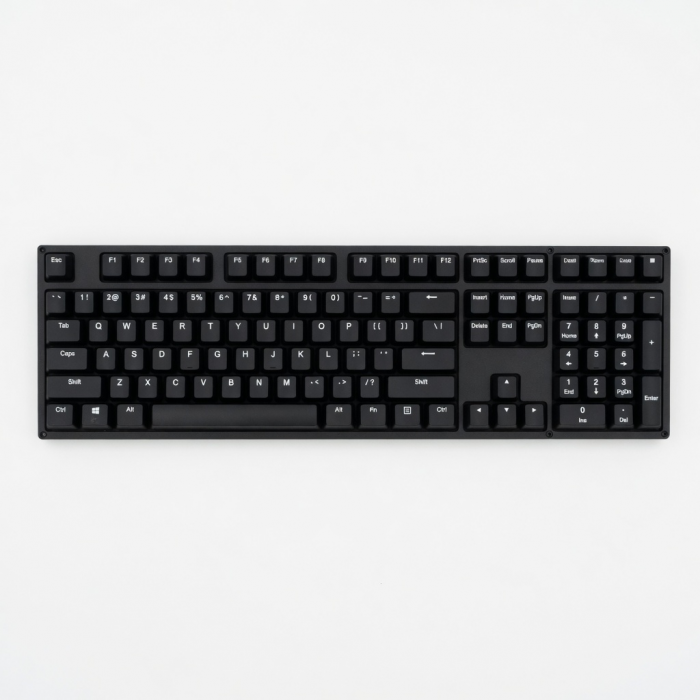
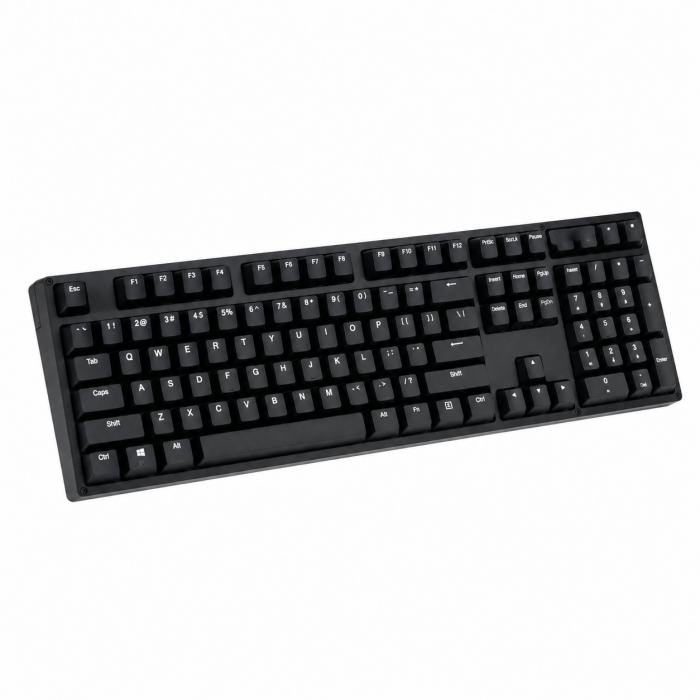
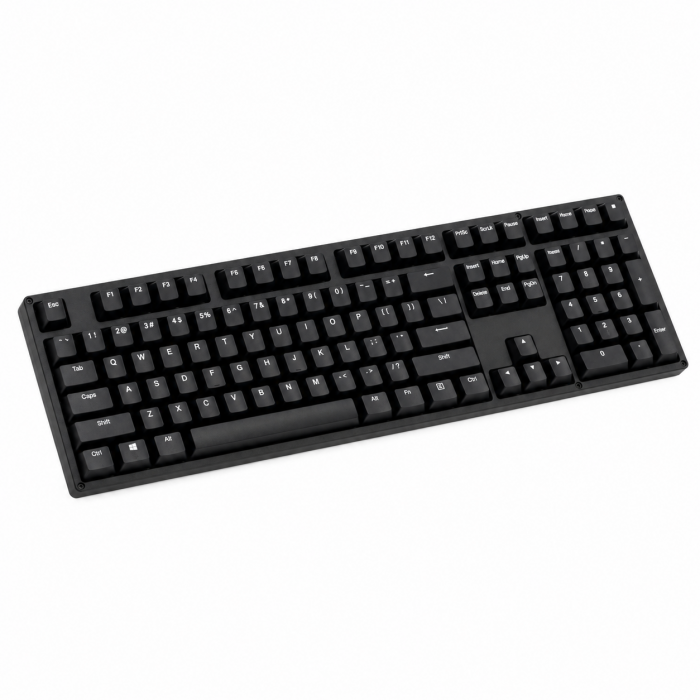
The Slim W1 Wired Backlit Keyboard is your modern, compact solution to upgrading your Mac setup. Featuring a full QWERTY layout, convenient function keys, and adjustable backlit keys – all with a hassle-free, wired connection. Equipped with a built-in USB-C cable, the Slim W1 Wired Backlit Keyboard easily connects to your Type-C device for instant installation with no extra setup required.
Tech Specs
Connector Type
Wired USB-C
Dimensions & Weight
Length: 11.14 in / 28.4 cmWidth: 4.5 in / 11.4 cmHeight: 0.39 in / 0.99 cmWeight: 10.75 oz / 305 g
Model# / UPC
ST-UCSW1M / 879961009069
Compatibility
MacBook Neo
- MacBook Neo (13-inch, 2026)
MacBook
- MacBook Pro M5 Max (16-inch, 2026)
- MacBook Pro M5 Max (14-inch, 2026)
- MacBook Pro M5 Pro (14-inch, 2026)
- MacBook Pro 16-inch (2019 - 2024)
- MacBook Pro 14-inch (2021 - 2025)
- MacBook Pro 13-inch (2016 - 2023)
- MacBook Pro 15-inch (2016 - 2019)
- MacBook Air 15-inch (2022 - 2025)
- MacBook Air 13-inch (2018 - 2025)
Mac/iMac
- iMac 24-inch (2021 - 2024)
- iMac 21.5-inch (2017 - 2021)
- iMac 27-inch (2017 – 2020)
- iMac Pro (2017)
- Mac Mini M6 (2026)
- Mac Mini M5 Pro (2026)
- Mac mini (2018 - 2024)
- Mac Studio (2022 - 2025)
iPad
- iPad Air (M4, 2026)
- iPad Pro 12.9-inch (2021 - 2025)
- iPad Pro 11-inch (2018 - 2025)
- iPad Air (2020 - 2025)
- iPad (2022 - 2025)
- iPad mini (2021 - 2024)
iPhone
- iPhone 18 Pro Max (2026)
- iPhone 18 Pro (2026)
- iPhone 17e
- iPhone 17 Pro
- iPhone 17 Pro Max
- iPhone 17
- iPhone Air
- iPhone 16 Pro
- iPhone 16 Pro Max
- iPhone 16
- iPhone 16 Plus
- iPhone 16e
- iPhone 15 Pro
- iPhone 15 Pro Max
- iPhone 15
- iPhone 15 Plus
Windows**
- Microsoft Surface Pro 7/8/9
- Microsoft Surface Laptop Studio
- Lenovo ThinkPad X13 Gen 2
- Lenovo X1 Gen 1 Carbon
- Lenovo Yoga 720-13IKB
- Lenovo Legion S7 15ACH6
- Dell XPS 13 9315
- HP Spectre & other USB-C Devices
OS Compatibility**
- Windows 11, 10, 8
- macOS x 10.6-10.12 or later
- iOS/iPadOS 10.2 or later
- Linux 2.6.14 or later
- Chrome OS
**System Requirements:Thunderbolt 4, Thunderbolt 3, USB4, or USB 3.2 Gen2 with DP Alt Mode Type-C ports required for optimal use
Important Info
What's In The Box
- Slim W1 Wired Backlit Keyboard
- 2x Rubber risers
- User Manual
Quick Guide
Download
Frequently Asked Questions
FAQ
California Residents
See CA Proposition 65 Warning
Important:Does not support devices with a standard USB-A port and would need an adapter for connectivity.
How long is the connecting cable?
The built-in cable length is approximately 61.25 inches (about 1.55 meters), giving flexibility for different desk setups.
What Is the Keyboard made out of?
The keyboard is constructed from durable materials and finished with brushed aluminum for a sleek, modern look that complements Apple devices and other premium setups.
What are the dimensions of the keyboard?
The Slim W1 Wired Backlit Keyboard has the following dimensions:Length: 11.14 inches Width: 4.5 inches Height: 0.39 inches Weight: 0.
Can I use this keyboard with a Windows computer?
Yes, the Slim W1 Wired Backlit Keyboard is compatible with Windows.The shortcut and function keys are primarily designed to mirror macOS and iOS, but they are also functional with Windows devices. Connection Type: The keyboard connects via USB-C, so please ensure your computer is equipped with a USB-C port or that you have an appropriate adapter.
Can you turn the backlit feature off?
Yes! The backlit keys can be toggled off if needed.Brightness Control: Press F5 to decrease brightness (including turning it off). Press F6 to increase brightness. Brightness Levels: There are 3 levels of brightness, plus the option to turn the backlight completely off.
-509x403.png "QICHENG TRADE LIMITED")