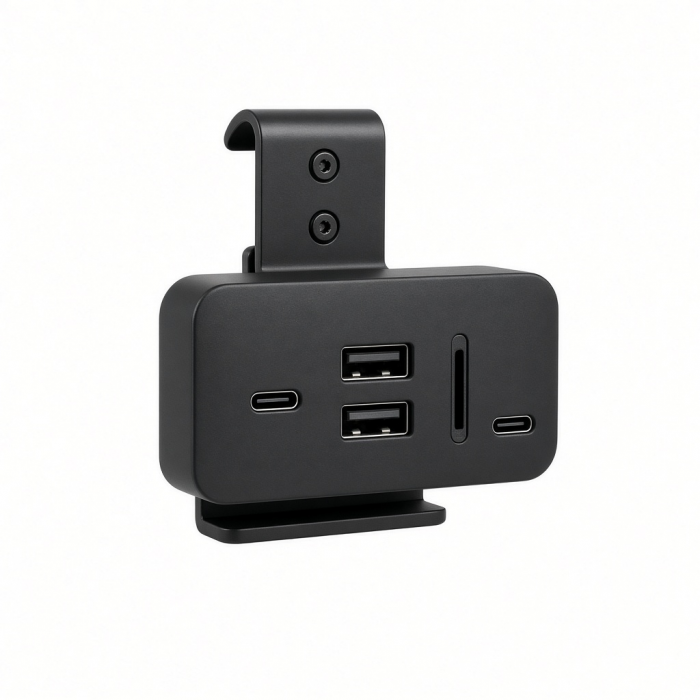
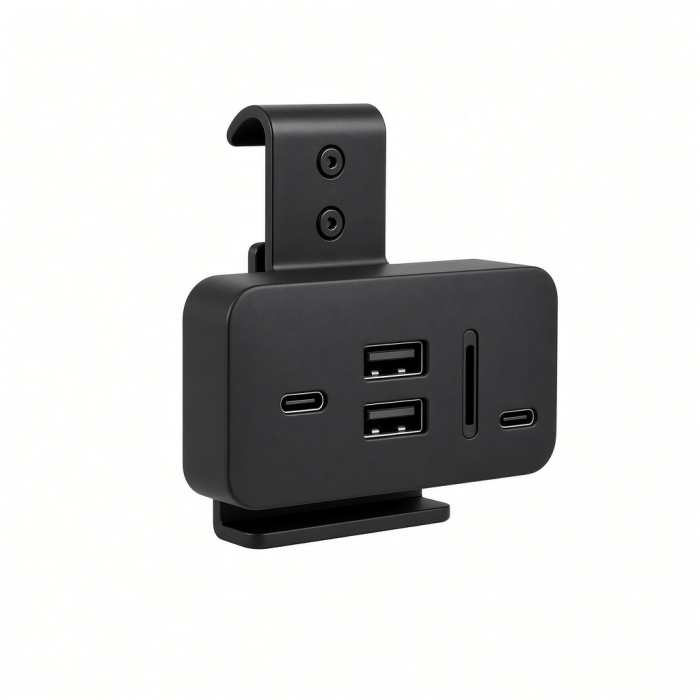
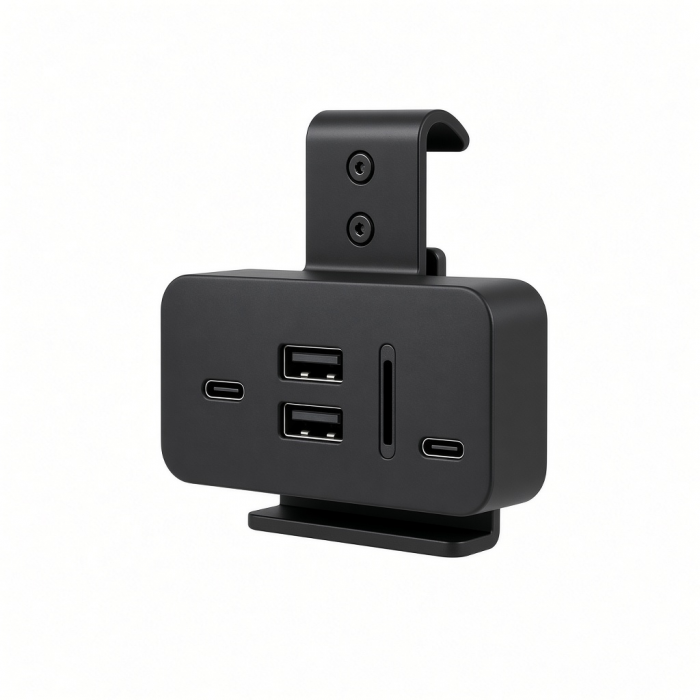
Designed to fit the 2021 iMac (24-inch), the USB-C Clamp Hub provides convenient access for all your most-loved ports and peripherals. Featuring an USB-C data port, three USB-A 3.0 data ports, micro/SD card readers, and sleek aluminum design, the USB-C Clamp Hub upgrades your iMac’s functionality while maintaining its modern aesthetic.
Tech Specs
Connector Type
USB-C
Dimensions & Weight
4.6 x 1.6 x 0.98 inches, 3.6 oz
SKU (Color) / UPC
ST-UCICHS (Silver) / 810086360116
ST-UCICHB (Blue) / 810086360154
Speed
1 x USB-C data port - up to 5 Gbps, does not support charging/video
3 x USB-A 3.0 data ports - up to 5 Gbps, does not support charging or CD readers, including Apple SuperDrive
Micro/SD card reader (UHS-I)(104MB/s)
Compatibility
MacBook Neo
- MacBook Neo (13-inch, 2026)*
iMac
- Apple iMac (24-inch, 2021 - 2024)
- Apple Studio Display 2022 Note: Does not fit 2020 or earlier iMac due to the updated 2021 design.
*Technically Yes, not recommended, designed for iMac
*Must connect to top USB-C port on MacBook Neo
MacBook
- MacBook Pro M5 Max (16-inch, 2026)*
- MacBook Pro M5 Max (14-inch, 2026)*
- MacBook Pro M5 Pro (16-inch, 2026)*
- MacBook Pro M5 Pro (14-inch, 2026)*
- MacBook Air M5 (15-inch, 2026)*
- MacBook Air M5 (13-inch, 2026)*
*Technically Yes, not recommended, designed for iMac
iPad
iPhone
*Technically Yes, not recommended, designed for iMac
Important Info
What’s In The Box
- USB-C Clamp Hub
- User Manual
Quick Guide
Download
Frequently Asked Questions
FAQ
California Residents
See CA Proposition 65 Warning
How long is the connection cable?
We can kindly confirm that the connection cable is 22.5cm.
We hope this information has been able to provide a bit of clarification and guidance for you.
Please feel free to open a ticket below if you were to have any further inquiries we can assist you with.
Can I connect a 4K display to the USB-C port of the hub?
The hub's USB-C port is designed only for data-transfer and will not support video output. You may connect a Type-C flash drive, external hard drive, or other USB-C peripheral such as a microphone or webcam.
Does this read both SD and microSD cards simultaneously?
This hub will only read 1 card at a time, however you will be able to use all of the other ports simultaneously.
Will this work with older iMac models?
As it turns out, this Clamp Hub was specifically designed to work with the new iMac (24-inch, M1, 2021) due to its new square design. Because of this, our hub will not clamp onto the older iMacs with a round back, as the clamping mechanism has changed from our previous Clamp Hub! If you are interested in a Clamp Hub for iMacs from 2017-2020, please look into the Clamp Hub linked below!
Aluminum Type-C Clamp Hub Pro
We hope this information has been able to provide a bit of clarification and g...
Will the USB-C port on this hub charge my iPad Pro?
No, the USB-C port on this hub will only support data transfer 2.5W (5V-0.5A) and does not support charging, video, or powering up another peripheral.
-509x403.png "QICHENG TRADE LIMITED")