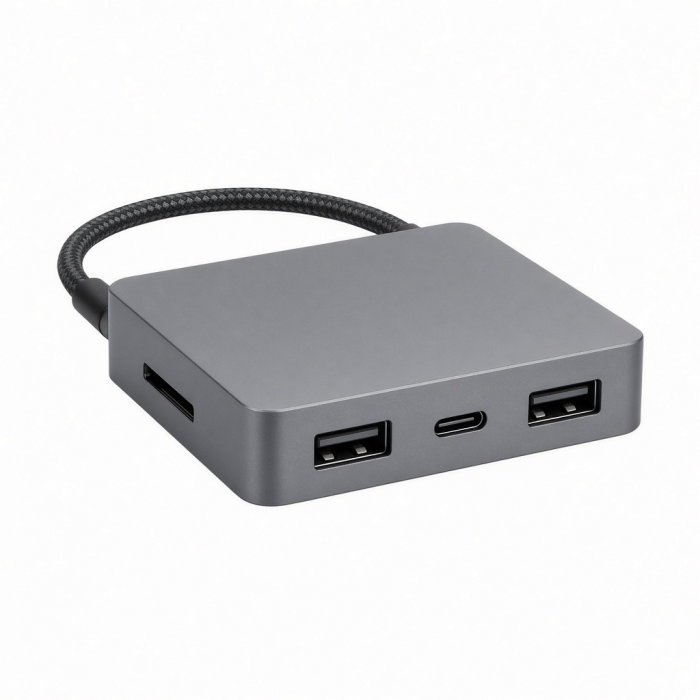
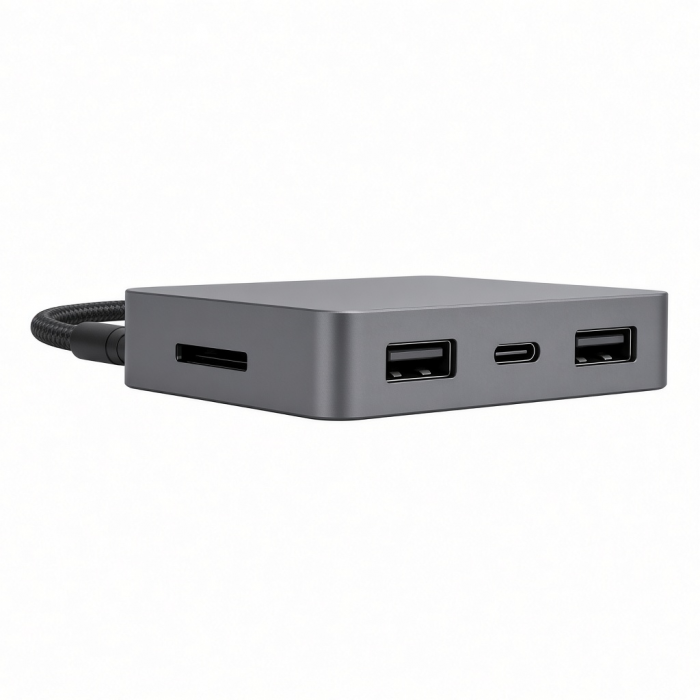
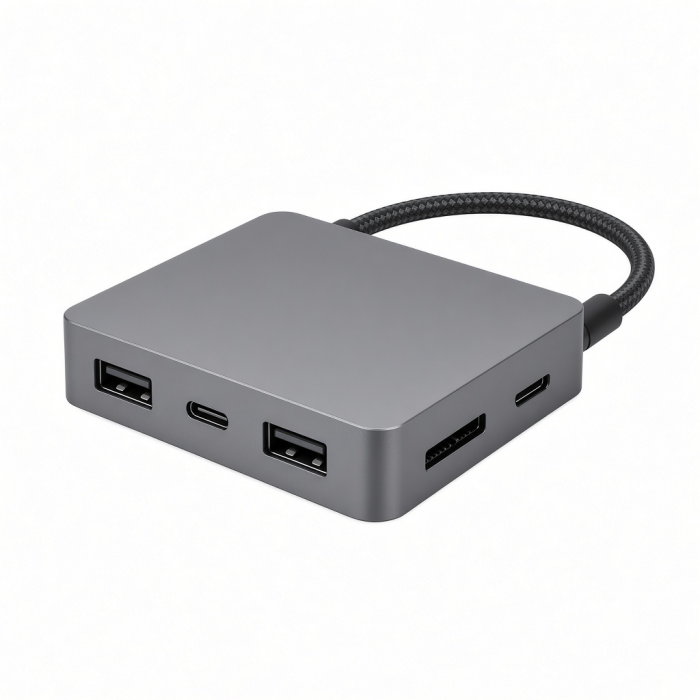
The USB-C Combo Hub for Desktop allows you to connect all your standard USB devices to your Type-C smartphone, tablet or laptop. Whether it’s a USB thumb drive, external HDD or SD card, quickly transfer large files, download movies and backup your computer with USB 3.0 speeds of up to 5 Gbps. Not to mention, its sleek and metallic design looks great on any desk or workspace.
Tech Specs
What’s In The Box
USB-C Combo Hub for Desktop & User Manual
Connector Type
USB-C
Dimensions & Weight
5.38 x 1.96 x 1.13 inches, 4.3 oz
Model# / UPC
ST-TCHCRS / 879961007171 (Silver)
ST-TCHCRM / 879961007164 (Space Gray)
ST-TCHCRB / 810086360093 (Blue)
Speed
Up to 5 Gbps
Quick Guide
Download
Frequently Asked Questions
FAQ
California Residents
See CA Proposition 65 Warning
Important
Please note 2.4Ghz wireless devices, such as wireless keyboard and mouse adapters, may not work near USB 3.0 devices or hubs. Connecting to a USB 2.0 port is recommended. This hub functions as a USB hub only, to connect USB 3.0, 2.0, USB 1.1 devices to your computer, and is not a standalone device charger.
Compatibility
MacBook Neo
- MacBook Neo (13-inch, 2026)
MacBook
- MacBook Pro M5 Max (16-inch, 2026)
- MacBook Pro M5 Max (14-inch, 2026)
- MacBook Pro M5 Pro (16-inch, 2026)
- MacBook Pro M5 Pro (14-inch, 2026)
- MacBook Pro 16-inch (2019 - 2024)
- MacBook Pro 14-inch (2021 - 2025)
- MacBook Pro 13-inch (2016 - 2023)
- MacBook Pro 15-inch (2016 - 2019)
- MacBook Air 15-inch (2022 - 2024)
- MacBook Air 13-inch (2018 - 2024)
Mac/iMac
- iMac 24-inch (2021 - 2024)
- iMac 21.5-inch (2017 - 2021)
- iMac 27-inch (2017 – 2020)
- iMac Pro (2017)
- Mac Mini M6 (2026)
- Mac Mini M5 Pro (2026)
- Mac mini (2018 - 2024)
- Mac Studio (2022 - 2023)
iPad
- iPad Air M4 (2026)
- iPad Pro 12.9-inch (2018 - 2025)
- iPad Pro 11-inch (2018 - 2025)
- iPad Air (4th & 5th generation)
- iPad (10th generation)
- iPad mini (7th generation)
iPhone
- iPhone 16 Pro / Max
- iPhone 15 Pro / Max
Windows
- Microsoft Surface Pro 7/8/9
- Microsoft Surface Laptop Studio
- Lenovo ThinkPad X13 Gen 2
- Lenovo X1 Gen 1 Carbon
- Lenovo Yoga 720-13IKB
- Lenovo Legion S7 15ACH6
- Dell XPS 13 9315
**Windows PC System Requirements:Thunderbolt 4, Thunderbolt 3, USB4, or USB 3.2 Gen2 with DP Alt Mode Type-C ports required for optimal use
What is the data transfer speed of the USB-C Combo Hub for Desktop?
The USB-C Combo Hub for Desktop supports data transfer speeds of up to 5 Gbps.
Will this hub work when used with a USB-A to USB-C adapter to connect to an older iMac or Windows Computer?
Yes. It will work when you use a USB-A to USB-C adapter.
How long is the USB cable on this Hub?
The USB-C connecting cable is approximately 12.5". It is not detachable cable.
What are the dimensions and weight of the USB-C Combo Hub for Desktop?
The USB-C Combo Hub for Desktop's dimensions and weight are as follows:
Length: 5.38 inches
Width: 2 inches
Height: 1.13 inches
Weight: 4.3 oz
My SD or MicroSD cards are not detected, what cards are supported?
Please note: Both SD and MicroSD cards must be inserted chip facing up, label/sticker facing down.
Our USB-C Combo Hub supports both UHS-I and UHS-II SD/MicroSD cards but at UHS-I speeds. (2TB max)
-509x403.png "QICHENG TRADE LIMITED")