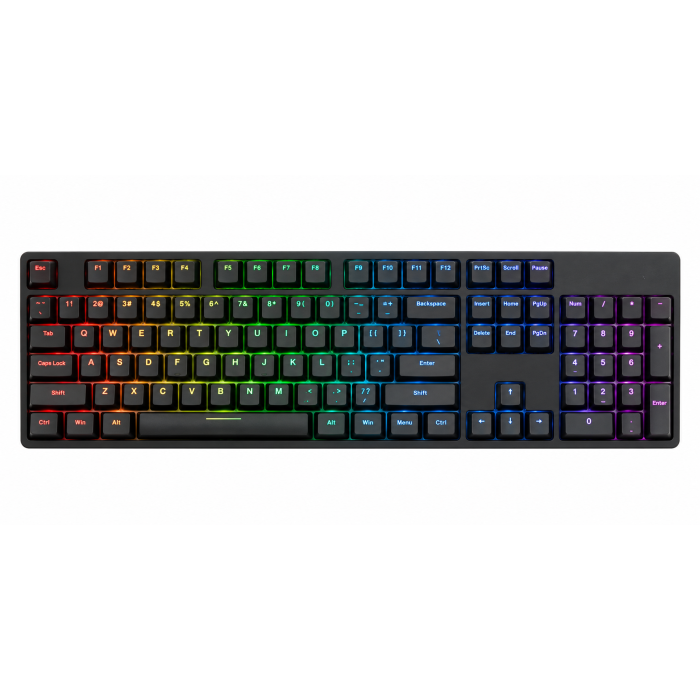
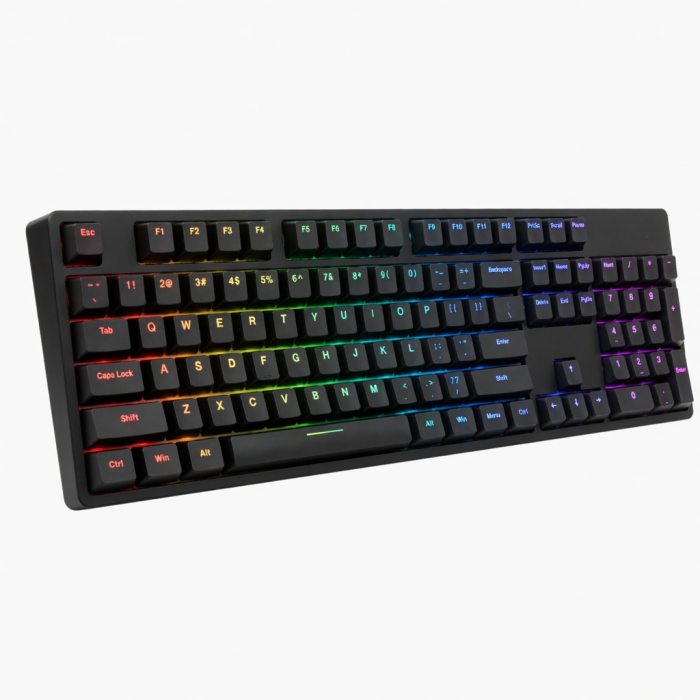
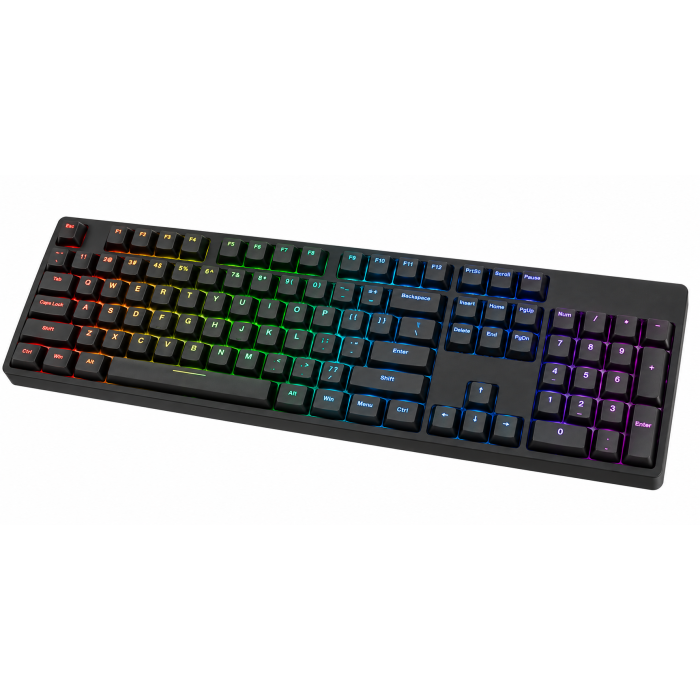
All the features you love in our most compact keyboard yet. Upgrade your on-the-go setup with the Slim X1 Bluetooth Backlit Keyboard. Designed with Apple users in mind, the keyboard features a full QWERTY layout, multi-device Bluetooth connection, and macOS function keys – all with a smaller, more compact size. The perfect accessory to pack for work on the go wherever creativity takes you. It is equipped with backlit keys and a convenient rechargeable USB-C port.
Tech Specs
Connector Type
Wireless Bluetooth 5.0
Dimensions & Weight
Length: 11.14 in. / 28.3 cm
Width: 4.5 in. / 11.5 cm
Height: 0.47 in. / 1.2 cm
Weight: 10.4 oz / 294 g
SKU / UPC
ST-BTSX1M (Space Gray) / 879961009038
ST-BTSX1S (Silver) / 879961009281
Technical Specifications
Bluetooth Version: 5.0Bluetooth Connectivity: Connect with up to 3 separate devicesPort Type: USB-C (Charging and Wired Mode)
Compatibility
*Layout is in U.S. English only
MacBook Neo
- MacBook Neo (13-inch, 2026)
MacBook
- MacBook Pro M5 Max (16", 2026)
- MacBook Pro M5 Max (14", 2026)
- MacBook Pro M5 Pro (16", 2026)
- MacBook Pro M5 Pro (14", 2026)
- MacBook Pro 16-inch (2019 - 2024)
- MacBook Pro 14-inch (2021 - 2025)
- MacBook Pro 13-inch (2016 - 2023)
- MacBook Pro 15-inch (2016 - 2019)
- MacBook Air M5 (15", 2026)
- MacBook Air M5 (13", 2026)
- MacBook Air 15-inch (2022 - 2025)
- MacBook Air 13-inch (2018 - 2025)
Mac
- iMac (24-inch, 2021 - 2024)
- iMac (Retina 4K, 21.5-inch, 2017)
- iMac (Retina 5K, 27-inch, 2019–2020)
- iMac (Retina 5K, 27-inch, 2017)
- iMac Pro (2017)
- Mac Mini M6 (2026)
- Mac Mini M5 Pro (2026)
- Mac mini (2018 - 2025)
- Mac Studio (2022 - 2025)
- Mac Pro (2023)
iPad
- iPad Air M4 (11" & 13", 2026)
- iPad Pro 12.9-inch (2018 - 2025)
- iPad Pro 11-inch (2018 - 2025)
- iPad Air 4th, 5th, 6th gen (M2)
- iPad 10th, 11th gen
- iPad mini 6th, 7th gen
iPhone
- iPhone 18 Pro Max (2026)
- iPhone 18 Pro (2026)
- iPhone 17e
- iPhone Air (2025)
- iPhone 17 Pro Max (2025)
- iPhone 17 Pro (2025)
- iPhone 17 (2025)
- iPhone 16 Pro Max (2024)
- iPhone 16 Pro (2024)
- iPhone 16 Plus (2024)
- iPhone 16 (2024)
- iPhone 15 Pro Max (2023)
- iPhone 15 Pro (2023)
- iPhone 15 Plus (2023)
- iPhone 15 (2023)
- iPhone 14 Pro Max (2022)
- iPhone 14 Pro (2022)
- iPhone 14 Plus (2022)
- iPhone 14 (2022)
- iPhone 13 Pro Max (2021)
- iPhone 13 Pro (2021)
- iPhone 13 (2021)
- iPhone 13 Mini (2021)
- iPhone 12 Pro Max (2020)
- iPhone 12 Pro (2020)
- iPhone 12 (2020)
- iPhone 12 Mini (2020)
- iPhone 16e
- iPhone 11 Series (Pro, Pro Max)
- iPhone X/ XR/ XS/ XS Max
Windows
- Microsoft Surface Pro 4/5/6/7/8/9
- Microsoft Surface Laptop Studio
- Lenovo ThinkPad X13 Gen 2
- Lenovo X1 Gen 1 Carbon
- Lenovo Yoga 720-13IKB
- Lenovo Legion S7 15ACH6
- Dell XPS 13 9315
- HP Spectre & other USB-C Devices
Not recommended for 2011 & older Mac devices.
Important:Does not support Windows 7 or 8, please only use with Windows 10 devices.To connect to Windows 10 devices, please add your keypad through PC's Control Panel.Click here for a Windows 10 pairing guide.
Important Info
What's In The Box
Slim X1 Bluetooth Backlit KeyboardUSB-C Charging CableRubber RisersUser Manual
Download
Frequently Asked Questions
FAQ
California Residents
See CA Proposition 65 Warning
How is the battery life for the Slim X1 keyboard?
Backlight Brightness Level - Amperage - Battery Life: Level 1 - 8mA - 125h, Level 2 - 14mA - 71h, Level 3 - 24mA - 41h, Level 4 - 35mA - 32h, Level 5 - 48mA - 24h, Level 6 - 671mA - 16h, Level 7 - 75mA - 15h, Level 8 - 90mA - 13h, Level 9 - 105mA - 9h, Level 10 - 117mA - 8h. To preserve battery life, the backlight decreases to Level 1 if no usage after 1 minute. Then, the backlight will turn off if no usage for 3 mins. Lastly, the keyboard will enter into sleep mode after no usage of 30 minutes.
What are the weight and dimensions of the Slim X1 Bluetooth Backlit Keyboard?
The keyboard weighs 295 grams. The dimensions are as follows: Length: 11.14 inches, Height: 4.5 inches, Width: 0.39 inches.
How many devices can you connect to the Slim X1 keyboard?
You are able to connect up to 3 Bluetooth devices to the keyboard and switch between them by pressing the FN + 1/2/3 keys.
How can I enable Mission Control on the F4 key instead of the App Switcher on this keyboard?
You should be able to program this by going into System Preferences > Mission Control > and selecting the F4 key next to Mission Control. The only caveat is that you will need to hold down Fn while pressing the F4 key in order for it to override the shortcut that is already programmed on that key. You can also select a different key from that dropdown list if you prefer that.
Is it compatible with a Kindle Fire?
We confirm it is compatible with Kindle Fire, but only for basic typing operation. Unfortunately, the function keys do not work with the Kindle Fire.
-509x403.png "QICHENG TRADE LIMITED")