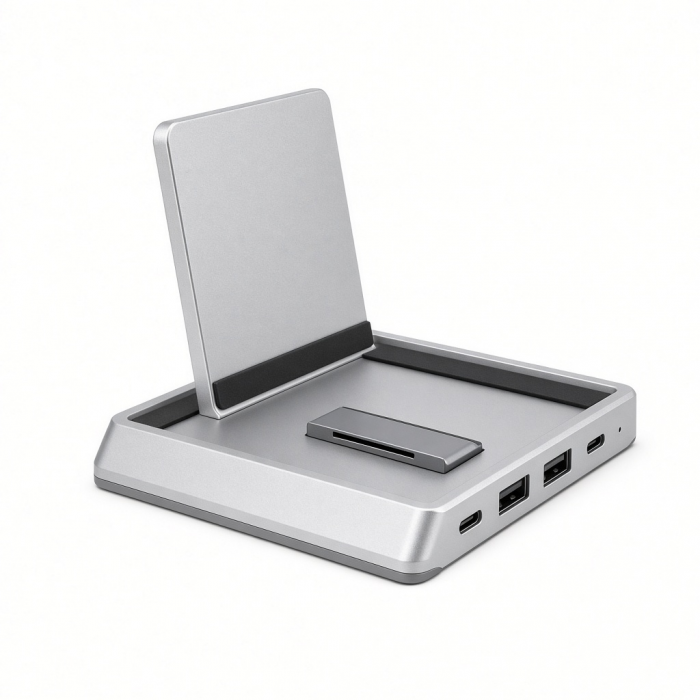
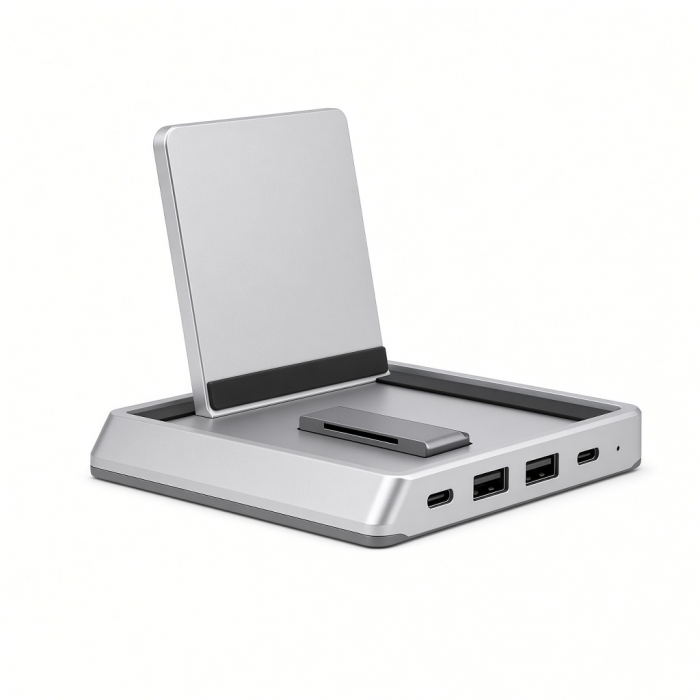
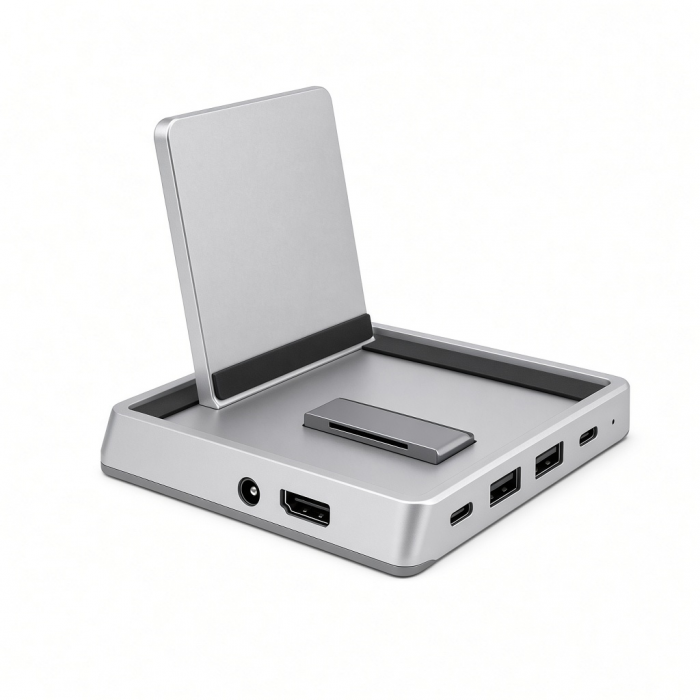
Expand your connectivity options over a single cable with the Stand & Hub for Mac Mini/Studio with NVMe SSD Enclosure. Designed to complement Mac Studio, (Mac Studio 2023- 2022) this compact yet powerful hub adds a plethora of connections to your setup and an upgraded internal SSD enclosure that supports NVMe drives for faster speeds and added storage.
Tech Specs
Dimensions & Weight
Length: 7.8 in / 19.8 cm
Width: 7.8 in /19.8 cm
Height: 0.9 in / 2.3 cm
Weight: 14.2 oz / 403 g
Model # / UPC
ST-GMMSHS / 810086361052
Speed
1x USB-C 3.2 - up to 10Gbps
1x USB-A 3.2 - up to 10Gbps
2x USB-A 3.0 up to 5Gbps
3.5mm Audio Jack
1 x Micro/SD card readers - UHS-I
1x NVMe/M.2 SATA SSD Enclosure (Drive not included)
NVMe up to 10Gbps, M.2 SATA up to 6Gbps
*USB-A ports will not charge iPads or support CD readers, including Apple SuperDrive. We recommend connecting one bus-powered device at a time.
Compatibility
Mac Studio
- M5 Max/Ultra (2026)
- M1 - M4 (2022 - 2025)
Important Info
What's In The Box
- Stand & Hub For Mac Studio M5 With NVMe SSD Enclosure
- Screw/Screwdriver for Enclosure
- User Manual
Quick Guide
Quick Guide
Frequently Asked Questions
FAQ
For California Residents
See CA Proposition 65 Warning
For best network experience when using the Stand & Hub, connect to 5GHz frequency when using Wi-Fi.
USB-A ports are not recommended for charging
We recommend connecting one bus-powered device at a time.
Will not support CD readers, including the Apple SuperDrive.
Can I run macOS from an external drive installed in the enclosure of the Stand & Hub For Mac Studio M5 With NVMe SSD Enclosure
We suggest not using the enclosure to run macOS or any other operating systems externally. The transfer speed is capped at 10Gbps, which might cause some challenges if you try to run an operating system.
It's best to use the enclosure for external storage or as a Time Machine backup. We appreciate your understanding!
Can I use both the standard SD card slot and Micro SD card slot at the same time?
We suggest using only one card slot at a time for optimal performance.
Does this Hub cause Wi-Fi slowdown?
We can confirm that this Hub will not affect the Wi-Fi signal however in some cases, interference may occur. If this is the case, we recommend connecting your Mac Mini to the 2.4Ghz network (v.s 5Ghz) for optimal performance.
Are UHS-ii cards now supported?
The Hub will support UHS-i and UHS-ii cards at UHS-i speeds.
Will the USB-C port allow me to connect to a monitor?
No, USB-C ports are dedicated data ports for connecting your peripherals and transferring data up to 10Gbps.
-509x403.png "QICHENG TRADE LIMITED")