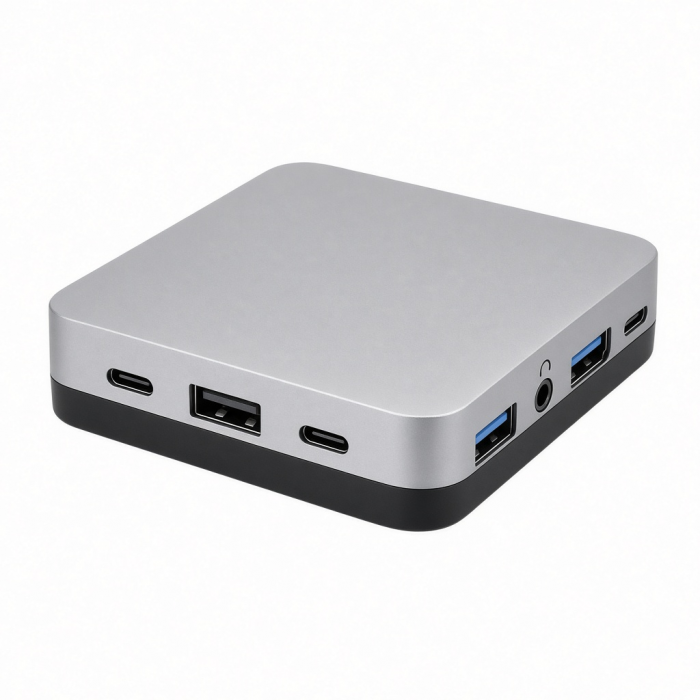
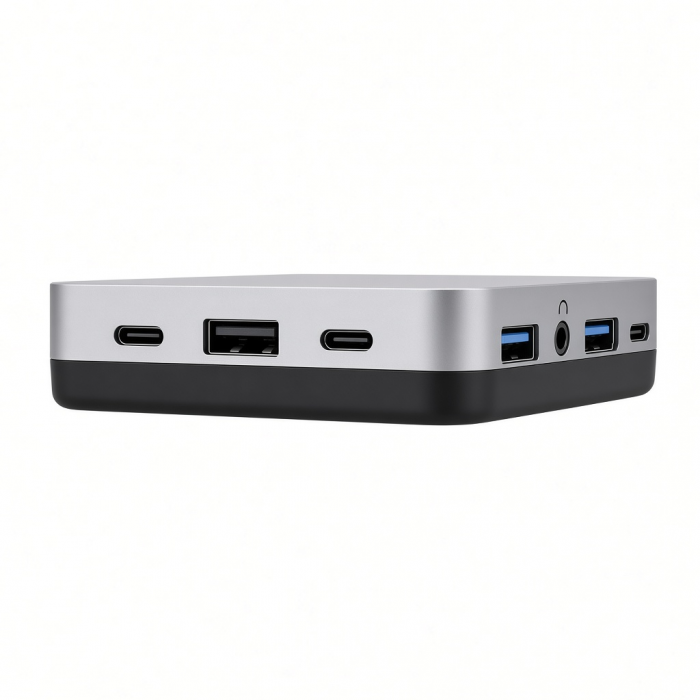
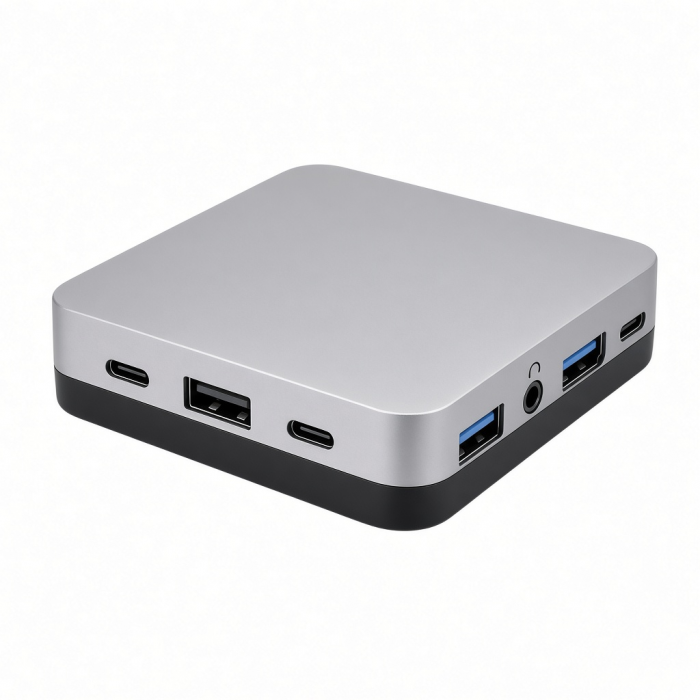
The 13-in-1 USB-C Triple Display Multiport Adapter offers an all-in-one solution for extending connectivity across multiple monitors without the use of third-party software. Made for both Windows and Mac systems, it supports Multi-Stream Transport (MST) for Windows, enabling triple extended displays with 4K/60Hz via DisplayPort and 4K/30Hz via HDMI on compatible host devices. It also supports up to 8K video output through DisplayPort for Windows devices. The 13-in-1 USB-C Triple Display Multiport Adapter boasts 10Gbps transfer speeds and dual USB-C PD ports providing up to 100W input and 85W output and enriches your setup with an array of ports, including HDMI 2.0, HDMI 1.4, DisplayPort 1.4, USB 3.1 (both 5Gbps and 10Gbps), USB 2.0, Ethernet, and a 3.5mm audio jack. Its sleek design features a black aluminum enclosure with chamfered edges, perfectly blending style and functionality, while plug-and-play capability ensures hassle-free use with no drivers required.
Tech Specs
Connector Type
USB-C 3.2 Gen 2
Dimensions & Weight
Length:6.29 in/16 cm
Width:2.18 in/5.53 cm
Height:0.59 in/ 1.5 cm
Weight: 5.17 oz / 146.5 g
Cable Length: 9.65 in / 24.5 cm
SKU (Color) / UPC
ST-P3D13K(Black) /810086361922
Display Support
Supports up to 3 extended displays.Single-stream transport (SST) only for macOS.Multi-Stream Transport (MST) for enabled Windows.1x display: 4K @ 60Hz; 2x displays: resolution varies based on host device.
Ports/Speeds
x1 Ethernet 1 Gbps
x3USB-A 3.0: 5 Gbps
x1USB-A 3.1 10 Gbps
x2USB-A 2.0 480 Mbps
x2USB-C 10 Gbps, 85W PD
x2 HDMI 2.0 4K @ 60HzDP 8K/30Hz
3.5mm Audio: Input/Output
*Compatible with Windows OS 7/8/10/11, macOS 10.2 and above, Chrome OS, and Linux.**macOS users can only extend to one external monitor and any other connected monitor will be mirrored.
Compatibility
Windows**
- Microsoft Surface Pro 7/8/9
- Microsoft Surface Laptop Studio
- Lenovo ThinkPad X13 Gen 2
- Lenovo X1 Gen 1 Carbon
- Lenovo Yoga 720-13IKB
- Lenovo Legion S7 15ACH6
- Dell XPS 13 9315
- ASUS ROG Ally
- HP Spectre & other USB-C Devices*
MacBook Neo
*One External Display Supported
MacBook
- MacBook Pro M5 Max (16", 2026)
- MacBook Pro M5 Max (14", 2026)
- MacBook Pro M5 Pro (16", 2026)
- MacBook Pro M5 Pro (14", 2026)
- MacBook Pro 16-inch (2019 - 2024)
- MacBook Pro 14-inch (2021 - 2025)
- MacBook Pro 13-inch (2016 - 2023)
- MacBook Pro 15-inch (2016 - 2019)
- MacBook Air M5 (15", 2026)
- MacBook Air M5 (13", 2026)
- MacBook Air 15-inch (2022 - 2025)
- MacBook Air 13-inch (2018 - 2025)
*One External Display Supported
Mac/iMac
- iMac 24-inch (2021 - 2024)*
- iMac 21.5-inch (2017 - 2021)*
- iMac 27-inch (2017 – 2020)*
- iMac Pro (2017)*
- Mac Mini M6 (2026)
- Mac Mini M5 Pro (2026)
- Mac mini (2018 - 2023)*
- Mac Studio (2022 - 2025)*
iPad
- iPad Air (M4, 2026)*
- iPad Pro 12.9-inch (2021 - 2025)
- iPad Pro 11-inch (2021 - 2025)
*iPad Air will only support single display
OS Compatibility
- iOS/iPadOS 10.2 or later*
- macOS x 10.6-10.12 or later*
- Windows 11, 10, 8**
- Chrome OS
- *Multiple displays are not supported on iOS or macOS devices.
- **Support for MST (Multi-Stream Transport) is required for Windows devices for multiple displays over a single USB-C connection.
System Requirements
- Thunderbolt 4
- Thunderbolt 3
- USB4
- USB 3.2 Gen 2 Type-C with DisplayPort (DP Alt Mode) support
Important Info
What's In The Box
- 13-in-1 USB-C Triple Display Multiport Adapter
- User Manual
Quick Guide
Quick Guide
Frequently Asked Questions
FAQs
California Residents
See CA Proposition 65 Warning
What is the maximum resolution supported for displays?
The 13-in-1 USB-C Triple Display Multiport Adapter supports the following:
Single display: Up to 8K @ 60Hz via DisplayPort (Windows only)
Dual displays: Up to 4K @ 60Hz via HDMI
Triple displays: Resolution varies depending on the host device and available bandwidth.
Why can't I hear Audio on my Headphones when connected to the 3.
Can I use this 13-in-1 USB-C Triple Display Multiport Adapter with a Chromebook or Linux laptop?
Yes. It's compatible with Chrome OS and Linux, though display extension capabilities may vary depending on device and OS limitations.
Is this 13-in-1 USB-C Triple Display Multiport Adapter suitable for gaming or high-resolution video editing?
Yes. With support for up to 8K video output and 10Gbps USB data transfer, it's ideal for high-performance tasks, including gaming, editing, and productivity work.
What USB ports are available and what are their speeds?
The 13-in-1 USB-C Triple Display Multiport Adapter has the following ports and speeds:
1x USB-A 3.1 (10Gbps)
3x USB-A 3.0 (5Gbps)
2x USB-A 2.0 (480Mbps)
2x USB-C (10Gbps, with 85W Power Delivery output)
Does the 13-in-1 USB-C Triple Display Multiport Adapter require any drivers to function?
No. The adapter is plug-and-play and does not require any third-party drivers or software.
-509x403.png "QICHENG TRADE LIMITED")