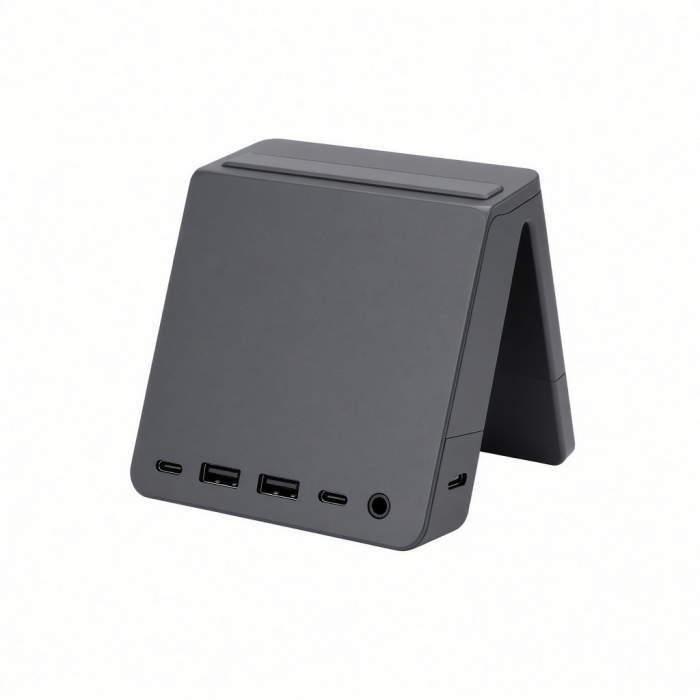
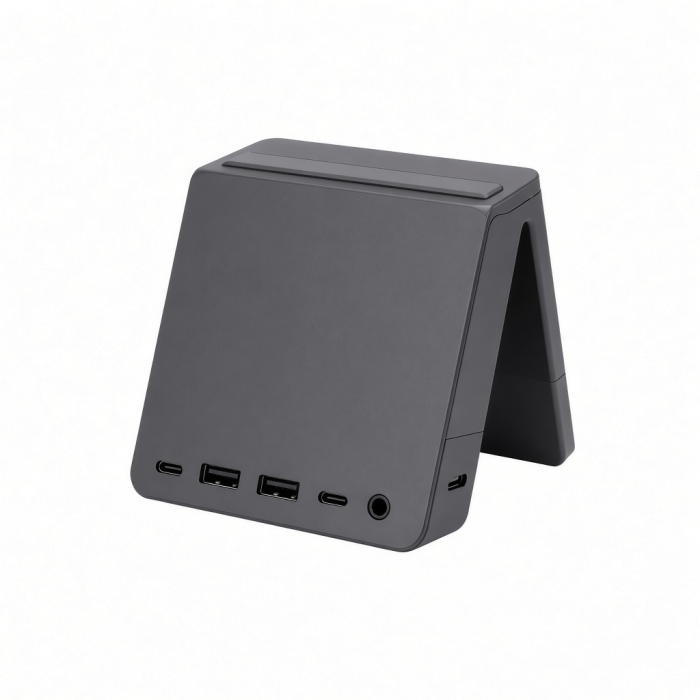
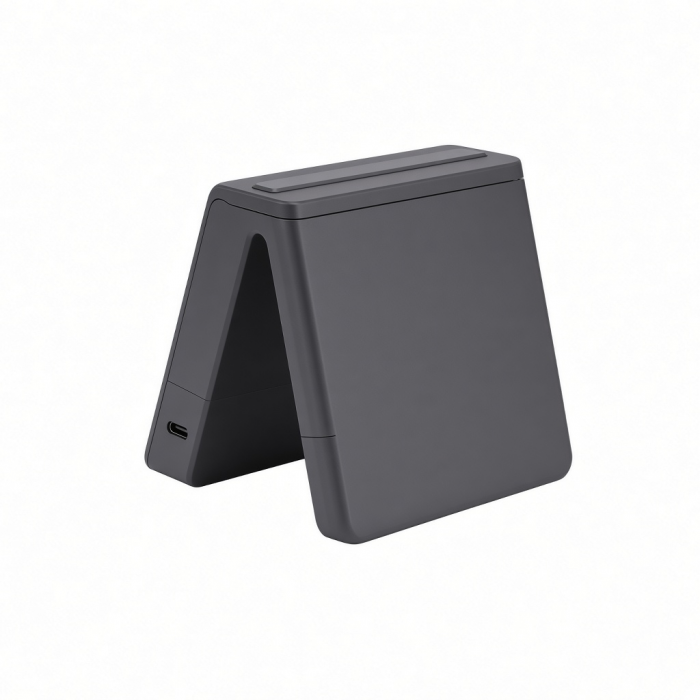
Meet the Mac Mini M6/M5 Pro/M4 Stand & Hub with SSD Enclosure – the next-level upgrade to our best-selling hub. Designed to seamlessly pair with the Mac Mini, this compact yet powerful hub enhances your setup with more connectivity options. With front-facing port accessibility for easy connections and legacy compatibility through USB-A ports, this hub adds a variety of connections to your setup. *SSD not included; SSDs equipped with heatsinks and double-sided drives are not compatible.
Tech Specs
Dimensions & Weight
- Length: 5 in / 12.7 cm
- Width: 5 in / 12.7 cm
- Height: 0.81 in / 2.06 cmWeight: 6.8 oz / 192 g
- Cable Length: 3.15 in / 8 cm
Model # / UPC
Speed
- Host Cable – USB-C 3.2 Gen 2
- 2 x USB-A 3.2 Gen 2 – Up to 10Gbps
- 1 x USB-A 2.0 – Up to 480Mbps
- 1 x SD 4.0 UHS-II – Up to 312 MB/s
- 1 x M.2 NVMe SSD Enclosure (Drive not included) - Up to 10Gbps
- NVMe Compatibility with 2230/ 2242/ 2260/ 2280 SSDs
* We recommend connecting one bus-powered device at a time.
** USB-A ports will not charge iPads or support CD readers, including Apple SuperDrive.
Compatibility
Mac Mini
- Mac Mini (M6, 2026)
- Mac Mini (M5 Pro, 2026)
- Mac Mini (M4, 2024)
- Mac Mini (M4 Pro, 2024)
* Not Compatible with 2018 – 2023 Mac Mini.
** Only supports NVMe M.2 PCIe Solid State Drives (SSDs). SSDs equipped with heatsinks and double-sided drives are incompatible with this enclosure.
*** Incompatible with SATA M.2 SSDs
Important Info
What's In The Box
- Mac Mini M4 Stand & Hub with SSD Enclosure
- Screw/Screwdriver for Enclosure
- Thermal Pad
- User Manual
Quick Guide
Frequently Asked Questions
For California Residents
Important Information
- Mac mini or SSD not included.
- Incompatible with SATA M.2 SSDs
- USB-A ports are not recommended for charging.
- We recommend connecting one bus-powered device at a time.
- Will not support CD readers, including the Apple SuperDrive.
- Solid-state drives (SSDs) equipped with heatsinks and double-sided drives are incompatible with this enclosure.
What speeds does the enclosure support?
The built-in NVMe enclosure for the Mac mini M4 Stand & Hub supports up to 10Gbps transfer speeds. Although the port connection from the Mac mini is Thunderbolt 4 (or Thunderbolt 5 for M4 Pro Mac minis), the enclosure within the hub only supports USB 3.2 (10Gbps) transfer speeds.
Can I use other SSDs not listed here?
Yes, as long as the SSD is an NVMe M.2 SSD(Does not support M.2 SATA), fits within one of the supported sizes (2230, 2242, 2260, 2280), and has a maximum capacity of 4TB, it should work with the hub's enclosure.
Is this compatible with the M1 or M2 Mac mini?
No, this version of the Mac Mini Stand & Hub with SSD NVMe Enclosure is specifically designed for the M4 Mac mini.
2 SSD drives does the new M4 Mac Mini Stand & Hub with NVMe Enclosure support?
The M4 Mac Mini Stand & Hub with NVMe SSD Enclosure supports various NVMe M.2 SSD sizes, including M.2 2230, 2242, 2260, and 2280. This versatility enables users to select drives that align with their storage and speed needs, offering transfer speeds of up to 10 Gbps through USB-C Gen 2 technology.
Only supports NVMe M.2 PCIe Solid State Drives (SSDs). SSDs equipped with heatsinks and double-sided drives are NOT compatible with this enclosure.
Will the hub cause thermal issues when connected to my Mac?
The stand is equipped with a raised design to provide a space where the air and heat can escape. The housing is also perforated to not restrict airflow, allowing for unobstructed ventilation, and for proper heat distribution keeping the hub and your Mac within standard operating temperatures.
-509x403.png "QICHENG TRADE LIMITED")