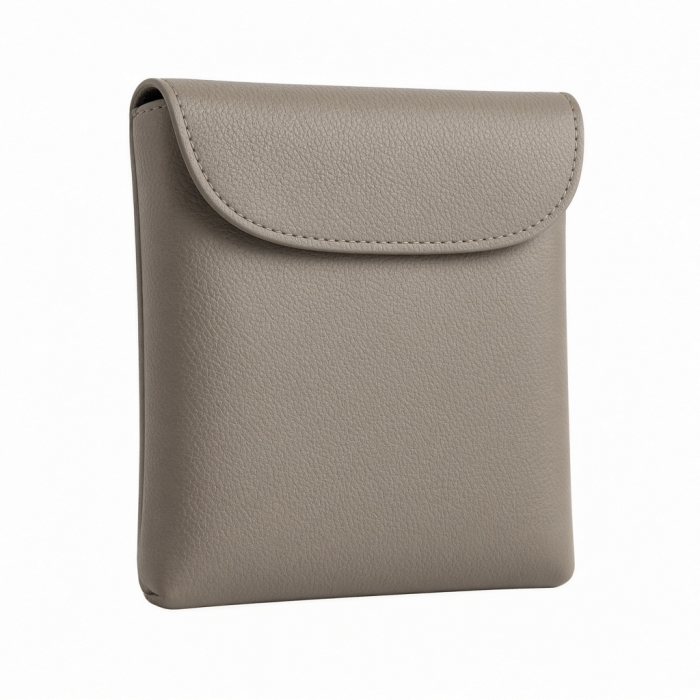
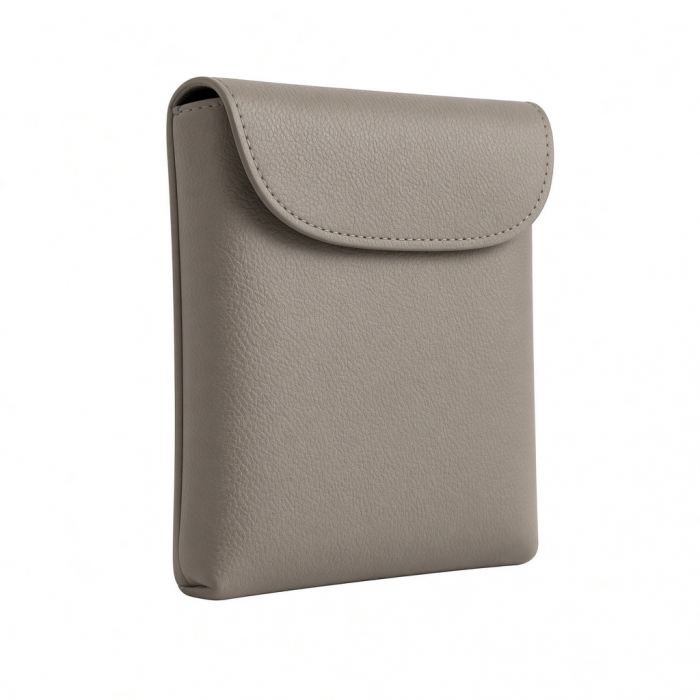
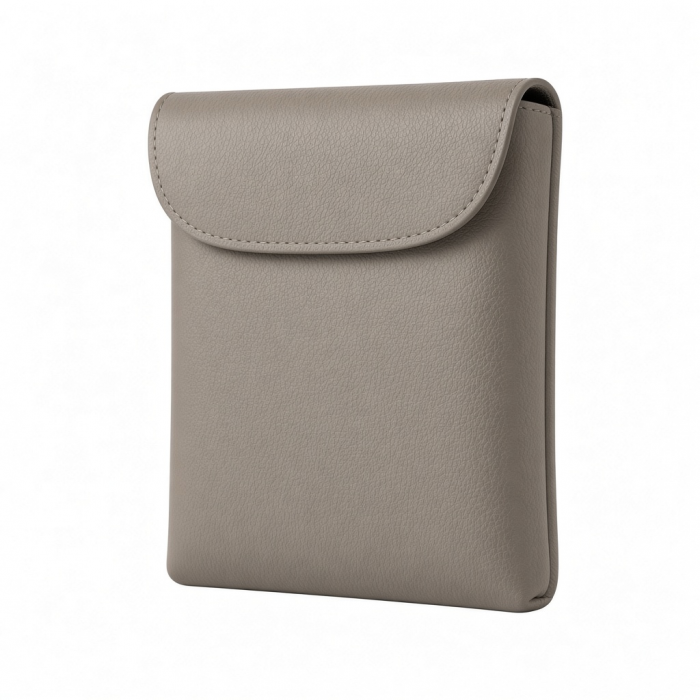
Keep your eyewear secure and your peace of mind intact with the Vegan-Leather FindAll Glasses Case. Combining premium style with smart functionality, this case not only protects your glasses but also integrates seamlessly with Apple Find My technology. Misplace your glasses? Find them in seconds using step-by-step directions on your Apple device or by triggering a loud, audible chime. Designed to perform on the go, its wirelessly rechargeable battery provides long-lasting power, while advanced Bluetooth 5.4 LE ensures fast and reliable tracking. Compatible with most glasses, sunglasses, and XR/AR devices—including VITURE Pro XR, XREAL Air 2, and Ray-Ban | Meta Smart Glasses—this case offers unmatched convenience and style.
Tech Specs
Dimensions & Weight
With Case Folded
- Length: 6.38 in. / 16.21 cm
- Width: 2.64 in. / 6.71 cm
- Height: 0.67 in. / 1.7 cm
With Case Expanded
- Length: 6.38 in. / 16.21 cm
- Width: 2.76 in. / 7.01 cm
- Height: 2.58 in. / 6.55 cm
- Product Weight: 133 g / 4.69 oz
SKU / UPC
- ST-LFAGCK (Black) / 810086362196
- ST-LFAGCW (Sand) / 810086362325
- ST-LFAGCR (Desert Rose) / 810086362479
Technical Specifications
- Apple FindMy: MFi Certified
- Bluetooth Version: 5.4
- Connection Range: 10-20m (indoor), 20-50m (outdoor)
- Wireless Charging: 2.5W Input
- Battery: 150mAh Rechargeable Lithium
- Speaker Volume: 80-90 dB
Compatibility
System Requirement
- Apple Account required to use Apple Find My app
- Supported Devices for Pairing
- iPhone with iOS 14 or lateriPad models with iPadOS 14 or later
- Apple Find My System Requirements
- iOS 14 or lateriPadOS 14 or latermacOS Catalina or later
MacBook
- MacBook Neo*
- M5 Max MacBook Pro*
- M5 Pro MacBook Pro*
*Can't pair product to Mac natively, but it is viewable via macOS FindMy app after pairing through either iPhone or iPad.
iPad
iPad
iPhone
- iPhone 18 Pro Max (2026)
- iPhone 18 Pro (2026)
- iPhone 17e (2026)
- iPhone Air (2025)
- iPhone 17 Pro Max (2025)
- iPhone 17 Pro (2025)
- iPhone 17 (2025)
- iPhone 16e (2025)
- iPhone 16 Pro Max (2024)
- iPhone 16 Pro (2024)
- iPhone 16 Plus (2024)
- iPhone 16 (2024)
- iPhone 15 Pro Max (2023)
- iPhone 15 Pro (2023)
- iPhone 15 Plus (2023)
- iPhone 15 (2023)
- iPhone 14 Pro Max (2022)
- iPhone 14 Pro (2022)
- iPhone 14 Plus (2022)
- iPhone 14 (2022)
- iPhone 13 Pro Max (2021)
- iPhone 13 Pro (2021)
- iPhone 13 (2021)
- iPhone 13 Mini (2021)
- iPhone 12 Pro Max (2020)
- iPhone 12 Pro (2020)
- iPhone 12 (2020)
- iPhone 12 Mini (2020)
Important Info
What’s In The Box
- Vegan-Leather FindAll Glasses Case
- Product Manual
Quick Guide
Frequently Asked Questions
For California Residents
Does the Orientation on the Wireless Charger Matter?
While orientation does not strictly matter, we recommend aligning your FindAll device properly on the wireless charger for optimal MagSafe or Qi charging performance.
Ensure the device lies flat and the charging coils are centered on the pad for best results.
How do I changing the name of my FindAll device?
Open the Find My app. Go to Items → [Your Device Name]. Scroll down → Tap Rename Item. Choose from preset names or select Custom Name. Enter custom text or emoji → Tap Done.
Does FindAll use precision tracking?
FindAll devices do not support precision tracking.
This feature is exclusive to Apple’s own AirTag hardware.
Your FindAll device can, however, emit a sound alert when within Bluetooth range via the Find My app.
Is it compatible with Google Find My Device Network?
FindAll products are not compatible with Google’s Find My Device network.
They are designed exclusively for Apple’s Find My ecosystem.
-509x403.png "QICHENG TRADE LIMITED")