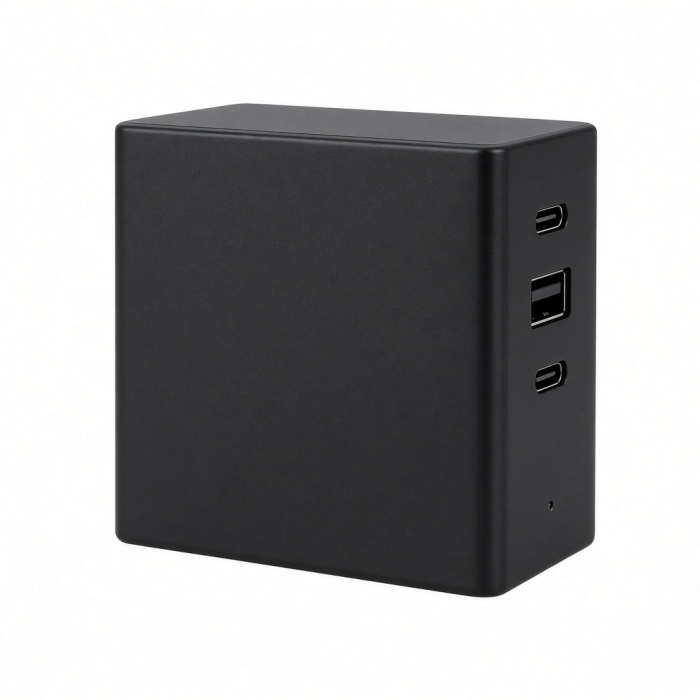
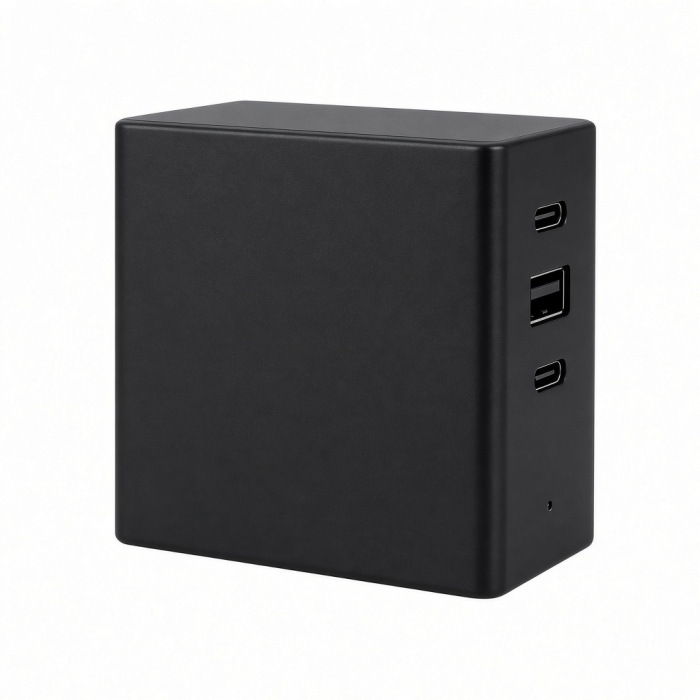
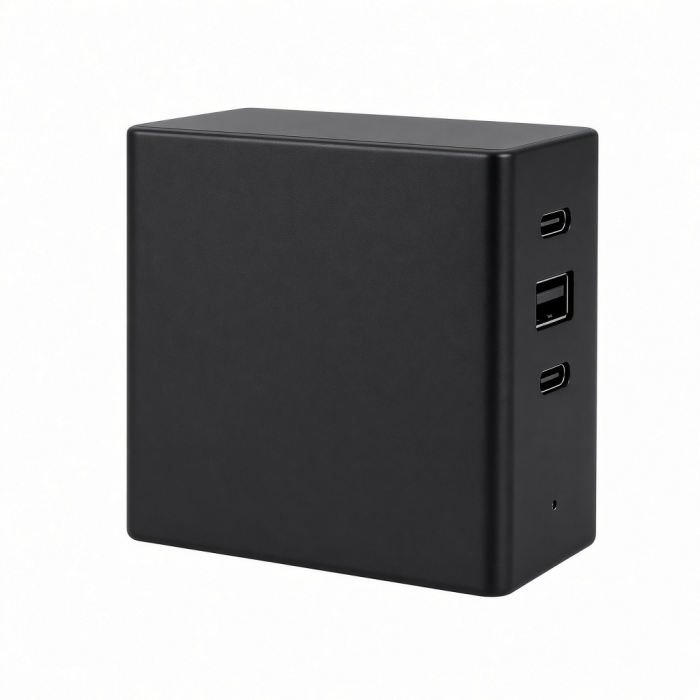
The Thunderbolt 5 CubeDock is designed for professionals who want powerful connectivity without the clutter. Housed in a compact, precision-milled aluminum cube, CubeDock powers your laptop, drives multi-displays up to 8K, and expands storage and accessories through a single Thunderbolt 5 connection. With built-in NVMe SSD expansion, 140W laptop charging, and smart active cooling, it delivers workstation-level performance in a refined, desk-friendly form—bringing simplicity, speed, and elegance to every modern workspace.
Tech Specs
Dimensions & Weight
- Length: 12.7 cm / 5 in.
- Width: 12.7 cm / 5 in.
- Height: 5.2 cm / 2.04 in.
- Weight: 588.9 g
SKU (Color)/ UPC
- ST-DT5CES-US (Silver)/ 810086362592
- ST-DT5CES-EU (Silver)/ 810086362653
- ST-DT5CES-AU (Silver)/ 810086362677
- ST-DT5CES-UK (Silver)/ 810086362660
Technical Specifications
- 1 x Thunderbolt 5 (Upstream):
- 80/120Gbps, up to 140W host charging
- 3 x Thunderbolt 5 (Downstream):
- 80Gbps Data Bandwidth each
- 15W power output each
- Single Display up to 8K@144Hz (Windows), 6K@60Hz (macOS)
- Dual Display up to 8K@120Hz each (Windows) , 6K@60Hz each (macOS)
- Triple Display up to 8K@60Hz each (Windows)
- Up to Triple Displays on M5 Pro & Max
- All other previous Mac models support up to two extended displays. M1/M2 base models support one extended display only
- 1 x M.2 SSD Enclosure
- Supports 2230/2242/2260/2280 M.2 NVMe SSD sizes
- Up to 8TB capacity
- Up to 6000MB/s
- 1 x USB-C Data + Power: Up to 10Gbps, up to 30W charging
- 1 x USB-C Data: Up to10Gbps, up to 7.5W charging
- 1 x USB-A Data 1 (Front): Up to10Gbps, up to 7.5W charging
- 1 x USB-A Data 2 (Back): Up to10Gbps, up to 4.5W charging
- 1 x SD Card Reader: UHS-II, up to 312MB/s
- 1 x microSD Card Reader: UHS-II, up to 312MB/s
- 1 x 3.5mm Audio Jack: Output/ Input Support
- 1 x 2.5G Ethernet Port1 x DC Port: 180W Smart Power Supply
* Important Information: To achieve full performance and functionality, the Thunderbolt 5 CubeDock with SSD Enclosure must be used with a certified Thunderbolt 5 cable.
Compatibility
Important Information
- Designed Thunderbolt 5 devices.
- To achieve full performance and functionality, the Thunderbolt 5 CubeDock with SSD Enclosure must be used with a certified Thunderbolt 5 cable.
- Downwards compatibility with Thunderbolt 4, USB4, Thunderbolt 3, USB-C devices.(Speeds may vary)
- Triple Extended display supported on MacBook Pro with M5 Pro or M5 Max processors.
- SSD not included.
MacBook Pro
- MacBook Pro M5 Max (16-inch, 2026)*
- MacBook Pro M5 Max (14-inch, 2026)*
- MacBook Pro M5 Pro (16-inch, 2026)*
- MacBook Pro M5 Pro (14-inch, 2026)*
- MacBook Pro M5 (14-inch, 2025)
- MacBook Pro M4 Pro/ M4 Max (14” & 16”, 2024)
- MacBook Pro M4 (14-inch, 2024)
- MacBook Pro M3 Pro/ M3 Max (14” & 16”, 2023)
- MacBook Pro M3 (14-inch, 2023)
- MacBook Pro M2 Pro/ M2 Max (14” & 16”, 2023)
- MacBook Pro M2 (13-inch, 2022)
- MacBook Pro M1 Pro/ M1 Max (14” & 16”, 2021)
- MacBook Pro M1 (13-inch, 2020)
* Triple Extended display supported on MacBook Pro with M5 Pro or M5 Max processors.
MacBook Air
- MacBook Air M5 (15-inch, 2026)*
- MacBook Air M5 (13-inch, 2026)*
- MacBook Air M4 (13” & 15”, 2025)
- MacBook Air M3 (13” & 15”, 2024)
- MacBook Air M2 (15-inch, 2023)
- MacBook Air M2 (13-inch, 2022)
- MacBook Air M1 (13-inch, 2020)
*Supports up to two displays via Thunderbolt
iMac
- iMac M4 (2024)
- iMac M3 (2023)
- iMac M1 (2021)
Mac Mini
- Mac Mini M6 (2026)
- Mac Mini M5 Pro (2026)
- Mac Mini M4/ M4 Pro (2024)
- Mac Mini M2/ M2 Pro (2023)
- Mac Mini M1 (2021)
Mac Studio
- Mac Studio M4 Max/ M3 Ultra (2025)
- Mac Studio M2 Max/ M2 Ultra (2023)
- Mac Studio M1 Max/ M1 Ultra (2022)
Mac Pro
Windows
- Microsoft Surface Laptop Studio
- Lenovo ThinkPad X13 Gen 2
- Lenovo X1 Gen 1 Carbon
- Dell XPS 13 9315
OS Compatibility**
- Windows 11
- macOS X 10.6-10.12 or later
**Windows PC System Requirements: Thunderbolt 5, Thunderbolt 4, Thunderbolt 3, USB4, or USB 3.2 Gen2 with DP Alt
Mode Type-C ports required for optimal use
Important Info
What's In The Box
- Thunderbolt 5 CubeDock with SSD Enclosure
- Thunderbolt 5 Cable
- 2x Thermal Pads
- Screwdriver
- 2x SSD Screws
- 180W Smart Power Supply
- User Manual
Quick Guide
Frequently Asked Questions
For California Residents
Important Information
- Designed Thunderbolt 5 devices
- To achieve full performance and functionality, the Thunderbolt 5 CubeDock with SSD Enclosure must be used with a certified Thunderbolt 5 cable.
- Downwards compatibility with Thunderbolt 4, USB4, Thunderbolt 3, USB-C devices.(Speeds may vary)
- SSD not included.
What is the size and build quality of the dock?
The dock features a compact 5 × 5 × 2 inch design and uses industry-grade aluminum for durability and heat dissipation.
What SSD sizes, capacities and speed does the Thunderbolt 5 Dock support?
The dock supports M.2 NVMe SSDs in the following sizes: 2230, 2242, 2260, and 2280.It can accommodate SSD capacities up to 8TB. The dock supports read/write speeds up to 6000MB/s, depending on the SSD installed.
How many external displays can my Mac support when using the Thunderbolt 5 Dock?
It depends on your Apple Silicon processor:
M1 / M2 base models: Support only one external display natively.
M3 base model: Supports dual displays only in clamshell mode (laptop lid closed).
M1 Pro/Max/Ultra, M2 Pro/Max/Ultra, M3 Pro/Max/Ultra, M4/M4 Pro/M4 Max: Support dual external displays.
What is the maximum resolution supported?
The dock supports up to 6K at 60Hz (6K/60Hz) on each Thunderbolt 5 (TBT5) port when the Mac is capable of driving it.
Windows Video Output Support
Does the dock have active cooling?
The dock includes an internal fan that activates only when necessary. It remains cool during standard use and increases cooling under heavy workloads to sustain performance. Fan noise ranges from 20–40 dB(A).
-509x403.png "QICHENG TRADE LIMITED")