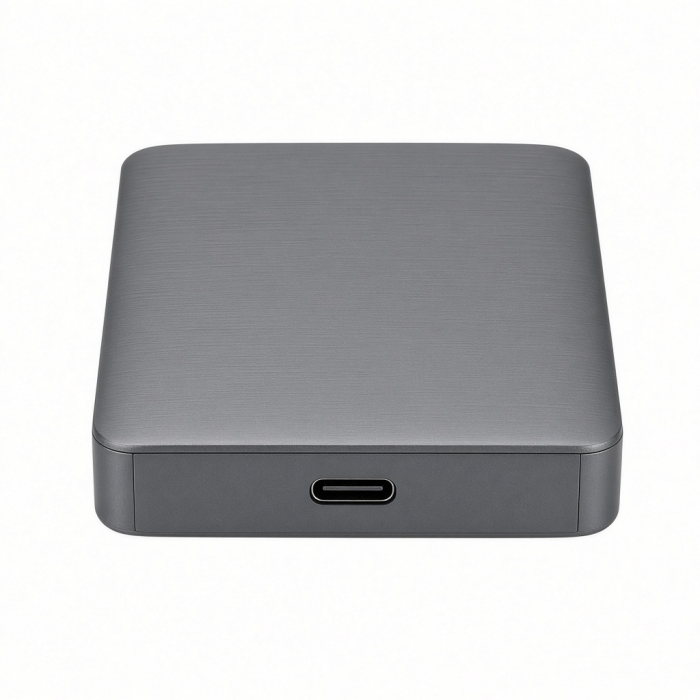
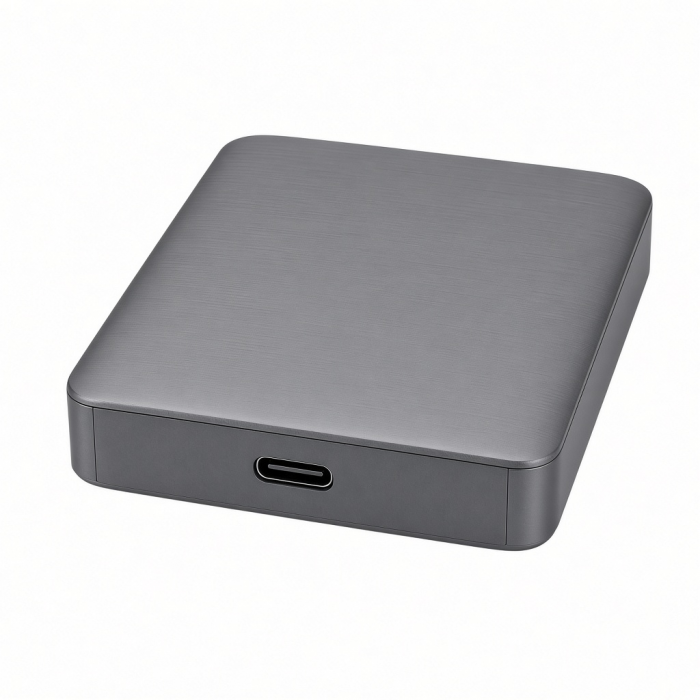
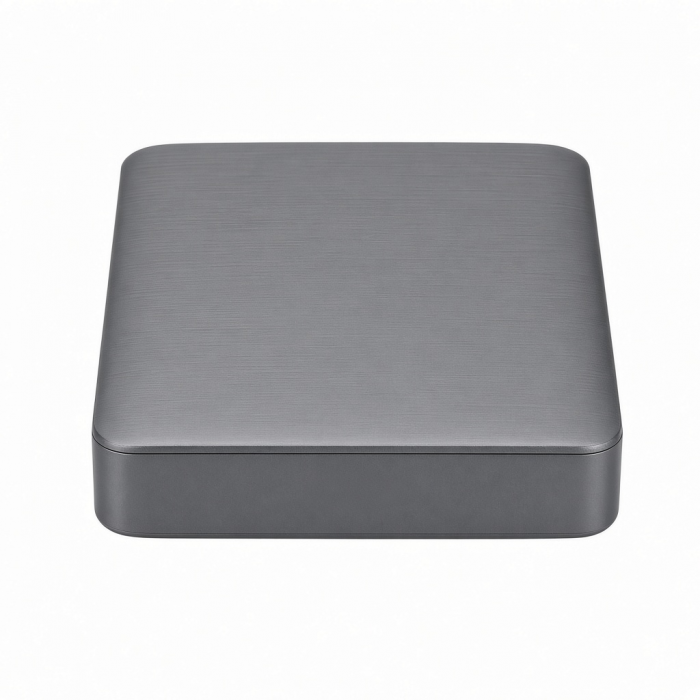
Tool-free NVMe SSD enclosure can easily connect a M.2 NMVe SSDs or M.2 SATA SSDs with your computer to expand storage, upgrade the system, back up files, retrieve and recover data, and transfer data. Plug and play, no driver needed. USB 3.1 gen 2 cable included.
*SSD not included
Tech Specs
What’s In The Box
SSD Enclosure, USB-C to USB-C Cable, Thermal Pad & User Manual
Model # / UPC
ST-UCNSEM / 810086360505
Quick Guide
Download
Frequently Asked Questions
FAQ
For California Residents
See CA Proposition 65 Warning
Compatibility
MacBook Neo
- MacBook Neo (13-inch, 2026)
MacBook
- MacBook Pro M5 Max (16-inch, 2026)
- MacBook Pro M5 Max (14-inch, 2026)
- MacBook Pro M5 Pro (16-inch, 2026)
- MacBook Pro M5 Pro (14-inch, 2026)
- MacBook Pro 16-inch (2019 - 2024)
- MacBook Pro 14-inch (2021 - 2025)
- MacBook Pro 13-inch (2016 - 2023)
- MacBook Pro 15-inch (2016 - 2019)
- MacBook Air 15-inch (2022 - 2025)
- MacBook Air 13-inch (2018 - 2025)
Mac/iMac
- iMac 24-inch (2021 - 2024)
- iMac 21.5-inch (2017 - 2021)
- iMac 27-inch (2017 – 2020)
- iMac Pro (2017)
- Mac Mini M6 (2026)
- Mac Mini M5 Pro (2026)
- Mac mini (2018 - 2024)
- Mac Studio (2022 - 2025)
iPad
- iPad Air M4 (2026)
- iPad Pro 12.9-inch (2018 - 2015)
- iPad Pro 11-inch (2018 - 2025)
- iPad Air (4th & 5th generation)
- iPad (10th generation)
- iPad mini (6th & 7th generation)
iPhone
- iPhone 18 Pro Max (2026)
- iPhone 18 Pro (2026)
- iPhone 17 Pro / Max
- iPhone 16 Pro / Max
- iPhone 15 Pro / Max
Dell**
- XPS 13 Plus (9320)
- XPS 15 (9530)
Lenovo**
- ThinkPad X1 Carbon Gen 12
- Yoga 9i Gen 9
Microsoft**
- Surface Pro 9
- Surface Laptop Studio 2
- Surface Laptop 5
OS Compatibility
- iOS/iPadOS 10.2 or later
- macOS x 10.6-10.12 or later
- Windows 11, 10, 8**
- Chrome OS**
**System Requirements: Thunderbolt 4, Thunderbolt 3, USB4, or USB 3.2 ports required for optimal use
How long is the included USB-C connecting cable?
The cable is approximately 12.5"
What Solid State Drives are compatible with this enclosure?
We can kindly confirm that the following Solid State Drives have been tested with this enclosure:
NVMe Drives
Samsung 980 Pro
Samsung 970 EVO
Western Digital Black SN850
Western Digital Black SN750
Western Digital Blue SN550
Acer FA100
Crucial P2
M.2 SATA Drives
Samsung 860 EVO
Samsung 850 EVO
Kingston UV500
Kingston A400
Western Digital Green
Western Digital Blue 3D
Please be advised the SSD Enclosure will not work with Solid State Drives with Heat Sinks due to the added thickness from the Heat Sink itself. For best thermal distribution, please use the included Thermal Pad.
Users are not limited to use one of the tested drives included above. If you wish to use a different drive that is not included on this list, please ensure the solid state drive supports the same protocols and sizes as our enclosure.
is not affiliated with any of the solid state brands listed above. This list was published for educational purposes only. is also not liable for data loss due to improper usage.
Is it necessary to install the included Thermal Pad?
Yes, we would require the included Thermal Pad to be placed onto the SSD prior to installation as it would help with heat dissipation.
What is the normal operating temperature for this enclosure?
We can kindly confirm that the standard operating temperatures for this enclosure is between
85 - 122 degrees Fahrenheit or under 50 degrees Celsius.
Please be advised that depending on how the enclosure and internal drive are being used, the temperature may fluctuate but should not exceed 122 degrees Fahrenheit or 50 degrees Celsius as long as the included thermal pad is properly installed.
Please feel free to contact us if you were to have any further inquiries or concerns regarding the heat of this product.
Have more questions? Submit a request
Can I use my own cable with this enclosure if the included one is not long enough?
We can kindly confirm that you may use other cables with this enclosure as long as the cable supports USB3.1 Gen 2 speeds of 10Gbps or higher. If using a Thunderbolt 3 or 4 cable or a USB4 cable, please keep in mind that the enclosure will not support the 40 Gbps transfer speed having that the enclosure is limited to 10Gbps.
Please feel free to contact us if you were to have any further inquiries or concerns regarding this product!
-509x403.png "QICHENG TRADE LIMITED")