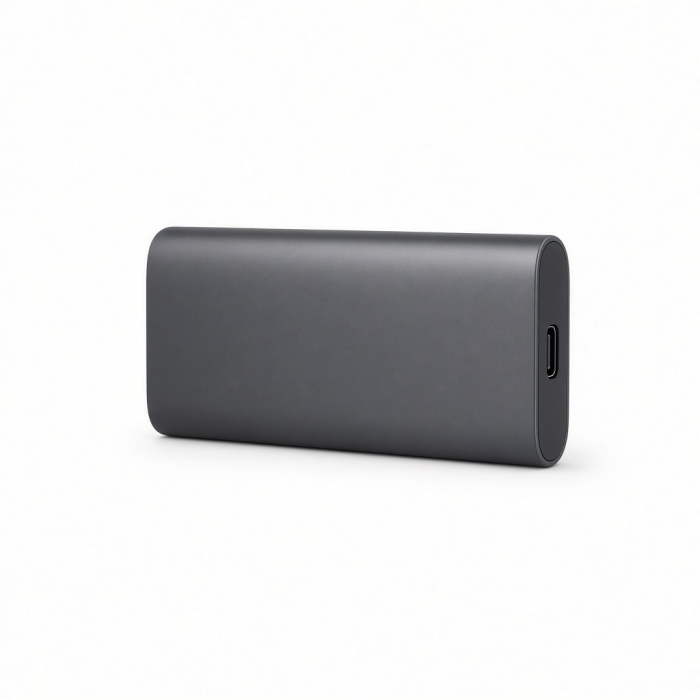
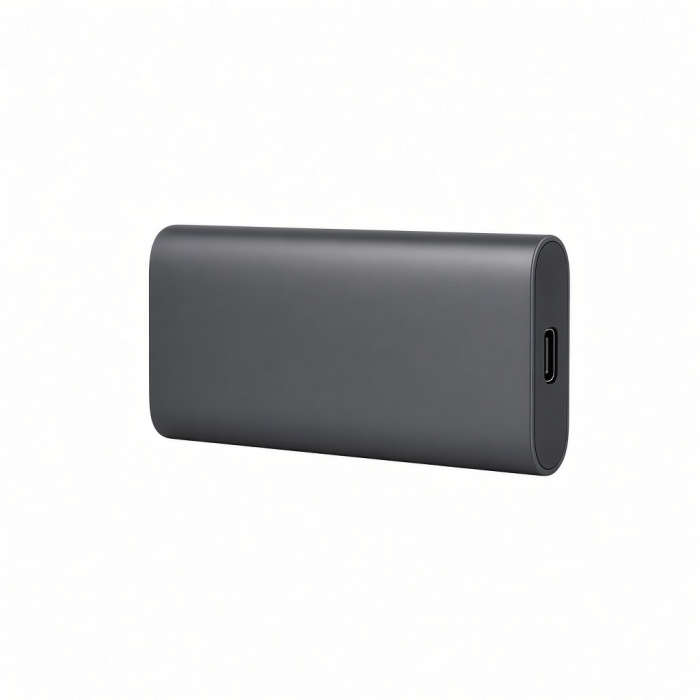
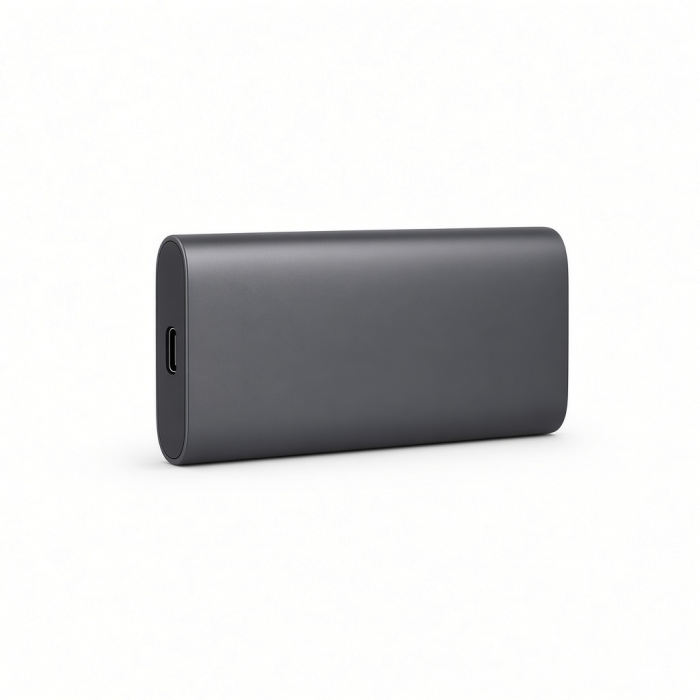
Expand your storage and supercharge your workflow with the USB4 Slim NVMe SSD Enclosure. Harnessing USB4 technology for blazing-fast transfer speeds up to 40Gbps (3840MB/s), this sleek, high-performance enclosure is inspired by the Apple USB SuperDrive. It supports multiple SSD sizes—including 2230, 2242, 2260, and 2280—offering unmatched storage flexibility and expandable capacity of up to 8TB. Perfect for professionals handling large video projects, high-resolution photo libraries, or extensive gaming collections, it provides a cost-effective alternative to expensive internal upgrades. Instead of being limited by built-in storage, users can swap SSDs as needed, ensuring a future-proof solution for any workflow.
*SSD not included; SSDs equipped with heatsinks and double-sided drives are not compatible.
Tech Specs
Dimensions & Weight
- Length: 5 in. / 12.7 cm
- Width: 5 in. / 12.7 cm
- Height: 0.63 in. / 1.6 cm
- Weight: 207.5 g
- Cable Length:5.9 in / 15 cm
SKU / UPC
- ST-EU4SNSS / 810086362318
Technical Specifications
- USB4 Port: Up to 40Gbps
- Storage Expansion: M.2 NVMe SSD Enclosure (1 Slot)
- Maximum Supported Capacity: Up to 8TB
- Supported M.2 NVMe Sizes: 2280, 2260, 2242, 2230
Important Information
- Mac mini or SSD not included.
- Incompatible with SATA M.2 SSDs
- Solid-state drives (SSDs) equipped with heatsinks and double-sided drives are incompatible with this enclosure.
Compatibility
MacBook Neo
- MacBook Neo (13-inch, 2026)
MacBook
- MacBook Pro M5 Max (16-inch, 2026)
- MacBook Pro M5 Max (14-inch, 2026)
- MacBook Pro M5 Pro (16-inch, 2026)
- MacBook Pro M5 Pro (14-inch, 2026)
- MacBook Pro 16-inch (2019 - 2024)
- MacBook Pro 14-inch (2021 - 2025)
- MacBook Pro 13-inch (2016 - 2023)
- MacBook Pro 15-inch (2016 - 2019)
- MacBook Air M5 (15-inch, 2026)
- MacBook Air M5 (13-inch, 2026)
- MacBook Air 15-inch (2022 - 2025)
- MacBook Air 13-inch (2018 - 2025)
Mac/iMac*
- iMac 24-inch (2021 - 2024)
- iMac 21.5-inch (2017 - 2021)
- iMac 27-inch (2017 - 2020)
- iMac Pro (2017)
- Mac Mini M6 (2026)
- Mac Mini M5 Pro (2026)
- Mac mini (2018 - 2024)
- Mac Studio (2022 - 2025)
iPad
- iPad Air (M4, 2026)*
- iPad Pro 12.9-inch (2021 - 2025)
- iPad Pro 11-inch (2018 - 2025)
- iPad Air (2020 - 2025)
- iPad (2022 - 2025)
- iPad mini (2021 - 2024)
*Speeds will be limited to 10Gbps
iPhone
*Speeds will be limited to 480Mbps
Dell
- XPS 13 Plus (9320)
- XPS 15 (9530)
Lenovo
- ThinkPad X1 Carbon Gen 12
- Yoga 9i Gen 9
Microsoft
- Surface Pro 9
- Surface Laptop Studio 2
- Surface Laptop 5
OS Compatibility
- iOS/iPadOS 10.2 or later
- macOS x 10.6-10.12 or later
- Windows 11, 10, 8
- Chrome OS
**System Requirements: Thunderbolt 4, Thunderbolt 3, USB4, or USB 3.2 Gen2 with DP Alt Mode Type-C ports required for optimal use
Disclaimer
*Enclosure performance may vary depending on host system compatibility.
*Due to the limited length of the included cable, establishing a connection with certain host devices may be challenging or require a longer cable.
Important Info
What’s In The Box
- USB4 Slim NVMe SSD Enclosure
- Thermal Pad
- USB-C Cable
- Screw/Screw Driver
- User Manual
Quick Guide
Frequently Asked Questions
For California Residents
Is the cable replaceable if I lose or damage it?
Please note that items that are lost or stolen are not eligible for warranty coverage. https://.net/refunds-and-returns
Yes, the USB4 Slim NVME Enclosure comes with a detachable USB4 cable and if a replacement is needed, products are covered by a 2-year limited warranty against defects in materials and workmanship under normal use.
An alternate cable can also be used provided that the cable supports the following protocols: Thunderbolt 3, USB4, or Thunderbolt 4.
Does the enclosure require any drivers or software to operate?
We can confirm that the USB4 Slim NVME Enclosure is a plug-and-play device that requires no drivers or software installation to work.
Note: If the SSD is new and not discovered, it may need to be formatted to be read by the host device.
To reformat using macOS, Navigate to Finder > Applications > Utilities > Disk Utility. Locate the SSD > Erase the SSD > Select the desired file system format > then Click Erase to reformat
Can I use this enclosure with an M.2 SSD from a specific brand (e.g., Samsung, Western Digital, Sabrent)?
The USB4 SLIM NVMe ENCLOSURE is compatible with any brand 2230, 2242, 2260 and 2280 NVMe SSDs. It will not support the older SATA M.2 SSDs.
Is the enclosure compatible with PlayStation or Xbox consoles?
Yes. You can store your PS4 games and access them directly from the USB4 SLIM NVMe ENCLOSURE. You can also store your PS5 games on it but keep in mind that PS5 games cannot be played directly from the drive. You need to transfer the game directly to the PS5’s internal SSD to play it.
Xbox Series X and S consoles support external USB drives for storing and playing Xbox One, Xbox 360, and original Xbox games. However, you cannot play games optimized for Xbox Series X|S directly from these external drives. These optimized games must be stored on the console's internal SSD.
Can I use the enclosure for booting an operating system (macOS, Windows, Linux)?
Yes. You can use the USB4 SLIM NVMe ENCLOSURE to boot an operating system, but keep in mind that it will not be as stable compared to the built-in SSD found inside the computer.
-509x403.png "QICHENG TRADE LIMITED")