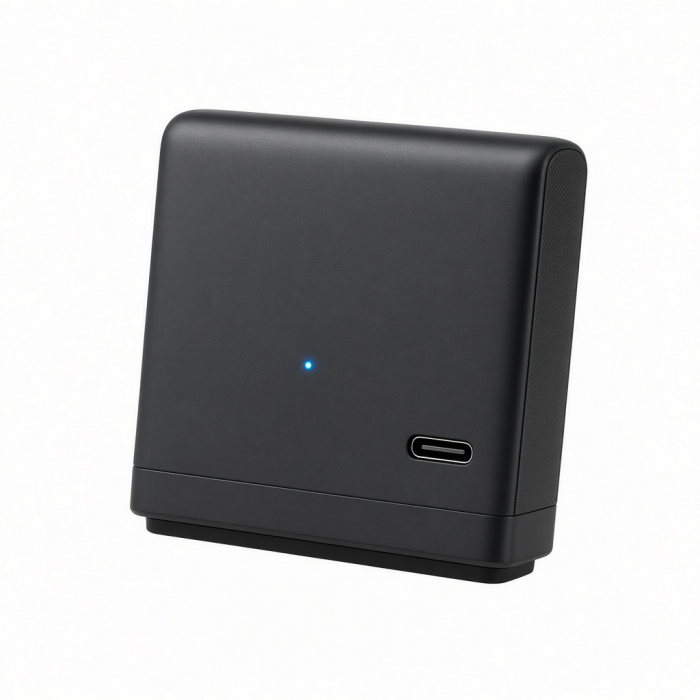
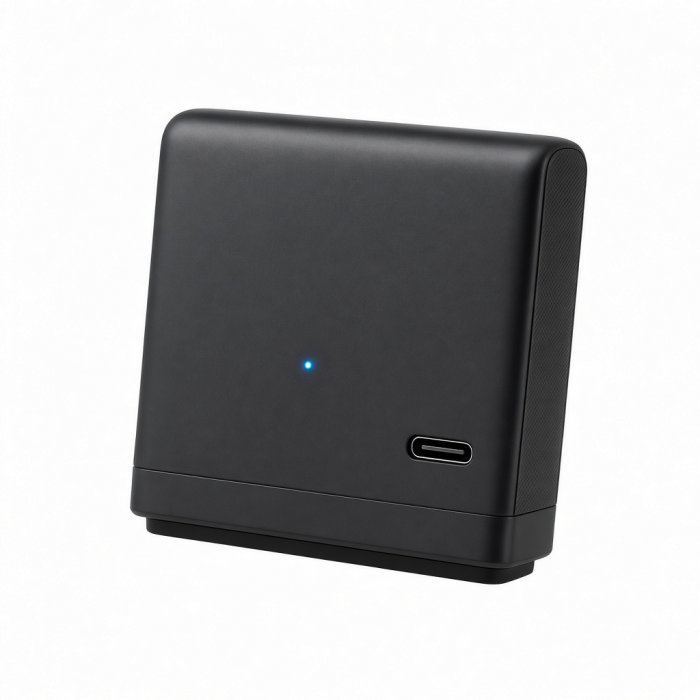
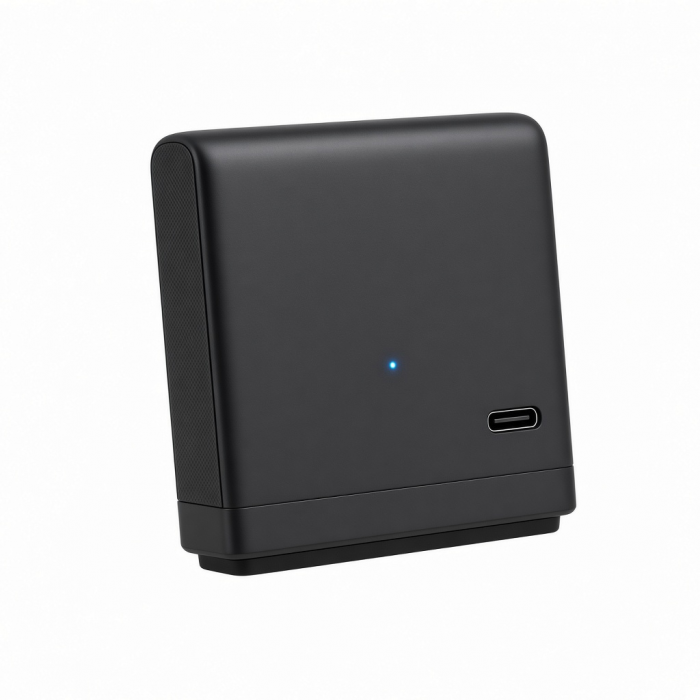
DotDisk 80Gbps SSD Enclosure is an ultra-compact 80Gbps SSD enclosure designed to deliver desktop-class performance in a refined, travel-ready form. Built with precision-milled aluminum and smart a maintains consistent speeds for demanding creative and professional workflows without visual or acoustic distraction. Designed to feel at home on any modern desk, DotDisk blends speed, longevity, and quiet confidence into one of the smallest active-cooled storage solutions available.
Tech Specs
Dimensions & Weight
- Cable Length: 11.8 in / 30 cm
- Length: 3.9 in / 9.9 cm
- Width: 1.4 in / 3.5 cm
- Height: 0.7 in / 1.9 cm
- Weight: 93.2 g / 3.28 oz
SKU / UPC
- ST-EDD80C (Space Black) / 810086363971
- ST-EDD80S (Silver) / 810086363988
Technical Specifications
- Interface: USB4 v2 (80 Gbps), USB-C Port (1 Port)
- Storage Expansion: M.2 PCIe 4.0 NVMe SSD Enclosure (1 Slot)
- Maximum Supported Capacity: Up to 8TB
- Supported M.2 NVMe Size: 2280
- Thermal Management: Integrated cooling fan
- Port Compatibility: Thunderbolt 5, Thunderbolt 4, USB4 v2, USB4
- OS Compatibility: macOS Sonoma 14.6 or later, Windows 11, Linux compatible
Compatibility
MacBook Pro
- MacBook Pro M5 Max (16", 2026)
- MacBook Pro M5 Max (14", 2026)
- MacBook Pro M5 Pro (16", 2026)
- MacBook Pro M5 Pro (14", 2026)
- MacBook Pro M5 (14", 2025)
- MacBook Pro M4 Max (16", 2024)
- MacBook Pro M4 Max (14", 2024)
- MacBook Pro M4 Pro (16", 2024)
- MacBook Pro M4 Pro (14", 2024)
- MacBook Pro M4 (14", 2024)
- MacBook Pro M3 Max (16", 2023)
- MacBook Pro M3 Max (14", 2023)
- MacBook Pro M3 Pro (16", 2023)
- MacBook Pro M3 Pro (14", 2023)
- MacBook Pro M3 (14", 2023)
- MacBook Pro M2 Max (16", 2023)
- MacBook Pro M2 Max (14", 2023)
- MacBook Pro M2 Pro (16", 2023)
- MacBook Pro M2 Pro (14", 2023)
- MacBook Pro M2 (13", 2022)
- MacBook Pro M1 Max (16", 2021)
- MacBook Pro M1 Max (14", 2021)
- MacBook Pro M1 Pro (16", 2021)
- MacBook Pro M1 Pro (14", 2021)
- MacBook Pro M1 (13", 2020)
MacBook Air
- MacBook Air M5 (15", 2026)
- MacBook Air M5 (13", 2026)
- MacBook Air M4 (15", 2025)
- MacBook Air M4 (13", 2025)
- MacBook Air M3 (15", 2024)
- MacBook Air M3 (13", 2024)
- MacBook Air M2 (15", 2023)
- MacBook Air M2 (13", 2022)
- MacBook Air M1 (13", 2020)
iMac
- iMac M3 (2024)
- iMac M2 (2023)
- iMac M1 (2021)
Mac Mini
- Mac Mini M6 (2026)
- Mac Mini M5 Pro (2026)
- Mac Mini M4 Pro (2024)
- Mac Mini M4 (2024)
- Mac Mini M2 Pro (2023)
- Mac Mini M2 (2023)
- Mac Mini M1 (2021)
- Mac Mini (2018)
Mac Studio
iPad Pro
- iPad Pro M5 (13", 2025)
- iPad Pro M5 (11", 2025)
- iPad Pro M4 (13", 2024)
- iPad Pro M4 (11", 2024)
- iPad Pro 12.9-inch (6th Gen., 2022)
- iPad Pro 11-inch (4th Gen., 2022)
- iPad Pro 12.9-inch (5th Gen., 2021)
- iPad Pro 11-inch (3rd Gen., 2021)
iPad Air
- iPad Air (M4, 2026)
- iPad Air (M3, 13", 2025)
- iPad Air (M3, 11", 2025)
- iPad Air (M2, 13", 2024)
- iPad Air (M2, 11", 2024)
Windows
- Alienware 16 Area-51
- Alienware 18 Area-51
- Dell Pro Max 18 Plus
- Dell Pro Max 16 Plus, Premium
- Dell Pro Max 14 Premium
- Gigabyte AORUS Master 16
- Gigabyte AORUS Master 18
- Lenovo Legion 9i Gen 10
- Lenovo ThinkPad X1 Nano
- Microsoft Surface Laptop (13.8" & 15" with USB4)
- Microsoft Surface Studio 2
- Microsoft Surface Studio
- Microsoft Surface Pro 11
- Microsoft Surface Pro 10
- Razer Blade 18
- ROG Strix SCAR 18 G835
- ROG Strix SCAR 16 G635
Supported M.2 NVMe Size: 2280
- T-Force Z5 Series
- Samsung 9100 Pro
- WD Black SN850X
- Corsair MP600 Core XT
- Nextorage G-Series
- WB Blue SN580
- WD Black SN770
Important Info
What's in the Box
- DotDisk SSD Enclosure
- Thunderbolt 5 Cable
- Thermal Pad
- Magnetic Screw Driver
- User Manual
Important Information
- Solid State Drive (SSD) not included.
- Incompatible with SATA M.2 SSDs.
- SSDs equipped with heatsinks and double-sided drives are incompatible with this enclosure.
- Incompatible with SSD sizes : 2230/2242/2260
Quick Guide
Quick Guide
FAQs
FAQs
For California Residents
See CA Proposition 65 Warning
What storage drives can I use?
The DotDisk supports M.2 NVMe SSDs in 2280 format only, up to 8TB. It does not support SATA SSDs, smaller M.2 form factors (2230, 2242, 2260), or SSDs with pre-installed heatsinks.
What's the difference between USB4 and Thunderbolt 5?
The DotDisk uses a USB4 V2 port, which supports up to 80Gbps — the same maximum bandwidth as Thunderbolt 5. To achieve these speeds, both your host device and cable must support Thunderbolt 5 or USB4 Gen 3×2 (80Gbps).
Do I need drivers to use the DotDisk?
No drivers are required. The DotDisk is plug-and-play on macOS, Windows, and Linux. Connect via the included Thunderbolt 5 cable and the drive will appear as an external storage device. If you're using a new SSD, you'll need to format it first using Disk Utility (Mac) or Disk Management (Windows) before it appears as usable storage.
Does the DotDisk have a fan?
Yes. The DotDisk 80Gbps SSD Enclosure has a built-in fan for active cooling. This is normal and intentional — it keeps the SSD temperature in check during heavy use like large file transfers. If you hear or see the fan running, it is working as designed.
Can I hot-swap drives?
No. Always safely eject the DotDisk from your operating system first, then fully unplug the enclosure from your host device before opening it to swap or remove the SSD. Changing drives while the enclosure is still connected to the host can result in data loss or damage.
-509x403.png "QICHENG TRADE LIMITED")