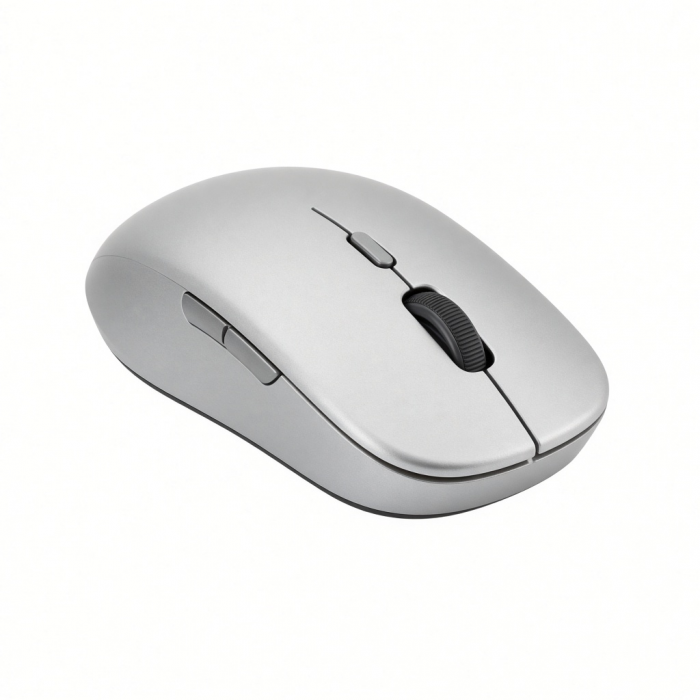
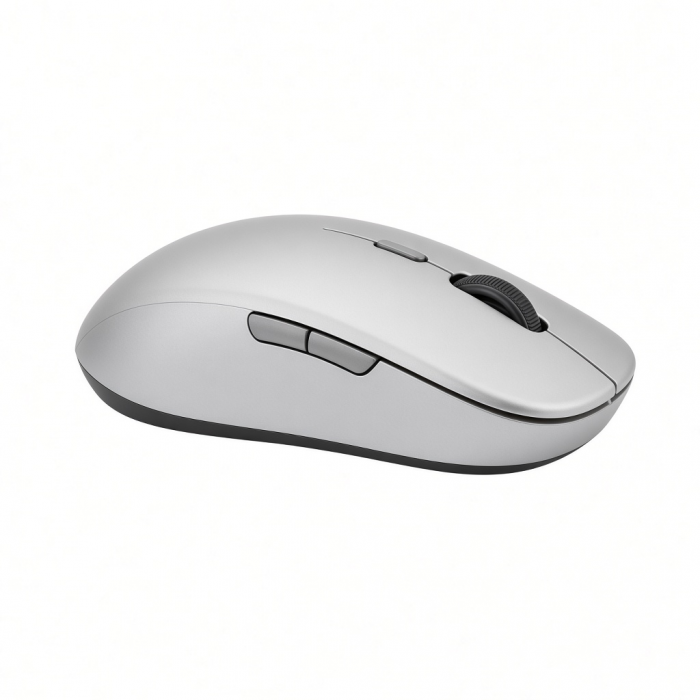
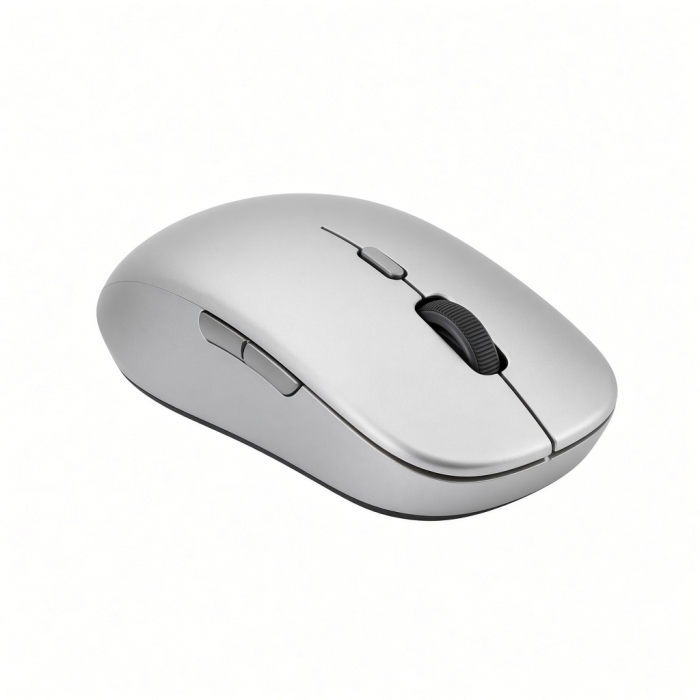
Complete your desktop with the M1 Bluetooth Mouse, featuring Bluetooth 4.2 connection, rechargeable Type-C port and modern, ergonomic design. Seamlessly connect to your favorite Bluetooth-enabled device for wireless control of your desktop or laptop, with a range of up to 32 ft.
Tech Specs
Connector Type
Rechargeable Type-C port
Dimensions & Weight
Length: 4.37 in. / 11.1 cm
Width: 2.25 in. / 5.72 cm
Height: 1.25 in. / 3.18 cm
Weight: 6.2 oz / 175.77 g
SKU (Color) / UPC
ST-ABTCMS (Silver) / 879961008277
ST-ABTCMM (Space Gray) / 879961008260
ST-ABTCMG (Gold) / 879961008291
ST-ABTCMR (Rose Gold) / 879961008307
ST-ABTCMB (Blue) / 810086360109
Technical Specifications
Bluetooth Version: 4.2
Bluetooth Connectivity: Connect to 1 device
Charging Port: USB-C (Charging Only)
Compatibility
MacBook Neo
- MacBook Neo (13-inch, 2026)
MacBook
- MacBook Pro M5 Max (16", 2026)
- MacBook Pro M5 Max (14", 2026)
- MacBook Pro M5 Pro (16", 2026)
- MacBook Pro M5 Pro (14", 2026)
- MacBook Pro 16-inch (2019 - 2024)
- MacBook Pro 14-inch (2021 - 2025)
- MacBook Pro 13-inch (2016 - 2023)
- MacBook Pro 15-inch (2016 - 2019)
- MacBook Air M5 (15", 2026)
- MacBook Air M5 (13", 2026)
- MacBook Air 15-inch (2022 - 2025)
- MacBook Air 13-inch (2018 - 2025)
iMac/Mac
- iMac 24-inch (2021 - 2024)
- iMac 21.5-inch (2017 - 2021)
- iMac 27-inch (2017 – 2020)
- iMac Pro (2017)
- Mac Mini M6 (2026)
- Mac Mini M5 Pro (2026)
- Mac mini (2018 - 2024)
- Mac Studio (2022 - 2025)
iPad
- iPad Pro 12.9-inch (2021 - 2025)
- iPad Pro 11-inch (2018 - 2025)
- iPad Air (2020 - 2025)
- iPad (2022 - 2025)
- iPad mini (2021 - 2024)
Windows
- Microsoft Surface Pro 4/5/6/7/8/9
- Microsoft Surface Laptop Studio
- Lenovo ThinkPad X13 Gen 2
- Lenovo X1 Gen 1 Carbon
- Lenovo Yoga 720-13IKB
- Lenovo Legion S7 15ACH6
- Dell XPS 13 9315
- HP Spectre & other USB-C Devices
OS Compatibility
- Windows 11, 10, 8
- macOS x 10.6-10.12 or later
- iOS/iPadOS 10.2 or later
- Linux 2.6.14 or later
- Chrome OS
**System Requirements: Not recommended for 2011 & older Mac devices.
Important Info
What’s In The Box
M1 Wireless Mouse
USB-C Charging Cable
User Manual
Quick Guide
Download
Frequently Asked Questions
FAQ
California Residents
See CA Proposition 65 Warning
Does the M1 Wireless Mouse have an all-Aluminum construction?
Only the scroll wheel and top casing are aluminum. The buttons and base are polycarbonate plastic.
What are the weight and dimensions of the M1 Wireless Mouse?
The mouse is lightweight at 6.2 oz / 175.77 g despite the Aluminum top casing.
The rest of the dimensions are as follows:
Length: 4.37 in. / 11.1 cm
Width: 2.25 in. / 5.72 cm
Height: 1.25 in. / 3.18 cm
Is it possible to change the scrolling direction on the M1 Mouse?
Yes. Go to System Settings → Mouse → Natural Scrolling to toggle scrolling direction.
Does this mouse come with a small USB dongle for desktop use?
No. The M1 is Bluetooth-only and does not include a dongle.
Do you have to turn the mouse off when charging?
While you will be able to charge the mouse while it is on, we recommend turning the mouse off when charging for a more efficient charge.
-509x403.png "QICHENG TRADE LIMITED")