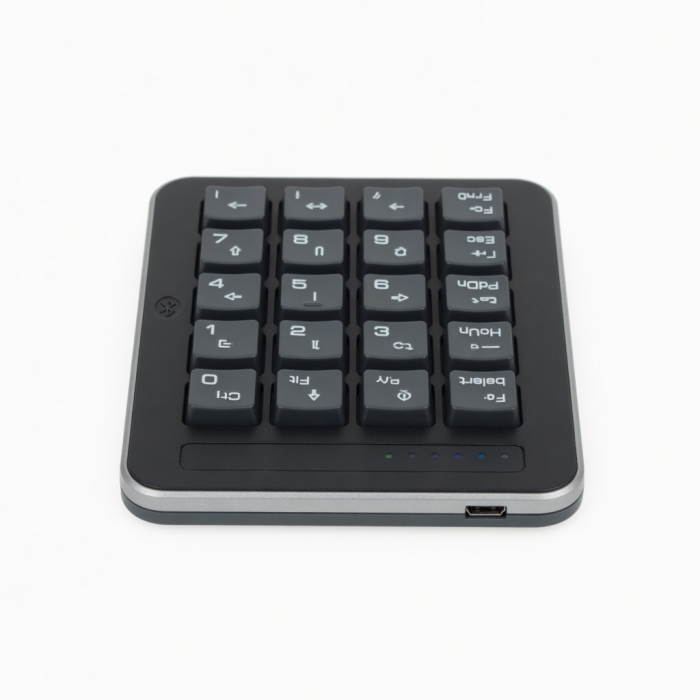
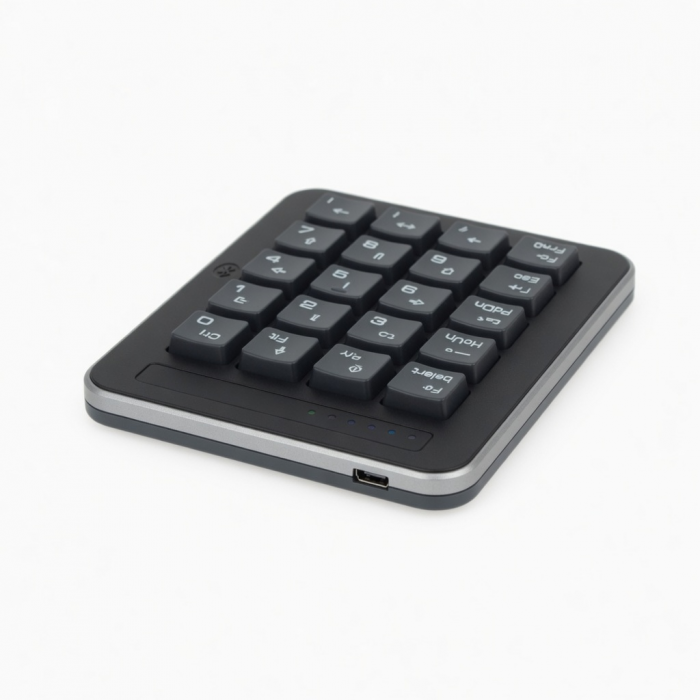
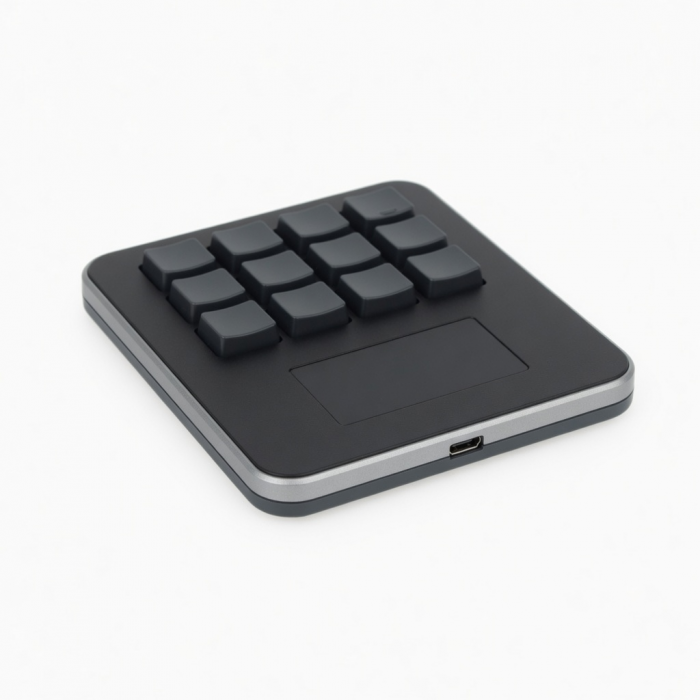
Featuring a full number pad, navigational arrows, and convenient MacOS shortcut keys, the Bluetooth Extended Keypad restores the functionality of a desktop keyboard to your tablet or laptop.
Tech Specs
What’s In The Box
Bluetooth Extended Keypad & User Manual
Connector Type
Bluetooth
Dimensions & Weight
5.8 x 4.5 x 0.4 inches, 4.4 oz
Model# / UPC
ST-XLABKS / 879961008505 (Silver)ST-XLABKM / 879961008512 (Space Gray)
Quick Guide
Download
Frequently Asked Questions
FAQ
California Residents
See CA Proposition 65 Warning
Compatibility
*Layout is in U.S. English only
MacBook Neo
- MacBook Neo (13-inch, 2026)
MacBook
- MacBook Pro M5 Max (16-inch, 2026)
- MacBook Pro M5 Max (14-inch, 2026)
- MacBook Pro M5 Pro (14-inch, 2026)
- MacBook Pro 16-inch (2019 - 2024)
- MacBook Pro 14-inch (2021 - 2025)
- MacBook Pro 13-inch (2016 - 2023)
- MacBook Pro 15-inch (2016 - 2019)
- MacBook Air 15-inch (2022 - 2025)
- MacBook Air 13-inch (2018 - 2025)
Mac
- iMac (24-inch, 2021 - 2024)
- iMac (Retina 4K, 21.5-inch, 2017)
- iMac (Retina 5K, 27-inch, 2019–2020)
- iMac (Retina 5K, 27-inch, 2017)
- iMac Pro (2017)
- Mac Mini M6 (2026)
- Mac Mini M5 Pro (2026)
- Mac mini (2018 - 2025)
- Mac Studio (2022 - 2025)
- Mac Pro (2023)
iPad
- iPad Air (M4, 2026)
- iPad Pro 12.9-inch (2018 - 2025)
- iPad Pro 11-inch (2018 - 2025)
- iPad Air 4th, 5th, 6th gen (M2)
- iPad 10th, 11th gen
- iPad mini 6th, 7th gen
iPhone
- iPhone 18 Pro Max (2026)
- iPhone 18 Pro (2026)
- iPhone 17e
- iPhone Air (2025)
- iPhone 17 Pro Max (2025)
- iPhone 17 Pro (2025)
- iPhone 17 (2025)
- iPhone 16 Pro Max (2024)
- iPhone 16 Pro (2024)
- iPhone 16 Plus (2024)
- iPhone 16 (2024)
- iPhone 15 Pro Max (2023)
- iPhone 15 Pro (2023)
- iPhone 15 Plus (2023)
- iPhone 15 (2023)
- iPhone 14 Pro Max (2022)
- iPhone 14 Pro (2022)
- iPhone 14 Plus (2022)
- iPhone 14 (2022)
- iPhone 13 Pro Max (2021)
- iPhone 13 Pro (2021)
- iPhone 13 (2021)
- iPhone 13 Mini (2021)
- iPhone 12 Pro Max (2020)
- iPhone 12 Pro (2020)
- iPhone 12 (2020)
- iPhone 12 Mini (2020)
- iPhone 16e
- iPhone 11 Series (Pro, Pro Max)
- iPhone X/ XR/ XS/ XS Max
Windows
- Microsoft Surface Pro 4/5/6/7/8/9
- Microsoft Surface Laptop Studio
- Lenovo ThinkPad X13 Gen 2
- Lenovo X1 Gen 1 Carbon
- Lenovo Yoga 720-13IKB
- Lenovo Legion S7 15ACH6
- Dell XPS 13 9315
- HP Spectre & other USB-C Devices
Not recommended for 2011 & older Mac devices.
Important:Does not support Windows 7 or 8, please only use with Windows 10 devices.To connect to Windows 10 devices, please add your keypad through PC's Control Panel.Click here for a Windows 10 pairing guide.
What do the F13-F15 keys on my Extended Keypad do?
These keys can be programmed to complete any shortcuts or be used to perform other functions. You may go to your System Preferences and assign whichever actions, functions, and shortcuts you wish.
What is the battery life, and how is the keypad charged?
The Bluetooth Extended Keypad features a built-in rechargeable battery. It can be charged via the included USB-C cable. Battery life varies depending on usage but is designed to last several weeks on a full charge with moderate use.
Why is the equal key not working?
Unfortunately, by changing the language input of your keyboard or changing your computer system language to one that changes the keyboard layout to one other than U.S. English, then some keys will change in correspondence to your system settings language. We regret to inform you that there is no way around this other than to change the keyboard back to a language that does not change the '=' key (i.e. U.S. English).
-509x403.png "QICHENG TRADE LIMITED")