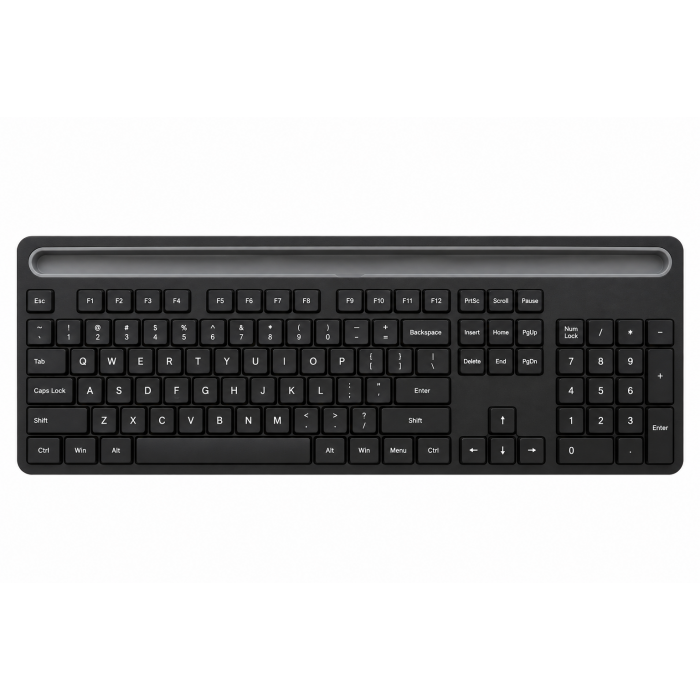
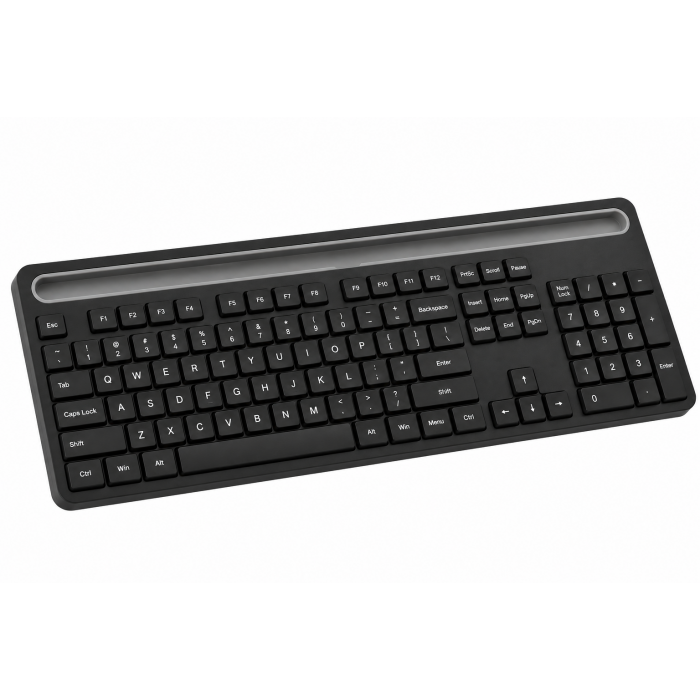
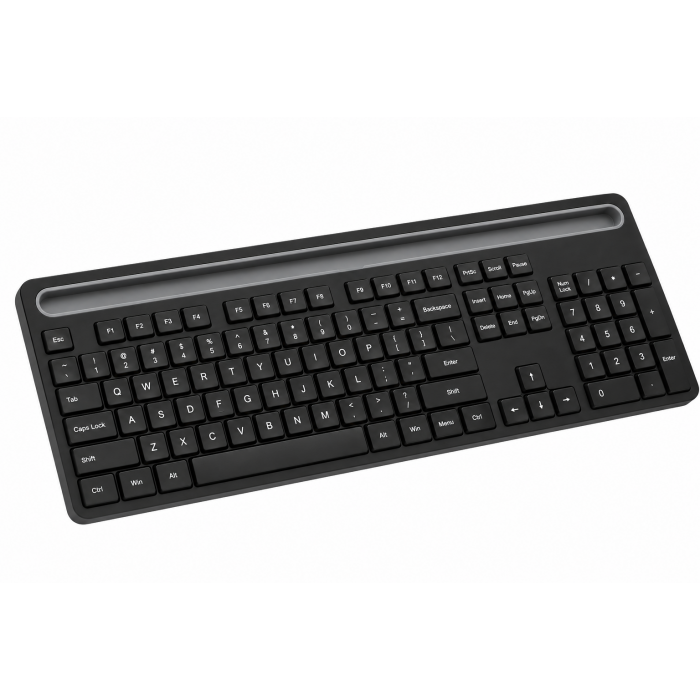
The OntheGo Bluetooth Keyboard with Stand is a compact, travel-ready typing solution designed for professionals who work from anywhere. With a protective cover that transforms into a sturdy, adjustable stand for tablets or smartphones, it delivers portability and productivity in one sleek package, perfect for staying efficient without the extra bulk.
Tech Specs
Dimensions & Weight
- Length: 11.4 in. / 28.9 cm
- Width: 5.8 in. / 14.7 cm
- Height: 0.4 in. / 1 cm
- Weight: 19.3 oz / 546.5 g
Model #/ UPC
- ST-KOTGK-EN (Black) / 810086361694
- ST-KOTGW-EN (Sand) / 810086362158
Technical Specifications
- Bluetooth Version: 5.1
- Bluetooth Support: Connect with up to 3 separate devices
- Charging Port: USB-C (Charging Only)
Compatibility
iPad
- iPad Air M4 (2026)
- iPad Pro 12.9-inch (2021 - 2025)
- iPad Pro 11-inch (2018 - 2025)
- iPad Air (2020 - 2025)
- iPad (2022 - 2025)
- iPad mini (2021 - 2024)
iPhone
- iPhone 18 Pro Max (2026)
- iPhone 18 Pro (2026)
- iPhone 17e
- iPhone Air (2025)
- iPhone 17 Pro (2025)
- iPhone 17 Pro Max (2025)
- iPhone 17 (2025)
- iPhone 16e (2025)
- iPhone 16 Pro Max (2024)
- iPhone 16 Pro (2024)
- iPhone 16 Plus (2024)
- iPhone 16 (2024)
- iPhone 15 Pro Max (2023)
- iPhone 15 Pro (2023)
- iPhone 15 Plus (2023)
- iPhone 15 (2023)
MacBook Neo
- MacBook Neo (13-inch, 2026)
MacBook
- MacBook Pro M5 Max (16-inch, 2026)
- MacBook Pro M5 Max (14-inch, 2026)
- MacBook Pro M5 Pro (16-inch, 2026)
- MacBook Pro M5 Pro (14-inch, 2026)
- MacBook Pro 16-inch (2019 - 2024)
- MacBook Pro 14-inch (2021 - 2025)
- MacBook Pro 13-inch (2016 - 2023)
- MacBook Pro 15-inch (2016 - 2019)
- MacBook Air 15-inch (2022 - 2025)
- MacBook Air 13-inch (2018 - 2025)
Mac/iMac
- iMac 24-inch (2021 - 2024)
- iMac 21.5-inch (2017 - 2021)
- iMac 27-inch (2017 - 2020)
- iMac Pro (2017)
- Mac Mini M6 (2026)
- Mac Mini M5 Pro (2026)
- Mac mini (2018 - 2024)
- Mac Studio (2022 - 2025)
Others
- Compatible with most USB-C Android devices
Important Info
What's In The Box
- OntheGo Bluetooth Keyboard with Stand
- USB-C Cable included
- User Manual
Quick Guide
Frequently Asked Questions
For California Residents
How many devices can I pair and how do I switch between them?
The keyboard supports up to three Bluetooth profiles. To switch between paired devices, simply press the corresponding Bluetooth profile key (e.g., Fn + 1, Fn + 2, etc.).
Can it be used while charging via USB-C?
While charging, the keyboard will still function as a wireless device, but wired mode via USB-C is not supported; Bluetooth is required.
Can it connect to a Windows PC or laptop?
Yes, it can connect via Bluetooth, but shortcut behavior may vary with Windows OS.
How long does the keyboard last on a single charge?
The keyboard can last up to 80 hours of continuous use on a full charge, thanks to its built-in 300 mAh lithium-ion battery.
Is the Keyboard magnetic to place the device?
The keyboard is not magnetic but features a built in adjustable stand for universal compatibility.
-509x403.png "QICHENG TRADE LIMITED")