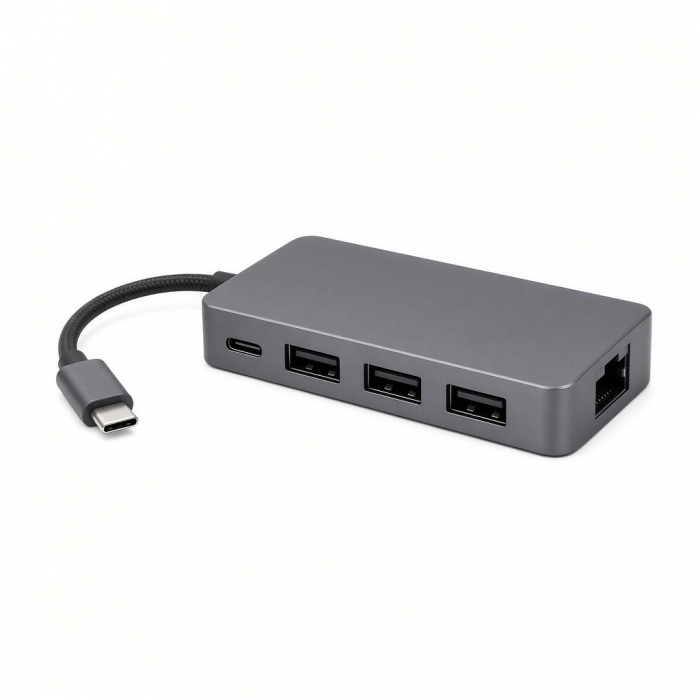
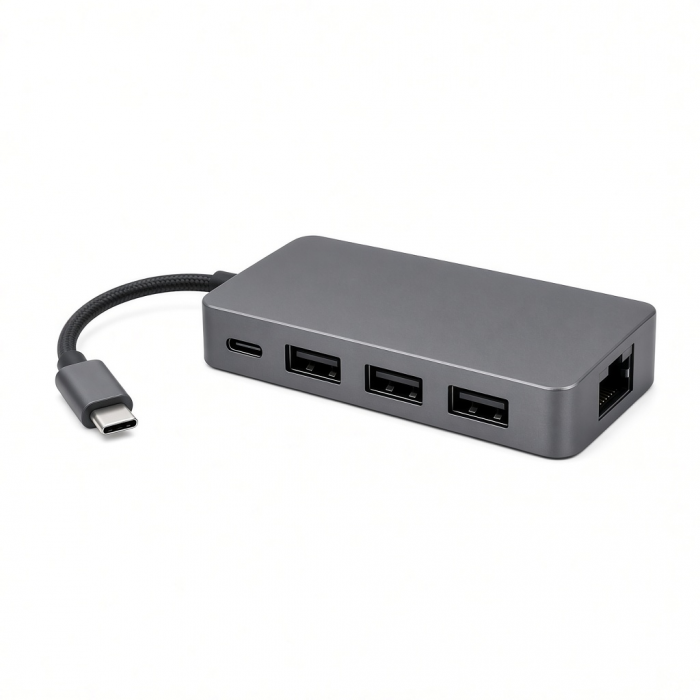
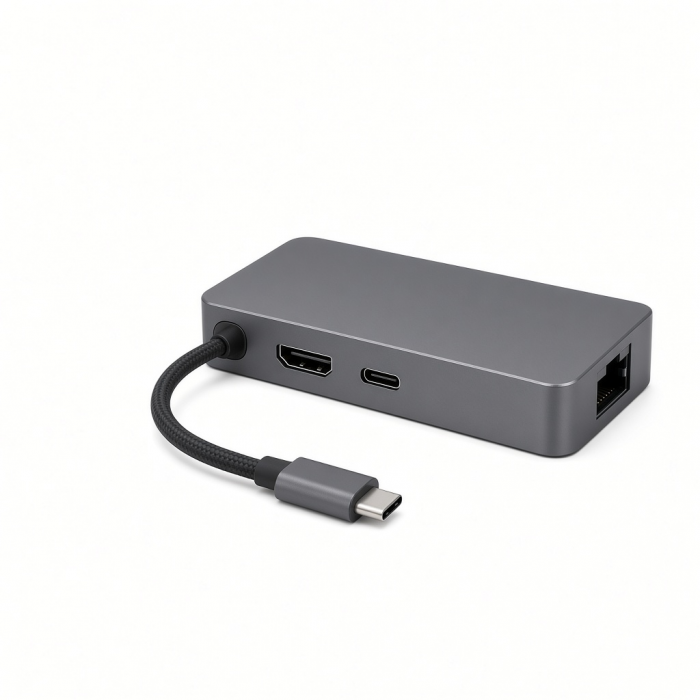
Seamless Speed. Supreme Connectivity.
Double the performance of traditional Gigabit Ethernet with the USB-C 2.5 Gigabit Ethernet Adapter for faster network speeds, quicker file transfers, and Ethernet pass-through capability on PCs.
Tech Specs
Connector Type
Dimensions & Weight
- Length: 85mm
- Width: 34mm
- Height: 15mm
- Weight: 57g
Speed
- 3x USB-C 3.2 Gen2 ports - up to 10Gbps (no video/power delivery)
- 1x 2.5Gb Ethernet port - supports 10/100/1000M/2.5G
SKU / UPC
- ST-H3C25EM / 810086361342
Compatibility
MacBook Neo
- MacBook Neo (13-inch, 2026)*
*Must connect to top USB-C port on MacBook Neo
MacBook
- MacBook Pro M5 Max (16-inch, 2026)
- MacBook Pro M5 Max (14-inch, 2026)
- MacBook Pro M5 Pro (16-inch, 2026)
- MacBook Pro M5 Pro (14-inch, 2026)
- MacBook Pro 16-inch (2019 - 2024)
- MacBook Pro 14-inch (2021 - 2025)
- MacBook Pro 13-inch (2016 - 2023)
- MacBook Pro 15-inch (2016 - 2019)
- MacBook Air M5 (15-inch, 2026)
- MacBook Air M5 (13-inch, 2026)
- MacBook Air 15-inch (2022 - 2025)
- MacBook Air 13-inch (2018 - 2025)
Mac/iMac
- iMac 24-inch (2021 - 2024)
- iMac 21.5-inch (2017 - 2021)
- iMac 27-inch (2017 – 2020)
- iMac Pro (2017)
- Mac Mini M6 (2026)
- Mac Mini M5 Pro (2026)
- Mac mini (2018 - 2024)
- Mac Studio (2022 - 2025)
iPad
- iPad Air (M4, 2026)
- iPad Pro 12.9-inch (2021 - 2025)
- iPad Pro 11-inch (2018 - 2025)
- iPad Air (2020 - 2025)
- iPad (2022 - 2025)
- iPad mini (2021 - 2024)
iPhone
- iPhone 18 Pro Max (2026)
- iPhone 18 Pro (2026)
- iPhone 17e*
- iPhone 17 Pro / Max (2025)
- iPhone 16 Pro / Max (2024)
- iPhone 15 Pro / Max (2023)
*Speeds will be limited to 480Mbps
Windows
- Microsoft Surface Pro 7/8/9
- Microsoft Surface Laptop Studio
- Lenovo ThinkPad X13 Gen 2
- Lenovo X1 Gen 1 Carbon
- Lenovo Yoga 720-13IKB
- Lenovo Legion S7 15ACH6
- Dell XPS 13 9315
- ASUS ROG Ally
- HP Spectre & other USB-C Devices
OS Compatibility
- iOS/iPadOS 10.2 or later
- macOS x 10.6-10.12 or later
- Windows 11, 10, 8
- Chrome OS
**System Requirements: Thunderbolt 4, Thunderbolt 3, USB4, or USB 3.2 Gen2 with DP Alt Mode Type-C ports required for optimal use
Important Info
What's In The Box
- 4-in-1 USB-C Hub With 2.5 Gigabit Ethernet
- User Manual
Quick Guide
Frequently Asked Questions
California Residents
See CA Proposition 65 Warning
Can I connect an external monitor to the USB-C port?
Unfortunately, the USB-C ports on the 4-in-1 USB-C Hub with 2.5 Gigabit Ethernet are only intended to transfer data.
Is it compatible with all major operating systems?
Yes, the 4-in-1 USB-C Hub with 2.5Gb Ethernet is compatible with:
MacOS
iPad/iOS
Windows 10/11
Chrome OS
Is this adapter compatible with Windows?
Yes, the 4-in-1 USB-C Hub with 2.5 Gb Ethernet is compatible with Windows devices that support one of the following protocols:
USB 3.1 Gen 2
USB 3.2 Gen 2
USB 3.2 Gen 2x1
USB 3.2 Gen 2x2
Thunderbolt 3
USB4
Thunderbolt 4
Is this device travel friendly?
Yes. The 4-in-1 USB-C Hub with 2.5 Gb Ethernet weighs about 57 grams, equivalent to holding 9 quarters or 2 AA alkaline batteries in one hand. With a length of 6 inches, the adapter is compact and easy to store after use.
Do I need to install any third-party software?
No, the 4-in-1 USB-C Hub with 2.5 Gb Ethernet does not require additional software to function. This Hub is to be considered "Plug and play".
-509x403.png "QICHENG TRADE LIMITED")