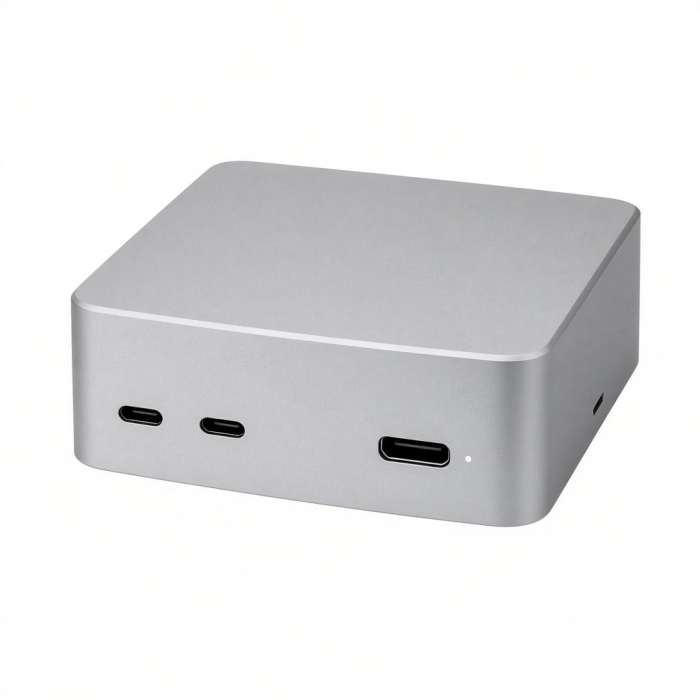
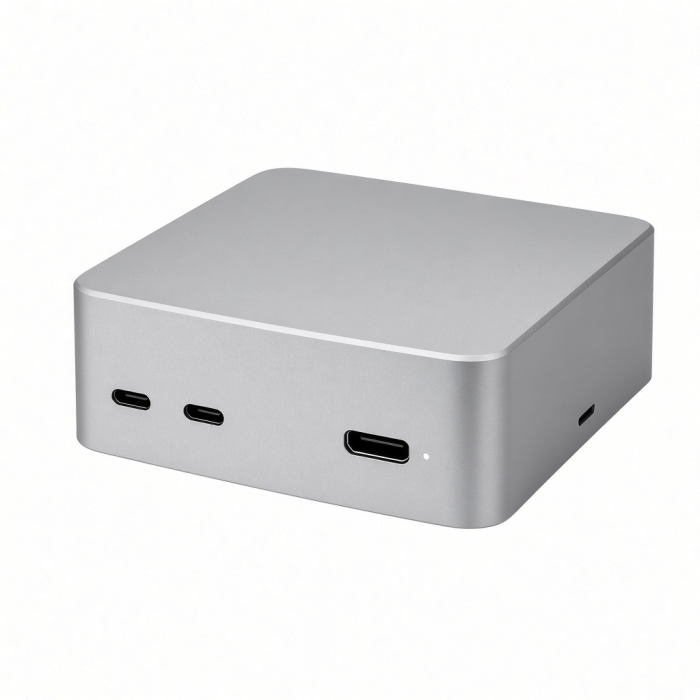
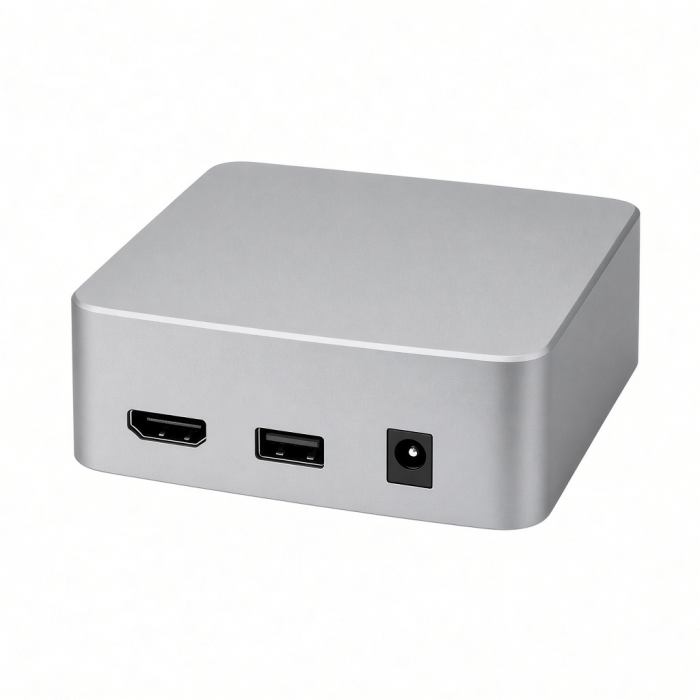
Take your workspace to the next level with the Thunderbolt 4 Dock, featuring all-new Thunderbolt 4 technology that offers better flexibility and versatility for your entire setup. With a multitude of ports including, three Thunderbolt 4, four USB-A (three data, one charging), Gigabit Ethernet, UHS-II card reader, and 3.5mm audio jack port, the Thunderbolt 4 Dock is a powerhouse that does it all – so you can work at your best.
Ships with US plug.
Tech Specs
Connector Type
USB-C
Dimensions & Weight
19.5 x 8.5 x 3 cm, 422 g
Included cable Length: 2ft 8in
SKU / UPC
ST-UCT4DM / 879961009601
Speed
- DC input port 20V
- Thunderbolt 4 host port - PD 96W
- 3 x Thunderbolt 4 ports - 40 Gbps, 15W
- Dock will only support up to two external monitors at a time. Maximum resolution is set to 4K at 60Hz
- Gigabit Ethernet
- 3 x USB-A 3.2 data ports - up to 10 Gbps
- USB-A 2.0 charging
- UHS-II SD card reader
- 3.5 mm audio jack port
Quick Guide
Download
Frequently Asked Questions
FAQ
California Residents
Important Info
Base Model M1/M2/M3 MacBooks are limited to 1 Display Max.
Includes Thunderbolt 4 cable (0.8 meters) & AC adapter (US plug).
Compatibility
- Base model Apple M1/M2 MacBooks are limited to only one display.
- Base model Apple M3 MacBook Air and Pro only support two displays (4K@60Hz) when closed and in Clamshell Mode.
MacBook
- MacBook Pro 16-inch (2019 - 2024)
- MacBook Pro 14-inch (2021 - 2025)
- MacBook Pro 13-inch (2016 - 2023)
- MacBook Pro 15-inch (2016 - 2019)
- MacBook Air 15-inch (2022 - 2025)
- MacBook Air 13-inch (2018 - 2025)
Mac/iMac
- iMac 24-inch (2021 - 2024)
- iMac 21.5-inch (2017 - 2021)
- iMac 27-inch (2017 – 2020)
- iMac Pro (2017)
- Mac mini (2018 - 2024)
- Mac Studio (2022 - 2025)
Dell**
- XPS 13 Plus (9320)
- XPS 15 (9530)
Lenovo**
- ThinkPad X1 Carbon Gen 12
- Yoga 9i Gen 9
Microsoft**
- Surface Pro 9
- Surface Laptop Studio 2
- Surface Laptop 5
OS Compatibility
- iOS/iPadOS 10.2 or later
- macOS x 10.6-10.12 or later
- Windows 11, 10, 8**
- Chrome OS**
**System Requirements: Thunderbolt 4, Thunderbolt 3, or USB4 ports required for optimal useImportant Info
What’s In The Box
Thunderbolt 4 Dock
Manual
Thunderbolt 4
USB-C-to-USB-C cable
135W Power Supply
Quick Guide
Download
Frequently Asked Questions
FAQ
California Residents
See CA Proposition 65 Warning
Important Info
- Base model M1/M2 MacBooks are limited to only one display.
- M3 MacBook Air/Pro only supports two displays (4K@60Hz) in Clamshell Mode.
What are the standard operating temperatures?
The operating temperature of the Thunderbolt 4 Dock ranges from 86°F to 131°F (30°C to 55°C). Surface temperatures may feel warm or hot to the touch due to the dock’s large surface area. This is normal behavior and will not affect functionality or cause hardware damage, as the dock is compliant with IEC 62368-1 safety standards.
Can I use the dock with older Thunderbolt 3 devices?
Yes. The Thunderbolt 4 Dock is fully compatible with Thunderbolt 3 devices. Please note that certain features, such as maximum data transfer speeds or power delivery, may be limited to Thunderbolt 3 specifications when used with Thunderbolt 3 hosts.
Does this device require firmware updates?
No. The Thunderbolt 4 Dock is designed for plug-and-play use and does not require any firmware updates. It is ready to use out of the box.
I lost the power supply. What specifications are required for a replacement?
If you need a third-party replacement power supply, it must meet the following specifications to ensure proper operation and performance: at least 135W power output, with a barrel connector measuring 7.4mm outer diameter and 5.1mm inner diameter.
Does this dock support dual HDMI monitors?
The Thunderbolt 4 ports support displays up to 4K at 60Hz. To use HDMI displays, a USB-C to HDMI cable is required. Dual display is not supported on base M1 or M2 Mac models due to system limitations. Compatible systems can run dual displays using appropriate USB-C to HDMI adapters or cables. https://.net/products/usb-c-to-hdmi-2-1-8k-cable?variant=40260285726808?queryID=1fba66451f14c53d2225024aa2ad4249
-509x403.png "QICHENG TRADE LIMITED")