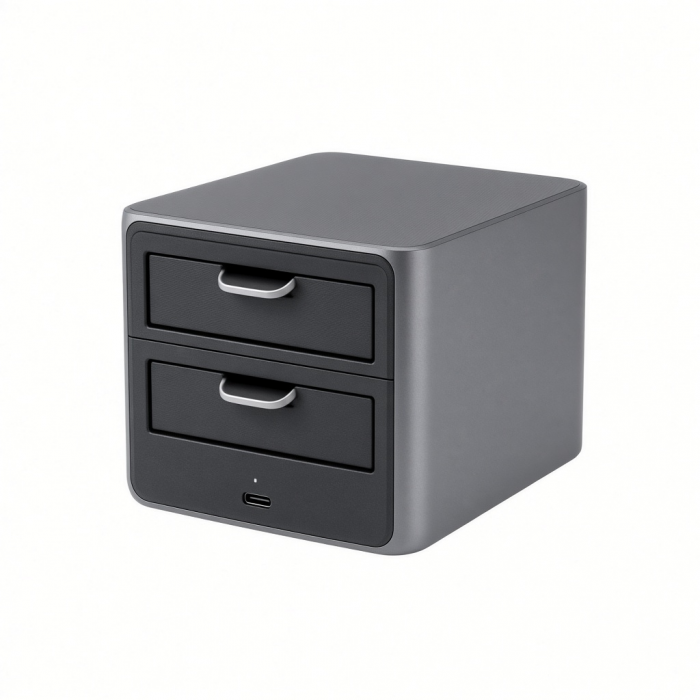
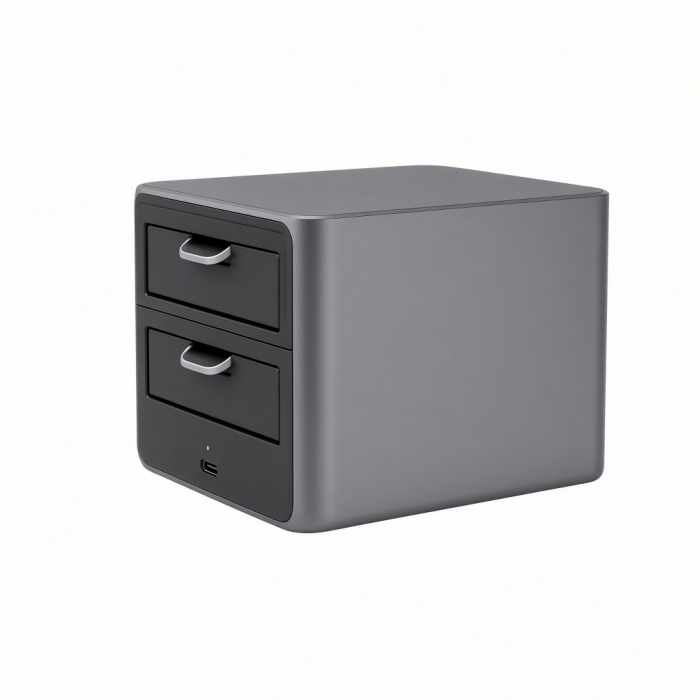
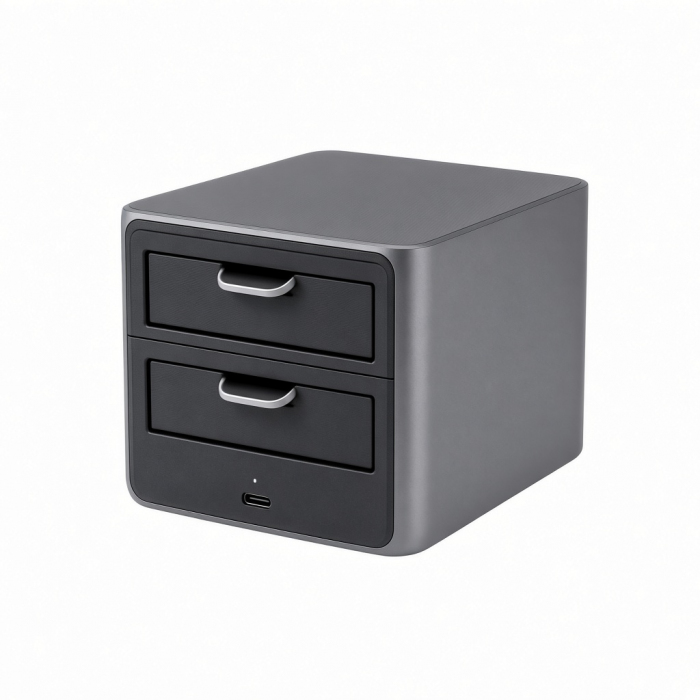
Elevate your setup and boost your computer’s performance with the new Dual Docking Station with NVMe SSD Enclosure. Designed for both business and creative professionals, this dual dock will transform your Apple MacBook or Windows laptop into a powerful hub. Simply connect the dock via the included detachable dual USB-C connectors and power away. Both connectors must be connected simultaneously for the dock to function properly; they can be separated to expand compatibility to host devices other than MacBooks.
Constructed from high-quality aluminum with a space-gray and black finish, the dual docking station fits and looks perfectly seamless underneath your MacBook. The dual dock offers an array of connectivity options including an Ethernet Port with 1 Gigabit speed, 1x DisplayPort, 2x HDMI Ports, 1x SSD Enclosure, 2x USB-A Ports at 10Gpbs and 5Gpbs, 2x USB-C Data Ports at 10Gpbs and 5Gpbs, and a USB-C Power Port with 75W power delivery to keep your device charged while you work.
Tech Specs
Connector Type
Dual USB-C
Dimensions & Weight
15 ounces (about 425.24 g)
Cable length 7.5 in
SKU / UPC
ST-DDSM / 810086360987
Speed
- Gigabit Ethernet
- USB-A Data (5 Gbps)
- USB-A Data (10 Gbps)
- DisplayPort 1.4 (4K@60Hz)
- 2x HDMI 2.0 (4K@60Hz)
- USB-C Data (5 Gbps)
- USB-C Data (10 Gbps)
- USB-C PD Port (75W max)
- M.2 NVMe/SATA SSD Enclosure (10 Gbps)
Compatibility
MacBook
- MacBook Pro M5 Max (16-inch, 2026)
- MacBook Pro M5 Max (14-inch, 2026)
- MacBook Pro M5 Pro (16-inch, 2026)
- MacBook Pro M5 Pro (14-inch, 2026)
- MacBook Pro 16-inch (2019 - 2024)
- MacBook Pro 14-inch (2021 - 2025)*
- MacBook Pro 13-inch (2016 - 2023)
- MacBook Pro 15-inch (2016 - 2019)
- MacBook Air M5 (15-inch, 2026)
- MacBook Air M5 (13-inch, 2026)
- MacBook Air 15-inch (2022 - 2025)*
- MacBook Air 13-inch (2018 - 2025)*
Windows**
- Microsoft Surface Pro 9
- Microsoft Surface Laptop Studio 2
- Lenovo ThinkPad X1 Carbon Gen 2
- Lenovo Yoga 9i Gen 9
- Lenovo Legion S7 15ACH6
- Dell XPS 13 9320 & other USB-C Devices with at least 2 compatible USB-C ports on the left side.
OS Compatibility**
- Windows 11, 10, 8
- macOS x 10.6-10.12 or later
- Chrome OS
*External displays aren’t supported on M1/M2 MacBook Air & MacBook Pro. M3 MacBook Air/Pro supports two displays via USB-C in clamshell mode only.
**System Requirements:Thunderbolt 4, Thunderbolt 3, USB4, or USB 3.2 Gen2 with DP Alt Mode Type-C ports are required for optimal use.
Important Info
What’s In The Box
- Dual Dock Stand
- Screw & Screwdriver
- User Manual
Quick Guide
Download
For California Residents
See CA Proposition 65 Warning
Important Info
- Base model M1/M2 MacBooks are limited to only one display.
- M3 MacBook Air only supports two displays (4K@60Hz) in Clamshell Mode.
How many ports are there?
Ports/ Speeds available Gigabit Ethernet USB-A Data (5 Gbps)
USB-A Data (10 Gbps)
DisplayPort 1.4 (4K@60Hz)
2x HDMI 2.0 (4K@60Hz)
USB-C Data (5 Gbps)
|USB-C Data (10 Gbps)
|USB-C PD Port (75W max)
M.2 NVMe/SATA SSD Enclosure (10 Gbps)
-509x403.png "QICHENG TRADE LIMITED")