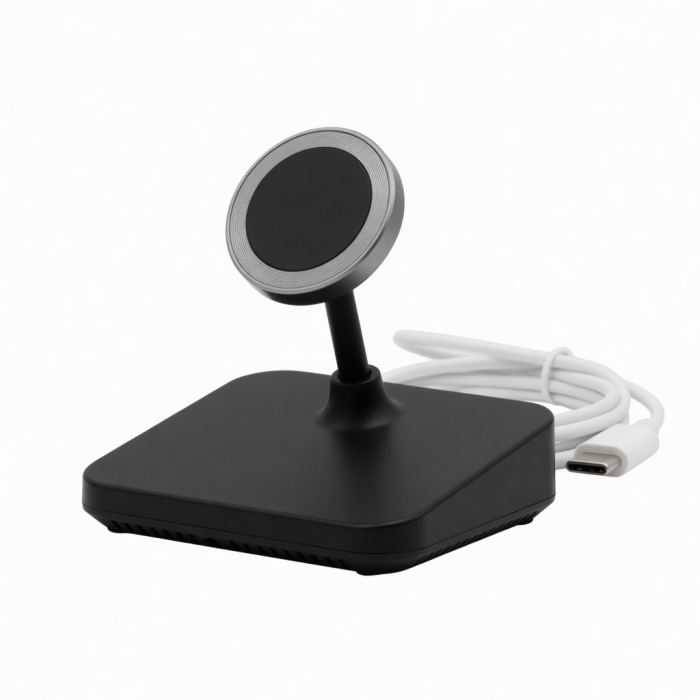
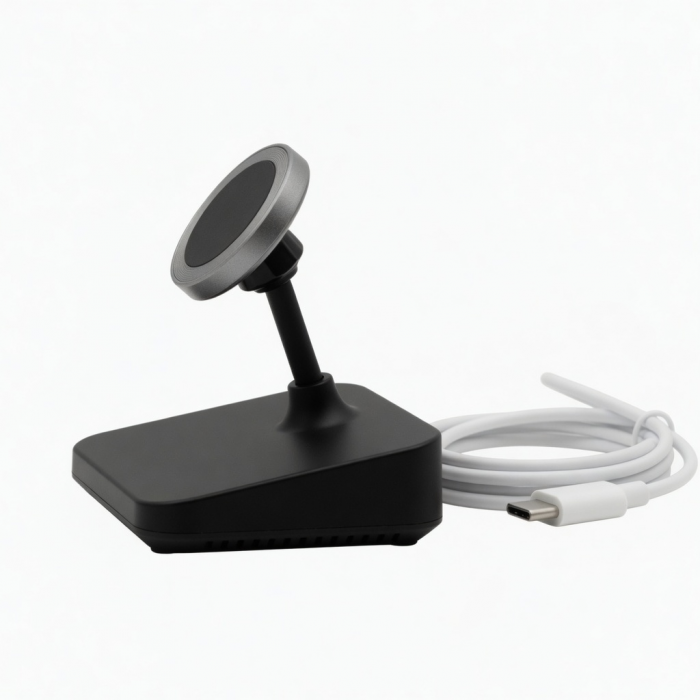
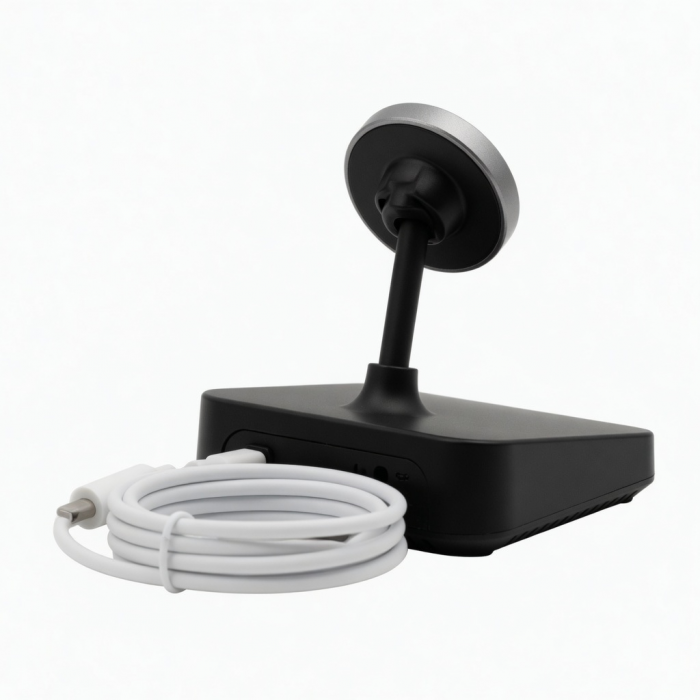
Keep your Apple Watch powered wherever you go with the USB-C Magnetic Charging Dock. Designed to fit all Apple Watch sizes, the Magnetic Charging Dock features an USB-C connection to recharge your Apple Watch when connected to any powered Type-C device. With its sleek yet ultra-portable design, the USB-C Magnetic Charging Dock helps keep your Apple Watch powered and on your wrist for when it matters most.
Tech Specs
What’s In The Box
USB-C Magnetic Charging Dock & User Manual
Connector Type
USB-C
Dimensions & Weight
1.73 x 2 x 0.45 inches, 1.1 oz
Model # / UPC
ST-TCMCAWM / 879961008567
Speed
Output: 5W
Quick Guide
Download
Frequently Asked Questions
FAQ
For California Residents
See CA Proposition 65 Warning
Compatibility
Apple Watch
- Apple Watch Ultra 1-4
- Apple Watch Series 1-12
- Apple Watch SE (1st - 3rd Generations)
Fast-charging is only supported with Apple Watch Series 7 - 11, SE 3; up to 5W for Ultra/2/3AirPods
- AirPods Pro 3
- AirPods 4
- AirPods Pro (2nd generation) with USB-C MagSafe Charging Case
- AirPods Pro (2nd generation)
- AirPods (3rd generation) with MagSafe Charging Case (does not support magnetic alignment)
What is the maximum power output of the charging dock?
The USB-C Magnetic Charging Dock delivers a maximum power output of 5W, suitable for standard and fast charging depending on your Apple Watch model and the connected power source.
What is the charging power provided?
The charging power provided is 5W max.
The dock supports fast charging for Series 7-10 and up to 5W for Ultra & Ultra 2.
What type of power adapter can I use?
You may use this charger directly connected to your iPad, Mac, or a PD power adapter that supports 18W and up.
Can I charge another smartwatch using the magnetic dock?
Unfortunately, the magnetic watch charger is MFi-certified and is designed specifically for the Apple Watch Ultra/8/6/SE/5/4/3/2/1
Does the dock require a separate power adapter, or is it included?
The USB-C Magnetic Charging Dock for Apple Watch does not come with a power adapter. You will need to connect it to a USB-C power source, such as a laptop, tablet, or compatible wall adapter, for it to function.
-509x403.png "QICHENG TRADE LIMITED")