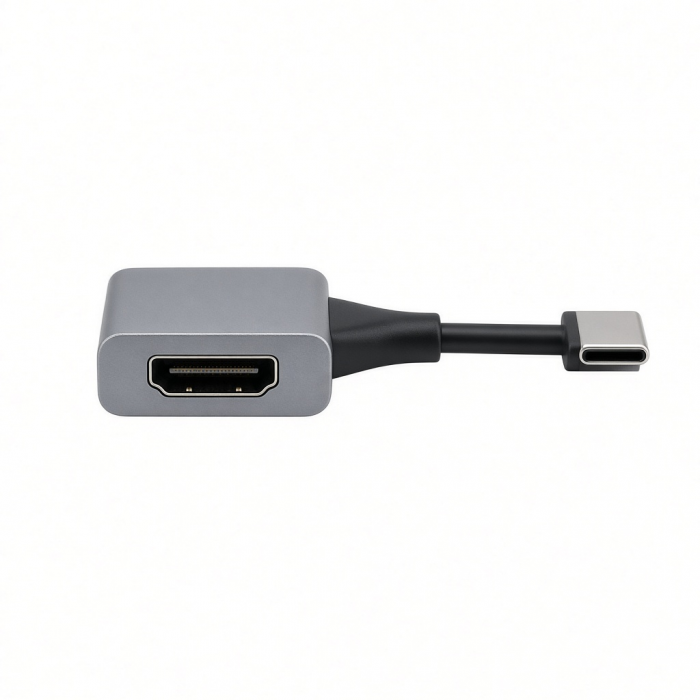
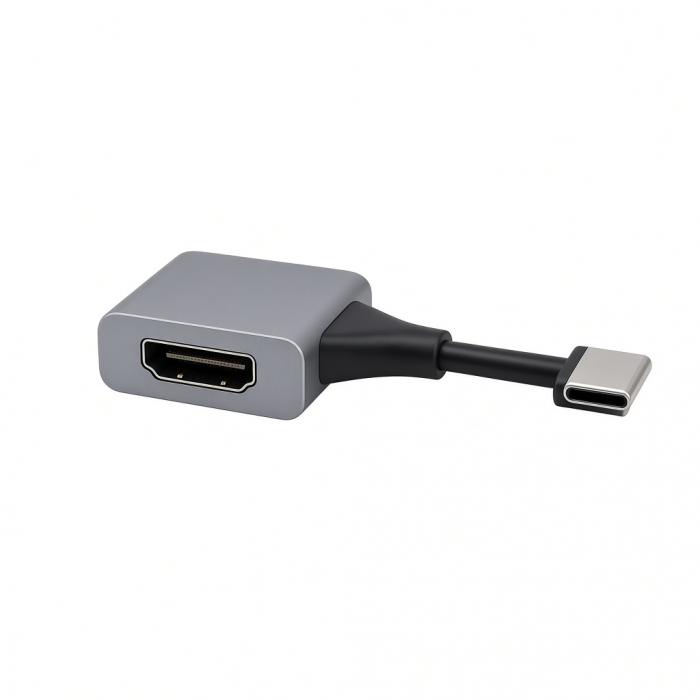
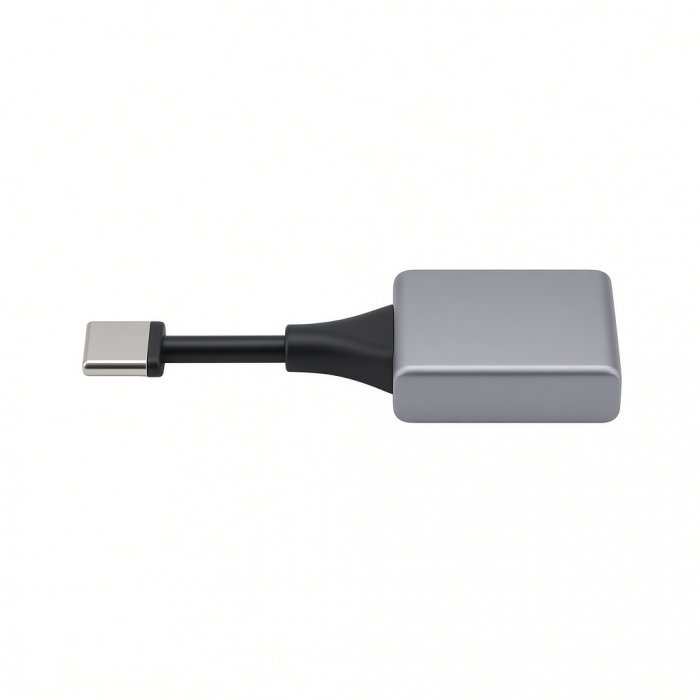
The USB-C to HDMI 2.1 8K Adapter outputs the display of your USB-C device to your external monitor using the latest HDMI 2.1 technology, including 4K/120Hz and 8K/60Hz video for ultra-high resolution and refresh rate. The USB-C to HDMI 2.1 8K Adapter features a sleek aluminum enclosure, a tangle-free braided cable, and a reinforced neck for optimum durability.
Tech Specs
CONNECTOR TYPE
USB-C
DIMENSIONS & WEIGHT
Length: 63.77mm
Width: 28.09mm
Height: 12.95mm
Weight: 40g
Cable Length: 7.63in (193.68mm)
SPECS
Mac Devices support up to 4K / 60Hz
8K / 60Hz
4K 60Hz / 120Hz
2K / 240Hz
1080P / 500Hz
Supports Dynamic HDR10+
HDCP 1.4 & HDCP 2.3 specification
SKU / UPC
ST-AC8KHM / 810086360789
Compatibility
MacBook Neo
- MacBook Neo (13-inch, 2026)*
*Must connect to top USB-C port on MacBook Neo
*Neo will only support 4K/60Hz max resolution via HDMI port
MacBook
- MacBook Pro M5 Max (16-inch, 2026)
- MacBook Pro M5 Max (14-inch, 2026)
- MacBook Pro M5 Pro (16-inch, 2026)
- MacBook Pro M5 Pro (14-inch, 2026)
- MacBook Pro 16-inch (2019 - 2024)
- MacBook Pro 14-inch (2021 - 2025)
- MacBook Pro 13-inch (2016 - 2023)
- MacBook Pro 15-inch (2016 - 2019)
- MacBook Air M5 (15-inch, 2026)
- MacBook Air M5 (13-inch, 2026)
- MacBook Air 15-inch (2022 - 2025)
- MacBook Air 13-inch (2018 - 2025)
Mac/iMac
- iMac 24-inch (2021 - 2024)
- iMac 21.5-inch (2017 - 2021)
- iMac 27-inch (2017 - 2020)
- iMac Pro (2017)
- Mac Mini M6 (2026)
- Mac Mini M5 Pro (2026)
- Mac mini (2018 - 2024)
- Mac Studio (2022 - 2025)
iPad
- iPad Air (M4, 2026)
- iPad Pro 13-inch (2021 - 2025)
- iPad Pro 11-inch (2018 - 2025)
- iPad Air 13-inch (2024 - 2025)
- iPad Air 11-inch (2020 - 2025)
- iPad (2022 - 2025)
- iPad mini (2021 - 2024)
iPhone
- iPhone 18 Pro Max (2026)
- iPhone 18 Pro (2026)
- iPhone 17 Pro / Max (2025)
- iPhone 16 Pro / Max (2024)
- iPhone 15 Pro / Max (2023)
Dell
- XPS 13 Plus (9320)
- XPS 15 (9530)
Lenovo
- ThinkPad X1 Carbon Gen 12
- Yoga 9i Gen 9
Microsoft
- Surface Pro 9
- Surface Laptop Studio 2
- Surface Laptop 5
OS Compatibility
- iOS/iPadOS 10.2 or later
- macOS x 10.6-10.12 or later
- Windows 11, 10, 8
- Chrome OS
**System Requirements: Thunderbolt 4, Thunderbolt 3, USB4, or USB 3.2 Gen2 with DP Alt Mode Type-C ports required for optimal use
Important Info
What’s In The Box
- USB-C To HDMI 2.1 8K Adapter
- User Manual
QUICK GUIDE
Download
FREQUENTLY ASKED QUESTIONS
FAQ
FOR CALIFORNIA RESIDENTS
See CA Proposition 65 Warning
What Display Resolutions and Refresh Rates Does the USB-C to HDMI 2.1 8K Cable Support?
The USB-C to HDMI 2.1 8K Cable supports a wide range of resolutions and refresh rates, including:
8K at 60Hz
4K at 60Hz
4K at 120Hz
2K at 240Hz
1080P at 500Hz
On Mac devices, it supports up to 4K at 60Hz. Resolution support may vary depending on the host device and display compatibility.
What Are the Dimensions of the USB-C to HDMI 2.1 8K Cable?
Length: 63.77 mm
Width: 28.09 mm
Height: 12.95 mm
Weight: 40g
Cable Length: 7.63 in (193.68 mm)
What Is the HDR Support/Specs and HDCP Version?
The cable supports:
Dynamic HDR10+
HDCP 1.4 and HDCP 2.3 specifications
This ensures compatibility with modern content protection standards and high dynamic range visuals.
Is the USB-C to HDMI 2.1 8K Cable Bi-Directional?
No, this cable is not bi-directional. USB-C > Host Device or Adapter > HDMI Monitor
Can I Use the USB-C to HDMI 2.1 8K Cable with the Thunderbolt 4 Dock?
Yes, the cable can be used with one of the Thunderbolt 4 ports on the Thunderbolt 4 Dock.
Maximum supported resolution in this setup: 4K at 60Hz
Recommended setup: USB-C (Host Device or Adapter) > HDMI Monitor
-509x403.png "QICHENG TRADE LIMITED")