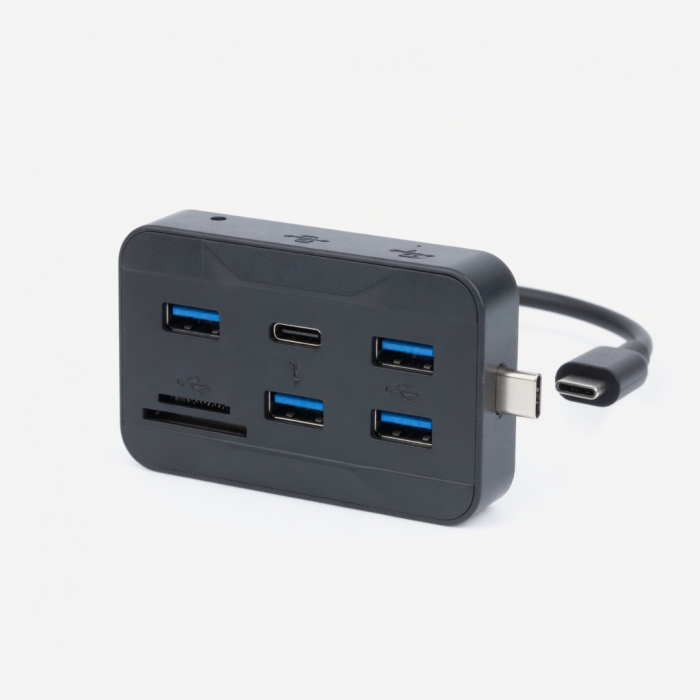
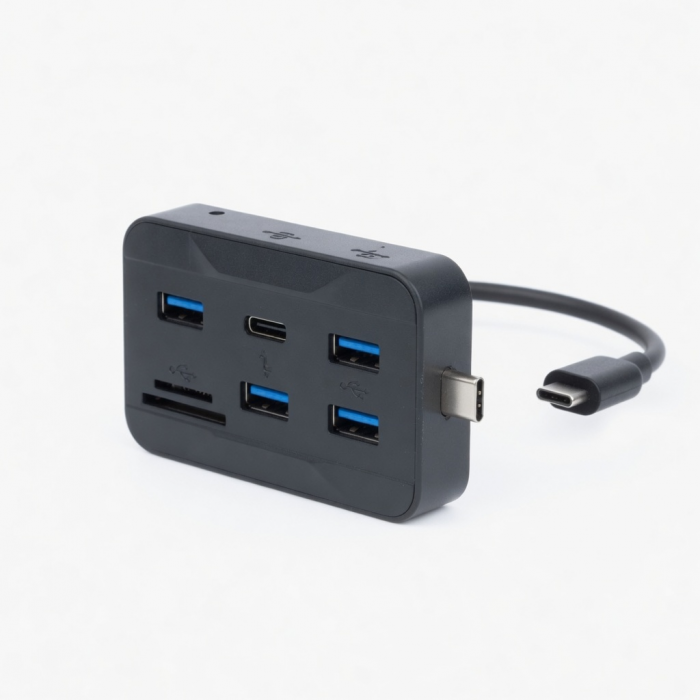
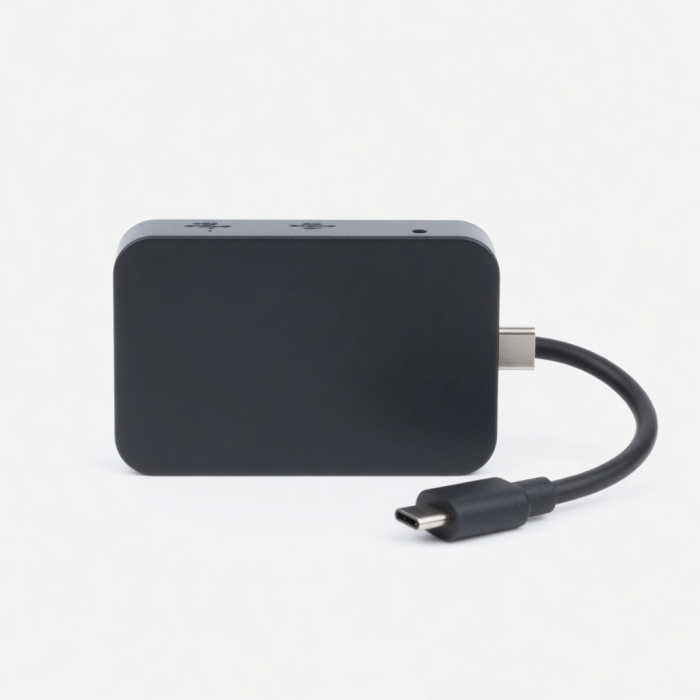
The new and improved Type-C Hub is here. Still offering everything you loved from our Type-C USB 3.0 Hub, the Pass-Through USB Hub now offers a USB-C Port enabling your 12-inch MacBook to be charged while the adapter is plugged in.
Tech Specs
What’s In The Box
Type-C Pass-Through USB Hub & User Manual
Connector Type
USB-C
Dimensions & Type
3.31 x 1.06 x 0.3 inches, 0.88 ounces
Model# / UPC
ST-TCUPS / 879961005610 (silver)
ST-TCUPM / 879961005634 (space gray)
ST-TCUPR / 879961006204 (rose gold)
Speed
- 1 x USB-C pass through charging - up to 60W
- 1 x micro/SD card reader slots
- 2 x USB-A data ports - up to 5 Gbps
Quick Guide
Download
Frequently Asked Questions
FAQ
California Residents
See CA Proposition 65 Warning
Important
USB-A ports will not support CD readers, including Apple SuperDrive, or charge iPads. We recommend connecting one bus-powered device at a time.
Compatibility
MacBook
- MacBook Pro 16-inch (2019 - 2024)
- MacBook Pro 14-inch (2021 - 2025)
- MacBook Pro 13-inch (2016 - 2023)
- MacBook Pro 15-inch (2016 - 2019)
- MacBook Air 15-inch (2022 - 2025)
- MacBook Air 13-inch (2018 - 2025)
Mac/iMac
- iMac 24-inch (2021 - 2024)
- iMac 21.5-inch (2017 - 2021)
- iMac 27-inch (2017 - 2020)
- iMac Pro (2017)
- Mac mini (2018 - 2024)
- Mac Studio (2022 - 2025)
iPad
- iPad Pro 13-inch (2021 - 2025)
- iPad Pro 11-inch (2018 - 2025)
- iPad Air 13-inch (2024 - 2025)
- iPad Air 11-inch (2020 - 2025)
- iPad (2022 - 2025)
- iPad mini (2021 - 2024)
iPhone
- iPhone 17 Pro / Max (2025)
- iPhone 16 Pro / Max (2024)
- iPhone 15 Pro / Max (2023)
Dell
- XPS 13 Plus (9320)
- XPS 15 (9530)
Lenovo
- ThinkPad X1 Carbon Gen 12
- Yoga 9i Gen 9
Microsoft
- Surface Pro 9
- Surface Laptop Studio 2
- Surface Laptop 5
OS Compatibility
- iOS/iPadOS 10.2 or later
- macOS x 10.6-10.12 or later
- Windows 11, 10, 8
- Chrome OS
**System Requirements: Thunderbolt 4, Thunderbolt 3, USB4, or USB 3.2 Gen2 with DP Alt Mode Type-C ports required for optimal use
Can it be used with the google pixel-C for charging and accessing SD-cards?
Yes, the Type-C USB 3.0 Hub (with USB -C Charging Port) is compatible with the Google Pixel-C. The Type-C USB Hub and will pass through a charge to the tablet and allow you to access your SD cards.
Will that cause issues such as getting the message "Not Charging"?
You normally get the "Not Charging" status when your computer is connected to a power source that gives it enough power to run, but not enough power to charge the battery.Since you will be using the Original Charger that came with the Mac, it will make up for any power diminishment on the hub and will not cause the Mac to show the "Not Charging" status. Can I use this with the new iPad 10.
Can I use the USB-C to transfer files from my MacBook to an External Hard Drive?
The USB-C port on this Hub is only for passing a charge through to the MacBook you are connected to. For data transfer, you may use the 2 x USB-A data ports (up to 5 Gbps)
Does it support 85w for new MacBook Pro?
The Type-C USB 3.0 3 in 1 Combo Hub has an output of 49W.
Will this work on something other than a Mac?
I have a Samsung Tab Pro S with a usb type-c.
Unfortunately the Type-C USB Hub is only compatible with Mac.
Is this good for new version 13.
-509x403.png "QICHENG TRADE LIMITED")