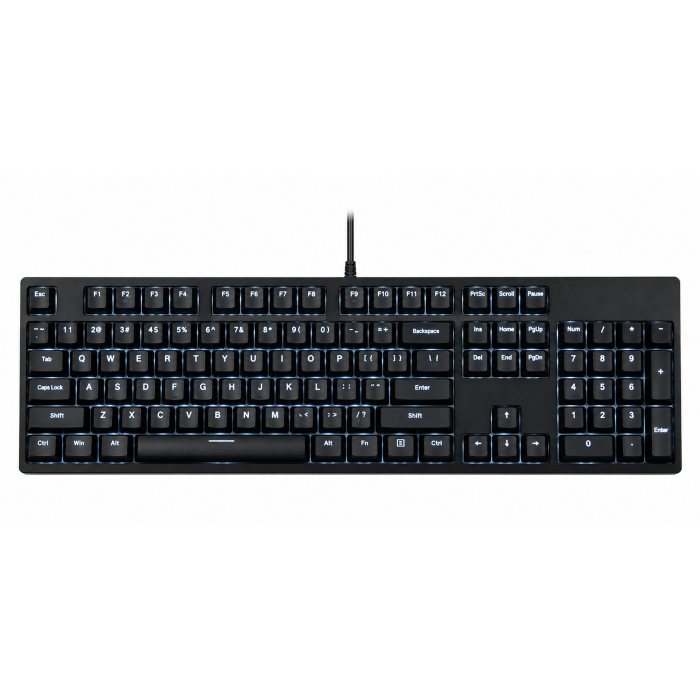
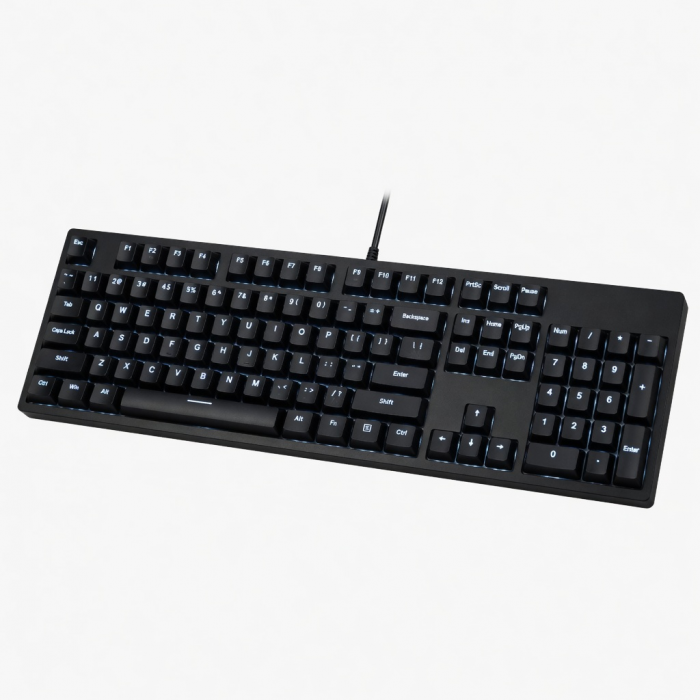
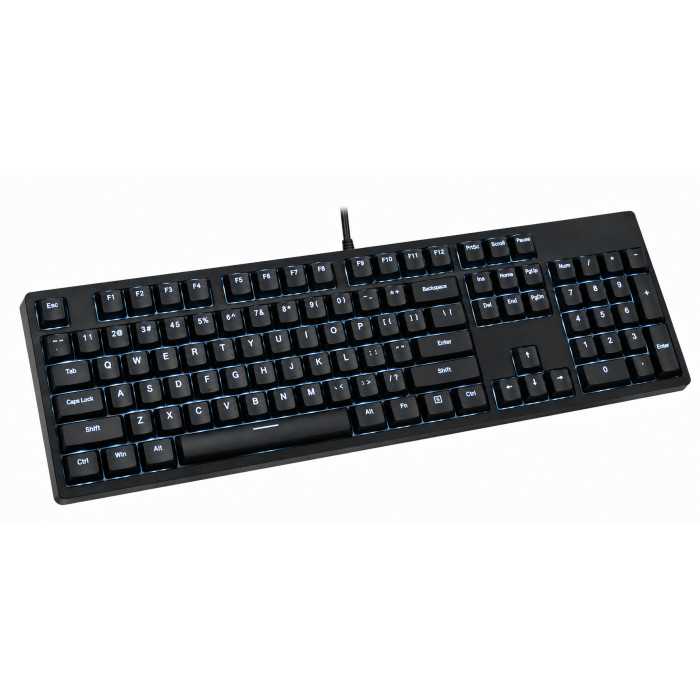
Complete your modern desk space, while working remotely or from home, with the Slim W3 Wired Backlit Keyboard. Designed for Mac devices, the W3 Keyboard features an extended layout with a numeric pad, and convenient shortcut keys optimized for Mac & iOS – all with an ultra-slim, modern design. Equipped with adjustable backlit keys and a wired USB-C connection, the keyboard allows you to work with ease wherever or whenever your creativity takes you.
Tech Specs
What’s In The Box
Slim W3 Wired Backlit Keyboard, 2x Rubber risers & User Manual
Connector Type
Wired USB-C
Dimensions & Weight
16.65 x 4.5 x 0.39 inches, 0.97 lbs
Model# / UPC
ST-UCSW3M / 879961009083
Quick Guide
Download
Frequently Asked Questions
FAQ
California Residents
See CA Proposition 65 Warning
Compatibility
MacBook Neo
- MacBook Neo (13-inch, 2026)
MacBook
- MacBook Pro M5 Max (14" & 16", 2026)
- MacBook Pro M5 Pro (14" & 16", 2026)
- MacBook Pro 16-inch (2019 - 2024)
- MacBook Pro 14-inch (2021 - 2025)
- MacBook Pro 13-inch (2016 - 2023)
- MacBook Pro 15-inch (2016 - 2019)
- MacBook Air 15-inch (2022 - 2025)
- MacBook Air 13-inch (2018 - 2025)
Mac/iMac
- iMac 24-inch (2021 - 2024)
- iMac 21.5-inch (2017 - 2021)
- iMac 27-inch (2017 – 2020)
- iMac Pro (2017)
- Mac Mini M6 (2026)
- Mac Mini M5 Pro (2026)
- Mac mini (2018 - 2024)
- Mac Studio (2022 - 2025)
iPad
- iPad Air M4 (11" & 13", 2026)
- iPad Pro 12.9-inch (2021 - 2025)
- iPad Pro 11-inch (2018 - 2025)
- iPad Air (2020 - 2025)
- iPad (2022 - 2025)
- iPad mini (2021 - 2024)
iPhone
- iPhone 18 Pro Max (2026)
- iPhone 18 Pro (2026)
- iPhone 17e
- iPhone 17 Pro
- iPhone 17 Pro Max
- iPhone 17
- iPhone Air
- iPhone 16 Pro
- iPhone 16 Pro Max
- iPhone 16
- iPhone 16 Plus
- iPhone 16e
- iPhone 15 Pro
- iPhone 15 Pro Max
- iPhone 15
- iPhone 15 Plus
Important: Does not support devices with a standard USB-A port and would need an adapter for connectivity.
Windows**
- Microsoft Surface Pro 7/8/9
- Microsoft Surface Laptop Studio
- Lenovo ThinkPad X13 Gen 2
- Lenovo X1 Gen 1 Carbon
- Lenovo Yoga 720-13IKB
- Lenovo Legion S7 15ACH6
- Dell XPS 13 9315
- HP Spectre & other USB-C Devices
OS Compatibility**
- Windows 11, 10, 8
- macOS x 10.6-10.12 or later
- iOS/iPadOS 10.2 or later
- Linux 2.6.14 or later
- Chrome OS
**System Requirements: Thunderbolt 4, Thunderbolt 3, USB4, or USB 3.2 Gen2 with DP Alt Mode Type-C ports required for optimal use
My keyboard is not being detected when connected directly to my MacBook Pro. Is this compatible?
We can confirm compatibility with the MacBook Pro models. If your keyboard is not detected we recommend unplugging the keyboard and restarting your host device.
Will I be able to connect this keyboard through a USB-C port of a powerbank/power adapter since I only have a standard USB port on my older iMac?
We recommend directly connecting the keyboard to a USB-C port of the computer itself. In these cases, we would recommend our Type-A to Type-C Adapter to 'convert' your standard USB. Please note: updating to the latest OS is recommended.
Is this keyboard just for Mac?
While our keyboard shortcut/function keys were designed to mirror macOS and iOS, we can confirm that they are also compatible with Windows. Please note: the keyboard connects via USB-C so please ensure that your computer is equipped with this port.
How many levels of brightness can you adjust the backlit keys?
There are 3 levels of brightness, simply press the F5 key to decrease and F6 to increase brightness. You can also toggle the backlit keys off if needed.
Will you be coming out with different colors?
Not at the moment, for now they only come in Space Gray, but maybe in the near future.
-509x403.png "QICHENG TRADE LIMITED")