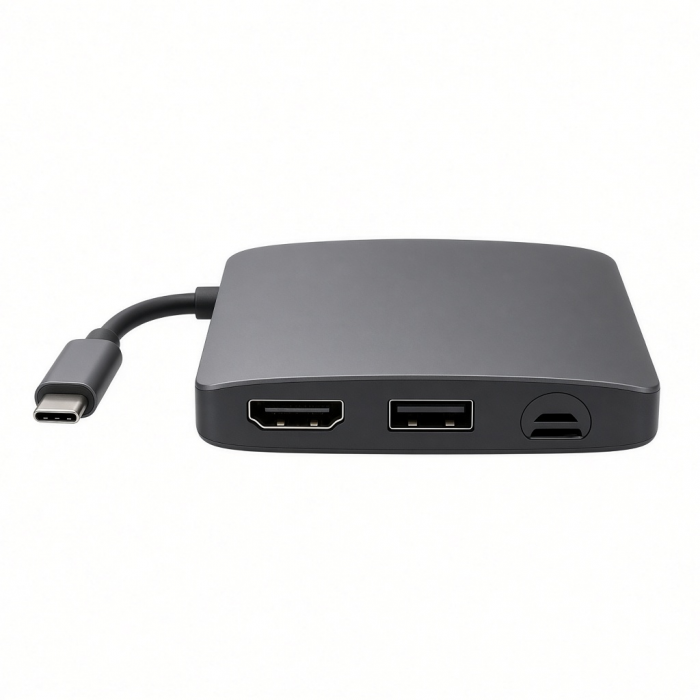
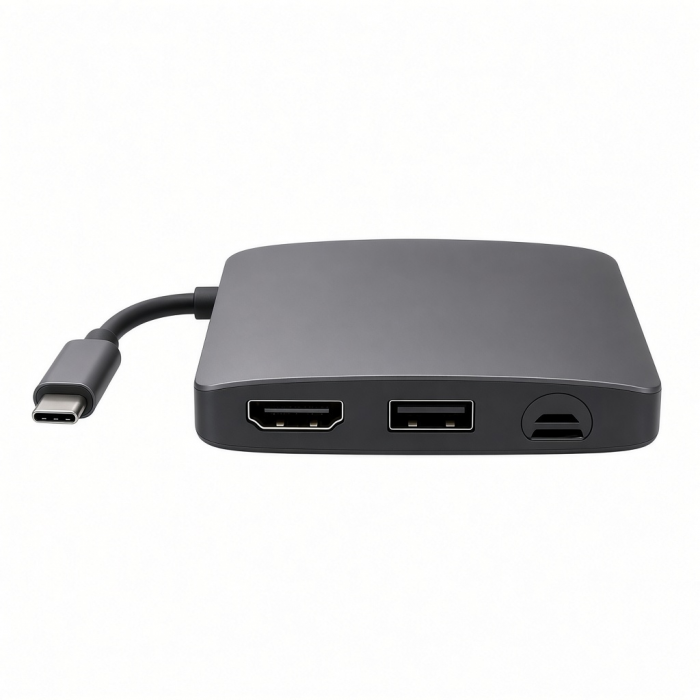
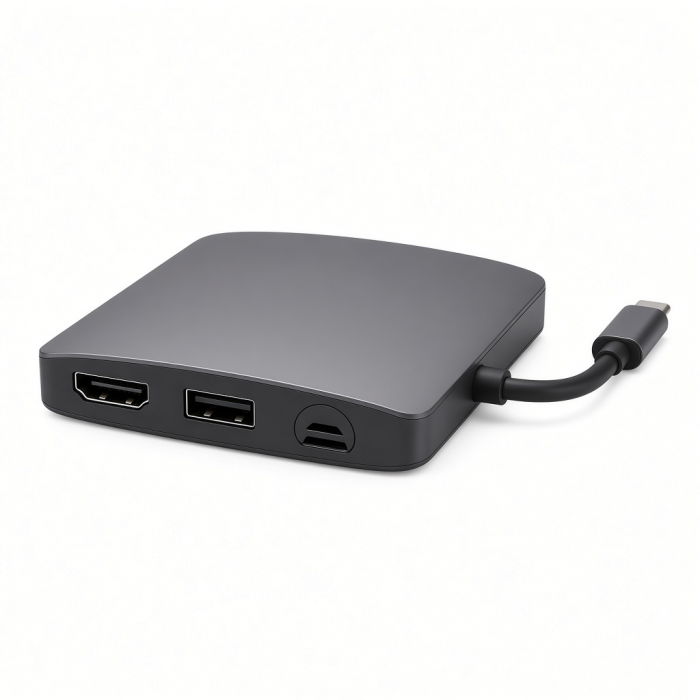
Level up your data storage at home or on-the-go using the USB-C Hybrid Multiport Adapter. Combining the convenience of an external drive and USB Type-C hub, the USB-C Hybrid Multiport Adapter features a built-in SSD storage compartment, 4K HDMI display output, USB-C PD charging, and two USB-A 3.1 data ports – all using just a single USB-C port. With fast data transfer and its sleek aluminum design, you can have your storage and use it too.
Tech Specs
What’s In The Box
USB-C Hybrid Multiport Adapter, User Manual & 2x Silicon plugs
Connector Type
USB-C
Dimensions & Weight
5.3 x 1.8 x 0.6 inches, 3.8 oz
SKU / UPC
ST-UCHSEM / 810086360055 (Space Gray)ST-UCHSEK / 810086360079 (Black)
Speed
SSD Enclosure - fits SATA M.2 SSD (not included). Supports sizes 2230, 2242, 2260, 2280. Does not work with Nvme.USB-C PD - up to 100W (with ~15W used for operation)4K HDMI port - up to 60Hz2 x USB-A 3.1 Gen 2 ports - up to 10 Gbps
Quick Guide
Download
Frequently Asked Questions
FAQ
California Residents
See CA Proposition 65 Warning
Compatibility
MacBook
- MacBook Pro 16-inch (2019 - 2024)
- MacBook Pro 14-inch (2021 - 2025)
- MacBook Pro 13-inch (2016 - 2023)
- MacBook Pro 15-inch (2016 - 2019)
- MacBook Air 15-inch (2022 - 2025)
- MacBook Air 13-inch (2018 - 2025)
Mac/iMac
- iMac 24-inch (2021 - 2024)
- iMac 21.5-inch (2017 - 2021)
- iMac 27-inch (2017 - 2020)
- iMac Pro (2017)
- Mac mini (2018 - 2024)
- Mac Studio (2022 - 2025)
iPad
- iPad Pro 13-inch (2021 - 2025)
- iPad Pro 11-inch (2018 - 2025)
- iPad Air 13-inch (2024 - 2025)
- iPad Air 11-inch (2020 - 2025)
- iPad (2022 - 2025)
- iPad mini (2021 - 2024)
iPhone
- iPhone 17 Pro / Max (2025)
- iPhone 16 Pro / Max (2024)
- iPhone 15 Pro / Max (2023)
Dell
- XPS 13 Plus (9320)
- XPS 15 (9530)
Lenovo
- ThinkPad X1 Carbon Gen 12
- Yoga 9i Gen 9
Microsoft
- Surface Pro 9
- Surface Laptop Studio 2
- Surface Laptop 5
OS Compatibility
- iOS/iPadOS 10.2 or later
- macOS x 10.6-10.12 or later
- Windows 11, 10, 8
- Chrome OS
**System Requirements: Thunderbolt 4, Thunderbolt 3, USB4, or USB 3.2 Gen2 with DP Alt Mode Type-C ports required for optimal use
What is the standard temperature for this hub when all ports are in use?
We can kindly confirm that the standard and expected temperature of this hub will vary from
85-125 °F depending on the amount and type of peripherals connected at a time. When all ports are in use, it is expected for the adapter to get hotter than usual due to it being pushed to its limits.
We encourage users to disconnect the adapter whenever it is not in use.
Please feel free to reach out to us if you were to have any inquiries regarding the temperature of your adapter by opening a ticket be...
Will the SSD enclosure support a 4TB SSD?
Unfortunately not. This dock will only support up to 2TB
What SSDs can I use with this adapter?
We can kindly confirm that the Hybrid Multiport Adapter is only capable of working with M.2 SATA SSDs!
This adapter is not compatible with NVMe drives.
Please find a list of M.2 SATA drives we tested with our hubs for compatibility:
KINGSTON (A400)
READ: (320.1 MB/S)
WRITE: (351.6 MB/S)
KINGSTON (UV500)
READ: (261.5 MB/S)
WRITE: (182.4 MB/S)
SAMSUNG 850 EVO
READ: (349.3 MB/s)
WRITE: (326.8 MB/s)
SAMSUNG 860 EVO
READ: (355.2 MB/s)
WRITE: (372.9 MB/s)
WD BLUE 3D
READ: (354.8 MB/s)
WRITE: (367.3 MB/s)
WD GREEN 3D
READ: (297.3 MB/s)
WRITE: (224.3 MB/s)
ADATA (SU800)
READ: (354.1 MB/s)
WRITE: (349.5 MB/s)
Please keep in mind that read and write speeds tend to fluctuate, so you may not see the exact same results as the ones listed above.
Why will my computer not read my new SSD after installing it into my Hybrid adapter?
We can kindly confirm that most new SSDs need to be formatted in order to function with the host device and it's operating system.
Once the M.2 SATA SSD is installed into your Hybrid adapter, please reformat your drive so the Mac can detect it. In order to do so, please follow these steps on a Mac:
Disk Utility > Select SSD from List > Click Erase > Name the drive > Select APFS or Mac OS Extended as the format and then Erase the drive.
If you plan on using this SSD on a PC in the future, you ...
-509x403.png "QICHENG TRADE LIMITED")