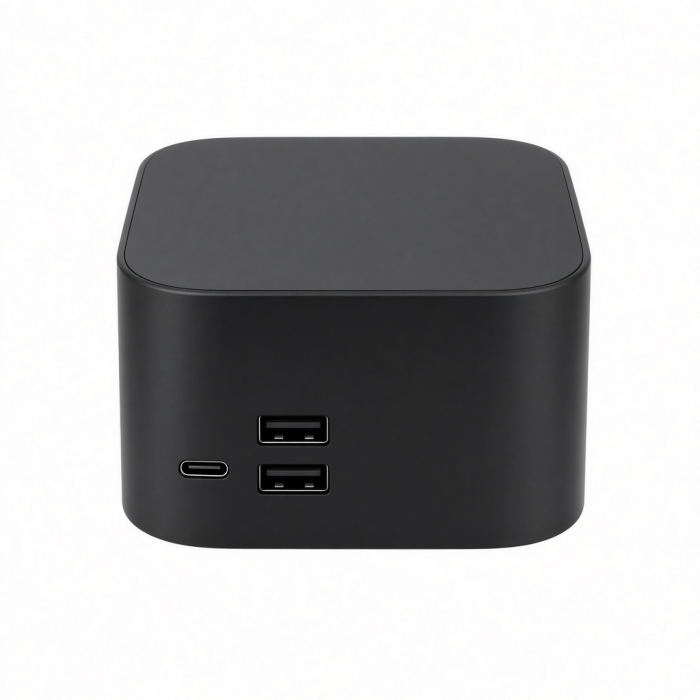
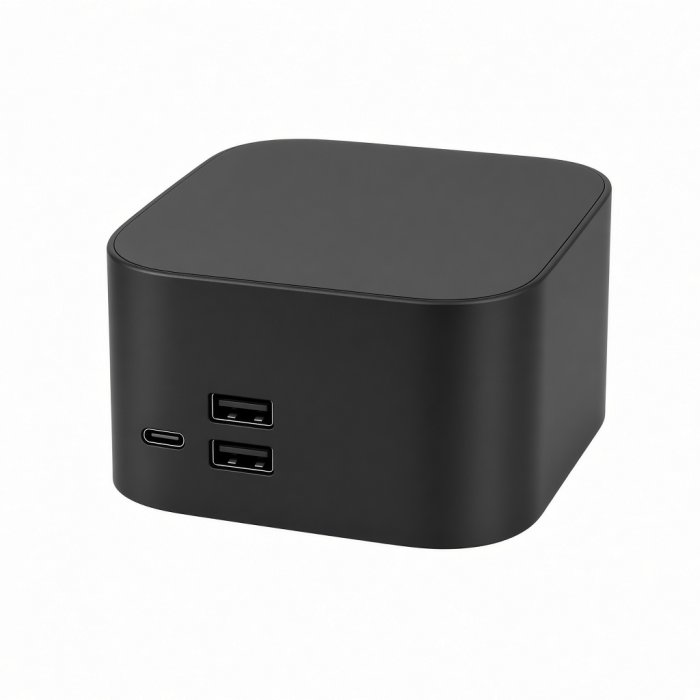
Expand your M2 MacBook Pro’s capabilities with the Pro Hub Mini, featuring a full-function USB4 port, Gigabit Ethernet, USB-C data, two USB-A data, and an audio jack port. With a multitude of options for fast data transfer and its modern aluminum design, the Pro Hub Mini packs all your essential ports in one sleek, user-friendly hub. Simply, plug and play to complete your 2023 MacBook Pro experience.
Tech Specs
What’s In The Box
Pro Hub Mini Adapter & User Manual
Connector Type
Dual USB-C with headphone jack (adjustable)
Dimensions & Weight
3.97 x 1.5 x 0.47 inches,
SKU (Color) / UPC
ST-UCPHMIM (Space Gray) / 810086360291
ST-UCPHMIS (Silver) / 810086360307
Speed
1 x USB 4 - up to 96W charging, up to 6K 60Hz display output, up to 40 Gbps data transfer
2 x USB-A 3.0 data ports - up to 5 Gbps, does not support charging or CD drives
1 x Gigabit Ethernet port1 x USB-C data port - up to 5 Gbps
1 x Audio jack port
Quick Guide
Download
Frequently Asked Questions
FAQ
California Residents
See CA Proposition 65 Warning
Compatibility
Dual external display is not supported on the base M1/M2. M3 Mac devices only support dual displays in Clamshell Mode.
MacBook
- MacBook Pro 16-inch (2019 - 2024)
- MacBook Pro 14-inch (2021 - 2025)
- MacBook Pro 13-inch (2016 - 2023)
- MacBook Pro 15-inch (2016 - 2019)
- MacBook Air 15-inch (2022 - 2025)
- MacBook Air 13-inch (2018 - 2025)
*Host device's audio output settings must be changed when using 3.5mm headphone port
Does not support Mac devices without dual USB-C ports
What is the refresh rate when connecting a monitor to the USB-C port next to the pins?
We can kindly confirm the following information upon testing:
Supports 4K at 60Hz when connected to an HDMI to USB-C cable.
Supports 6K at 60HZ when connected to a Thunderbolt cable.
If your monitor is not reading the 60Hz refresh rate, you may need to manually adjust this in your System Preferences > Display > Refresh Rate.
We hope this information has been able to provide a bit of clarification and guidance.
Please feel free to reach out to us if you were to have any inquiries!
Why is there no sound coming out of the audio port when I connect my headphones?
We can confirm that the 3.5mm plastic piece is not functioning and is meant to allow the hub to have a more secured hold onto your M1 Pro/Max MacBook laptop. This piece would not be used when the hub is connecting to a different model MacBook such as the 2020 M1 Pro/Air.
Do both USB-C ports support pass-through charging and video output?
We can confirm that only the USB-C port next to the connection pins supports pass-through charging and video output.
The USB-C port near the 3.5mm headphone jack was designed for data transfer purposes only and will not allow for pass-through charging or video output.
We hope this information has been able to provide a bit of clarification and guidance.
Please feel free to reach out to us if you were to have any inquiries!
Is this hub is compatible with the Microsoft Surface Laptop Studio?
This laptop is equipped with a USB 3.1 gen 1 port, it will technically be compatible, however, the spacing was designed to fit a MacBook, therefore, we would not recommend using it with the Surface Laptop studio.
Does this support High Impedance Headphones?
The audio port on the Pro Hub Mini does not support High Impedance Headphones.
-509x403.png "QICHENG TRADE LIMITED")