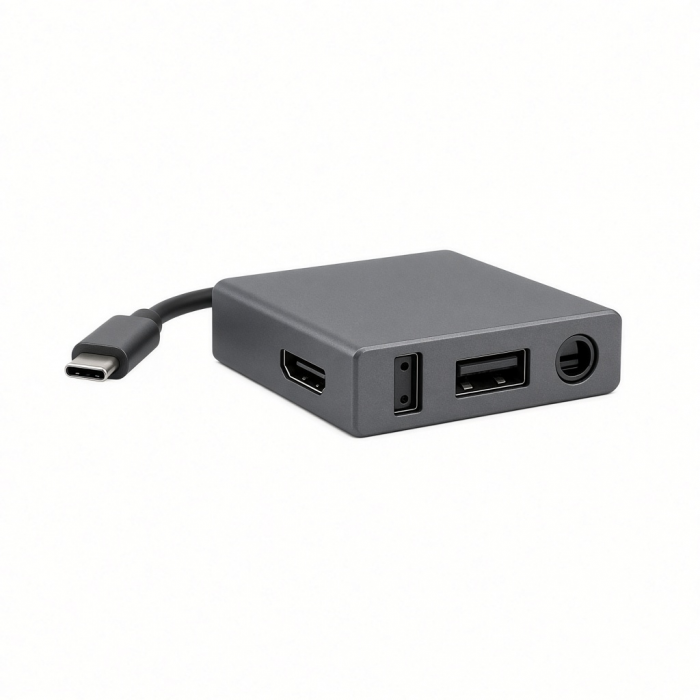
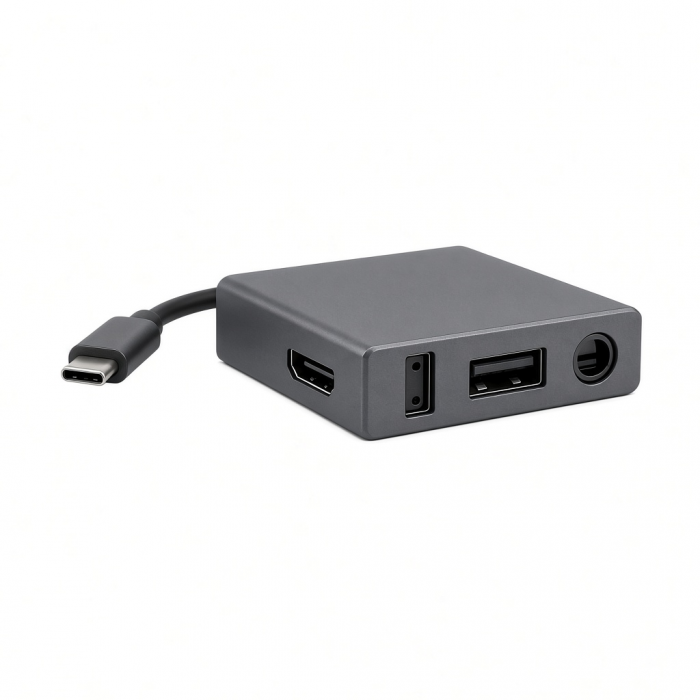
Unlock the full potential of your M1 setup with the USB-C Multiport MX Adapter. Powerful yet ultra-sleek, the adapter features dual 4K HDMI, Gigabit Ethernet, USB-C PD charging, USB-C data, USB-A data, SD card readers, and an audio jack port – all using just a single USB-C port. With its dual display capabilities, a plethora of data ports, and its modern aluminum design, M1 has finally met its match.
Tech Specs
What’s In The Box
USB-C Multiport MX Adapter & User Manual
Connector Type
USB-C
Dimensions & Weight
13 x 6 x 1.5 cm, 180 g
Model# / UPC
ST-UCMXAM / 810086360130
Speed
Dual 4K HDMI output - one port up to 60Hz, one up to 30HzUSB-C PD charging - up to 100W (~15W used for operation)Gigabit EthernetUSB-C data port - up to 5 Gbps2 x USB-A 3.0 data ports - up to 5 GbpsMicro/SD card readers3.5mm audio jack port
Quick Guide
Download
Frequently Asked Questions
FAQ
California Residents
See CA Proposition 65 Warning
Important:SiliconMotion software must be installed for both HDMI ports to function (see manual for full instructions).
Compatibility
Important:SiliconMotion softwaremust be installed for both HDMI ports to function (see manual for full instructions).
MacBook Neo
- MacBook Neo (13-inch, 2026)
MacBook
- MacBook Pro M5 Max (16-inch, 2026)
- MacBook Pro M5 Max (14-inch, 2026)
- MacBook Pro M5 Pro (16-inch, 2026)
- MacBook Pro M5 Pro (14-inch, 2026)
- MacBook Pro 16-inch (2019 - 2024)
- MacBook Pro 14-inch (2021 - 2025)
- MacBook Pro 13-inch (2016 - 2023)
- MacBook Pro 15-inch (2016 - 2019)
- MacBook Air 15-inch (2022 - 2025)
- MacBook Air 13-inch (2018 - 2025)
Mac/iMac
- iMac 24-inch (2021 - 2024)
- iMac 21.5-inch (2017 - 2021)
- iMac 27-inch (2017 - 2020)
- iMac Pro (2017)
- Mac Mini M6 (2026)
- Mac Mini M5 Pro (2026)
- Mac mini (2018 - 2024)
- Mac Studio (2022 - 2025)
iPad
- iPad Air M4 (2026)
- iPad Pro 12.9-inch (2021 - 2025)
- iPad Pro 11-inch (2018 - 2025)
- iPad Air (2020 - 2025)
- iPad (2022 - 2025)
- iPad mini (2021 - 2024)
- Dual extended display will not work; iPadOS does not support InstantView software.
Dell
- XPS 13 Plus (9320)
- XPS 15 (9530)
Lenovo
- ThinkPad X1 Carbon Gen 12
- Yoga 9i Gen 9
Microsoft
- Surface Pro 9
- Surface Laptop Studio 2
- Surface Laptop 5
OS Compatibility
- iOS/iPadOS 10.2 or later
- macOS x 10.6-10.12 or later
- Windows 11, 10, 8
- Chrome OS
**System Requirements: Thunderbolt 4, Thunderbolt 3, USB4, or USB 3.2 Gen2 with DP Alt Mode Type-C ports required for optimal use
Can I connect my USB-C Thunderbolt Display?
Keep in mind that the USB-C ports on the hub adapter do not support video output. The port with the lightning bolt symbol is meant for pass-through charging (up to 85W with a 100W power adapter). The second port with the "SS" label is for super-speed data transfer (up to 5Gbps). For any external display connections, be sure to use the included HDMI ports.
Can I connect my DisplayPort/VGA/DVI-to-HDMI conversion cable to the HDMI port?
We highly recommend using a direct HDMI-to-HDMI cable connection. Most conversion cables and adapters do not always work properly with the internal chipset of our hub adapters.
What is the standard temperature for this hub when all ports are in use?
We can confirm that the standard and expected temperature of this hub will vary from 85-125 degrees F depending on the quantity and types of peripherals connected to the hub at a time. Our hub adapters are BUS-powered and include active chipsets that will power themselves once connected to your computer. When all ports are in use, it is expected for the adapter to get hotter than usual due to it being pushed to its limits. We encourage users to disconnect the adapter from the host device whenever it is not in use.
Does Instant View support the Night Shift mode on the second screen?
Unfortunately not, Silicon Motion (InstantView) software does not support the Night Shift mode or any other Blue light reduction.
Will I be able to use all ports simultaneously?
Yes, you will be able to use the USB-C data, USB-C passthrough, 2x HDMI, 3.5 Aux port, Ethernet, and card slots at the same time. Keep in mind, you will only be able to use 1 card slot at a time (SD or microSD) due to its "sandwich/stacked" layout.
-509x403.png "QICHENG TRADE LIMITED")