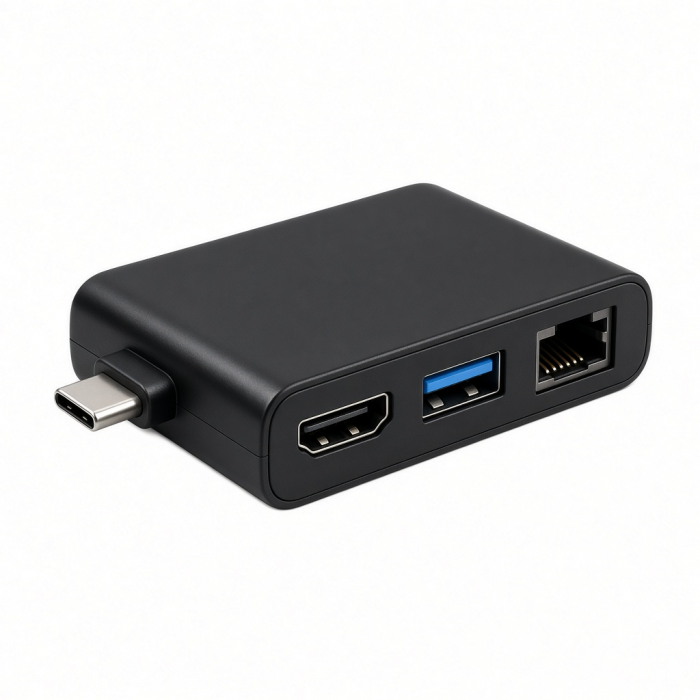
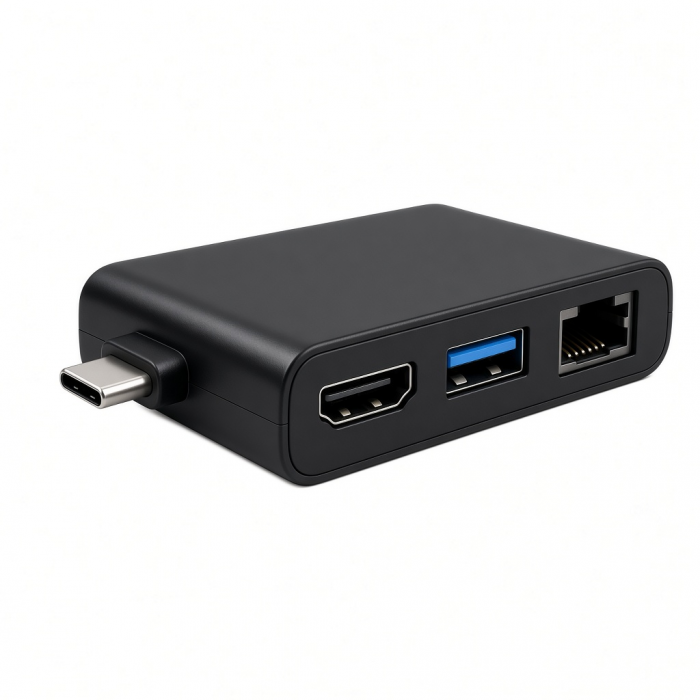
Upgrade your tech to M1 with the USB-C Multimedia Adapter, featuring dual 4K HDMI display ports (60Hz/30Hz), USB-C charging, USB-C data, and two extra USB-A 3.0 data ports – all using a single USB-C connection to your M1 device. With its hi-res dual 4K display output, a multitude of options for fast data transfer, and modern aluminum finish, the USB-C Multimedia Adapter is your all-in-one solution to enhancing your M1 experience.
Tech Specs
What’s In The Box
USB-C Multimedia Adapter M1 & User Manual
Connector Type
USB-C
Dimensions & Weight
12 x 6 x 1.8 cm, 140 g
SKU / UPC
ST-UCM1HM / 810086360147
Speed
1 x 4K HDMI output - up to 60Hz
1 x 4K HDMI output - up to 30Hz
1 x USB-C PD charging - up to 85W
1 x USB-C data port - up to 5 Gbps2 x USB-A data ports - up to 5 Gbps
Quick Guide
Download
Frequently Asked Questions
FAQ
California Residents
See CA Proposition 65 Warning
Important:SiliconMotion software must be installed for both HDMI ports to function (see manual for full instructions).
USB-A data ports do not support charging or CD readers, including Apple SuperDrive.
Compatibility
Important:SiliconMotion softwaremust be installed for both HDMI ports to function (see manual for full instructions).
MacBook
- MacBook Pro 16-inch (2019 - 2024)
- MacBook Pro 14-inch (2021 - 2025)
- MacBook Pro 13-inch (2016 - 2023)
- MacBook Pro 15-inch (2016 - 2019)
- MacBook Air 15-inch (2022 - 2025)
- MacBook Air 13-inch (2018 - 2025)
Mac/iMac
- iMac 24-inch (2021 - 2024)
- iMac 21.5-inch (2017 - 2021)
- iMac 27-inch (2017 - 2020)
- iMac Pro (2017)
- Mac mini (2018 - 2024)
- Mac Studio (2022 - 2025)
iPad
- iPad Pro 12.9-inch (2021 - 2024)
- iPad Pro 11-inch (2018 - 2024)
- iPad Air (2020 - 2025)
- iPad (2022 - 2025)
- iPad mini (2021 - 2024)
- Dual extended display will not work; iPadOS does not support InstantView software.
iPhone
- iPhone 17 Pro / Max (2025)
- iPhone 16 Pro / Max (2024)
- iPhone 15 Pro / Max (2023)
- Dual extended display will not work; iOS does not support InstantView software.
Dell
- XPS 13 Plus (9320)
- XPS 15 (9530)
Lenovo
- ThinkPad X1 Carbon Gen 12
- Yoga 9i Gen 9
Microsoft
- Surface Pro 9
- Surface Laptop Studio 2
- Surface Laptop 5
OS Compatibility
- iOS/iPadOS 10.2 or later
- macOS x 10.6-10.12 or later
- Windows 11, 10, 8
- Chrome OS
**System Requirements: Thunderbolt 4, Thunderbolt 3, USB4, or USB 3.2 Gen2 with DP Alt Mode Type-C ports required for optimal use
Can I charge my iPhone and other USB devices through the standard USB port?
The USB 3.0 ports were designed and recommended for data transfer, however you will still be able to charge your iPhone, but at a slightly slower rate. (each port will support up to 5W and data transfer speeds of up to 5 Gbps)
Is this also compatible with my PC running windows?
Yes, while this hub was primarily designed for macOS and iPadOS it will also work with most PC's running windows. Please ensure that the USB-C port on your Windows device supports "USB 3.1 gen 1 or 2" for full functionality.
Can i use all ports simultaneously while utilizing both HDMI ports?
Yes, you will be able to use all ports simultaneously with no issues. Having that this hub is "bus-powered" and requires power from the host device to distribute to each port, we recommend running power through the USB-C PD port when utilizing all ports on this hub for optimum performance.
Can I use my Apple SuperDrive on this adapter?
Unfortunately not. As it turns out, the USB SuperDrive requires a significant amount of power in order for the drive to be powered and read the disk that has been inserted. When connecting our adapters to your computer, there is a slight power diminishment, having that our adapters are also BUS powered.
When connecting the SuperDrive to our adapter, this will cause for too much power to be required from the USB-C port on your MacBook and will result in a message appearing on your computer statin...
Will I be able to sync/charge my iPad through the USB-C port?
You will not be able to use the USB-C port on this hub for data transfer as it will only support passthrough charging. (supports up to 85W passthrough charging with a 100W power adapter and proper e-mark cable)
-509x403.png "QICHENG TRADE LIMITED")