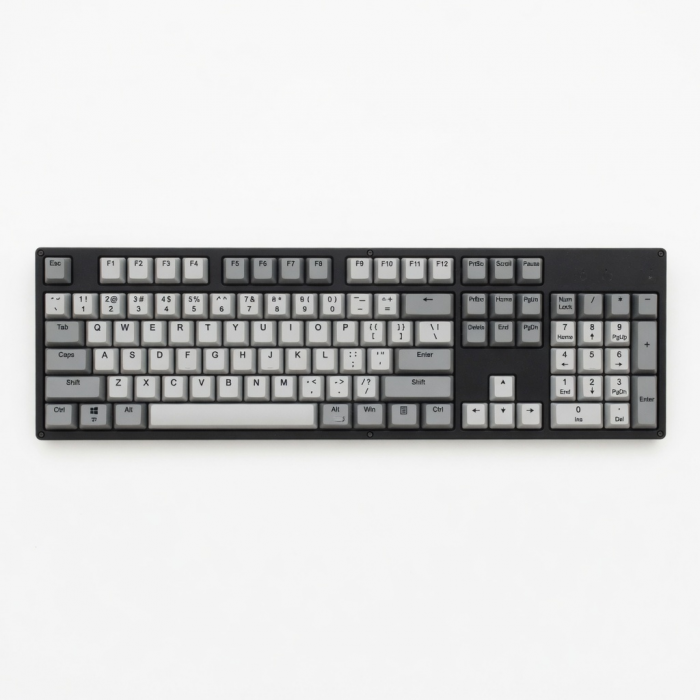
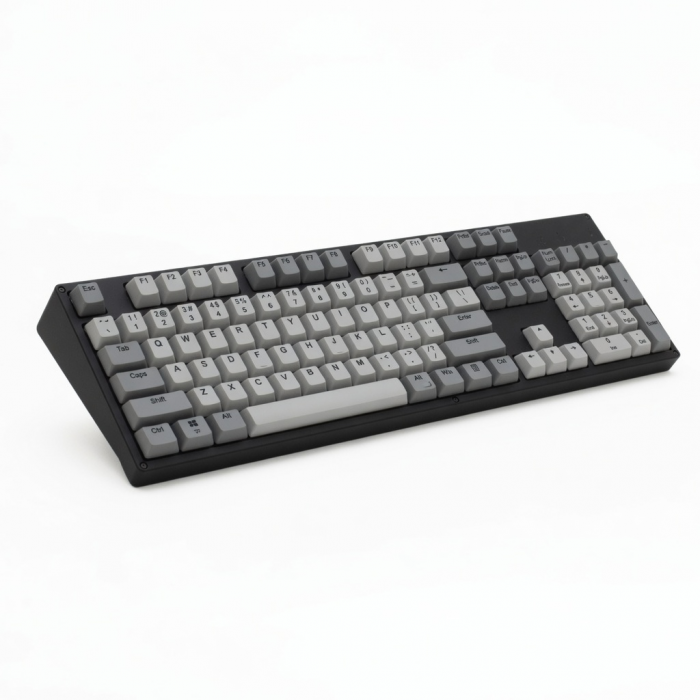
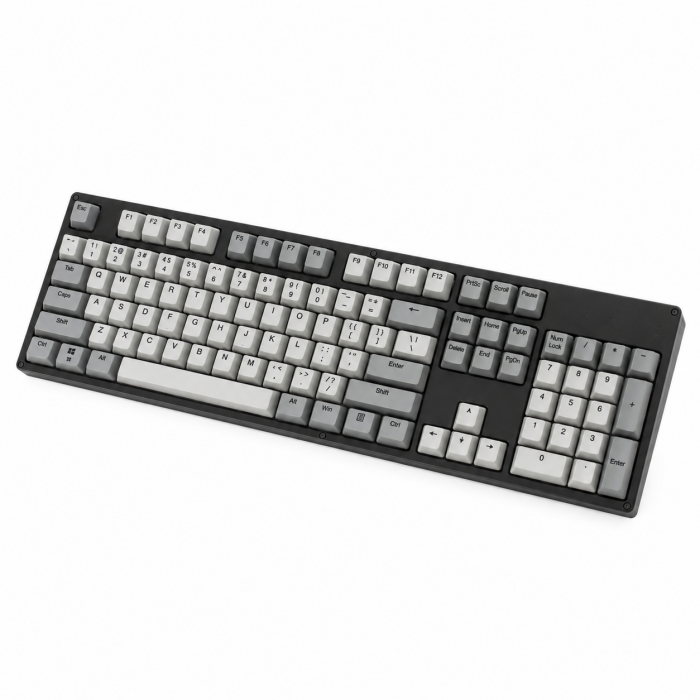
All the features you love in one slim and compact keyboard. Slim X3 Bluetooth Backlit Keyboard is the perfect accessory to your modern desk space, allowing you to work with ease wherever creativity takes you. It features an extended keyboard layout with MacOS function keys, easy-to-use multi-device Bluetooth, adjustable backlit keys, and a rechargeable USB-C port.
Tech Specs
Connector Type
Wireless Bluetooth 5.0
Dimensions & Weight
Length: 16.69 in. / 42.4 cm
Width: 4.5 in. / 11.5 cm
Height: 0.4 in. / 1.2 cm
Weight: 15.52 oz / 439.9 g
SKU / UPC
ST-BTSX3M (Space Gray) / 879961009052
ST-BTSX3S (Silver) / 879961009311
Technical Specifications
Bluetooth Version: 5.0
Bluetooth Connectivity: Connect with up to 4 separate devices
Port Type: USB-C (Charging and Wired Mode)
Compatibility
*Layout is in U.S. English only
MacBook Neo
- MacBook Neo (13-inch, 2026)
MacBook
- MacBook Pro M5 Max (14" & 16", 2026)
- MacBook Pro M5 Pro (14" & 16", 2026)
- MacBook Pro 16-inch (2019 - 2024)
- MacBook Pro 14-inch (2021 - 2025)
- MacBook Pro 13-inch (2016 - 2023)
- MacBook Pro 15-inch (2016 - 2019)
- MacBook Air 15-inch (2022 - 2025)
- MacBook Air 13-inch (2018 - 2025)
Mac
- iMac (24-inch, 2021 - 2024)
- iMac (Retina 4K, 21.5-inch, 2017)
- iMac (Retina 5K, 27-inch, 2019–2020)
- iMac (Retina 5K, 27-inch, 2017)
- iMac Pro (2017)
- Mac Mini M6 (2026)
- Mac Mini M5 Pro (2026)
- Mac mini (2018 - 2025)
- Mac Studio (2022 - 2025)
- Mac Pro (2023)
iPad
- iPad Air M4 (11" & 13", 2026)
- iPad Pro 12.9-inch (2018 - 2025)
- iPad Pro 11-inch (2018 - 2025)
- iPad Air 4th, 5th, 6th gen (M2)
- iPad 10th, 11th gen
- iPad mini 6th, 7th gen
iPhone
- iPhone 18 Pro Max (2026)
- iPhone 18 Pro (2026)
- iPhone 17e
- iPhone Air (2025)
- iPhone 17 Pro Max (2025)
- iPhone 17 Pro (2025)
- iPhone 17 (2025)
- iPhone 16 Pro Max (2024)
- iPhone 16 Pro (2024)
- iPhone 16 Plus (2024)
- iPhone 16 (2024)
- iPhone 15 Pro Max (2023)
- iPhone 15 Pro (2023)
- iPhone 15 Plus (2023)
- iPhone 15 (2023)
- iPhone 14 Pro Max (2022)
- iPhone 14 Pro (2022)
- iPhone 14 Plus (2022)
- iPhone 14 (2022)
- iPhone 13 Pro Max (2021)
- iPhone 13 Pro (2021)
- iPhone 13 (2021)
- iPhone 13 Mini (2021)
- iPhone 12 Pro Max (2020)
- iPhone 12 Pro (2020)
- iPhone 12 (2020)
- iPhone 12 Mini (2020)
- iPhone 16e
- iPhone 11 Series (Pro, Pro Max)
- iPhone X/ XR/ XS/ XS Max
Windows
- Microsoft Surface Pro 4/5/6/7/8/9
- Microsoft Surface Laptop Studio
- Lenovo ThinkPad X13 Gen 2
- Lenovo X1 Gen 1 Carbon
- Lenovo Yoga 720-13IKB
- Lenovo Legion S7 15ACH6
- Dell XPS 13 9315
- HP Spectre & other USB-C Devices
Not recommended for 2011 & older Mac devices.
Important: Does not support Windows 7 or 8, please only use with Windows 10 devices.
To connect to Windows 10 devices, please add your keypad through PC's Control Panel. Click here for a Windows 10 pairing guide.
Important Info
What's In The Box
- Slim X3 Bluetooth Backlit Keyboard
- USB-C Charging Cable
- Rubber Risers
- User Manual
Quick Guide
Frequently Asked Questions
California Residents
How do I switch between devices when connected to multiple devices via Bluetooth?
The Slim X3 keyboard allows you to pair with up to four devices. You can switch between them by pressing the corresponding Bluetooth button (1, 2, 3, or 4) on the keyboard. Be sure to pre-assign your devices to each desired Bluetooth button.
What are the weight and dimensions of the Slim X3 Bluetooth Backlit Keyboard?
Weight: 440 grams. Length: 16.65 inches. Height: 4.5 inches. Width: 0.39 inches.
Is there a way to use the Slim X3 keyboard with FileVault enabled?
While the Slim X3 keyboard cannot be used for password entry at startup with FileVault enabled, it will work as normal once you log in and the Bluetooth connection is re-established. To avoid issues, you may temporarily disable FileVault or use an Apple keyboard for login purposes.
Is the keyboard compatible with Windows 10 devices?
Yes. The Slim X3 Bluetooth Keyboard is compatible with Windows 10. Pair through Control Panel > Hardware & Sounds > Add A Device (not via standard Bluetooth settings). Note: Some function keys (F1-F12) may not work as they would on Apple devices.
Will the backlight key(s) of the keyboard work when it is not paired to a host device?
No. The backlight key(s) require communication with a host device to function. Without a paired device, the backlight will not turn on.
-509x403.png "QICHENG TRADE LIMITED")