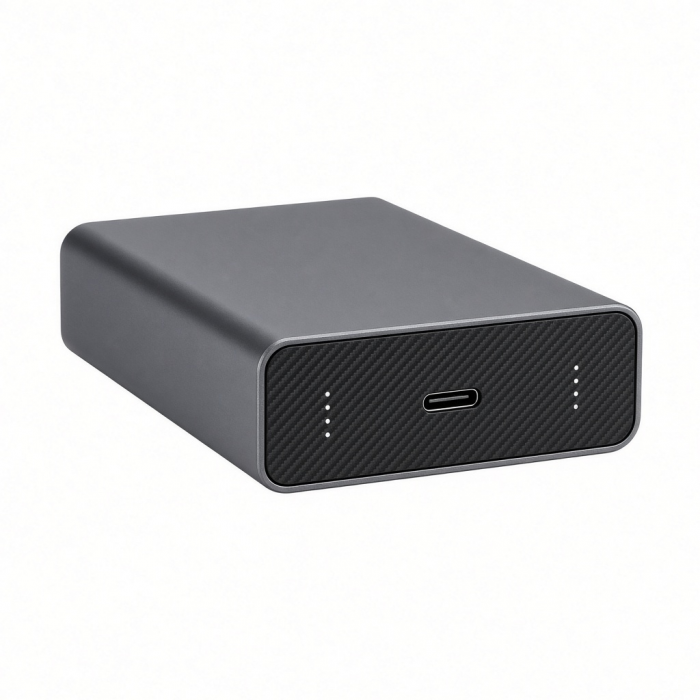
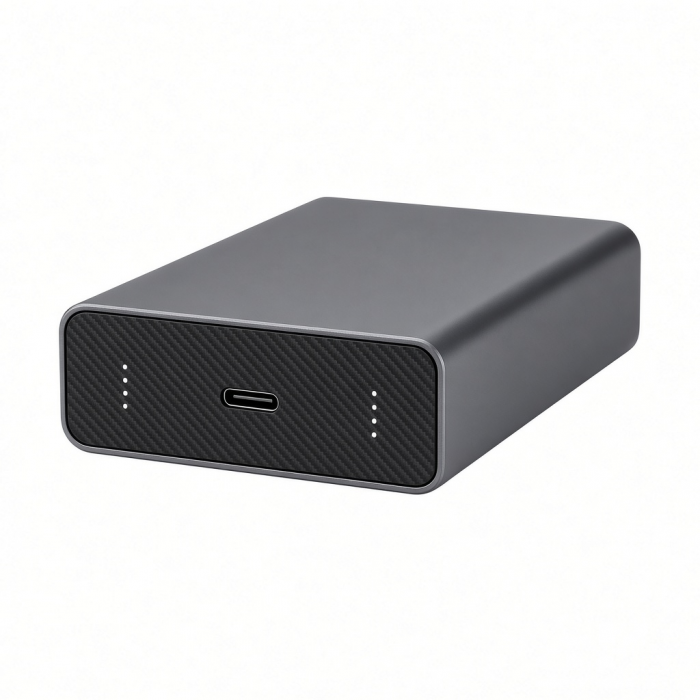
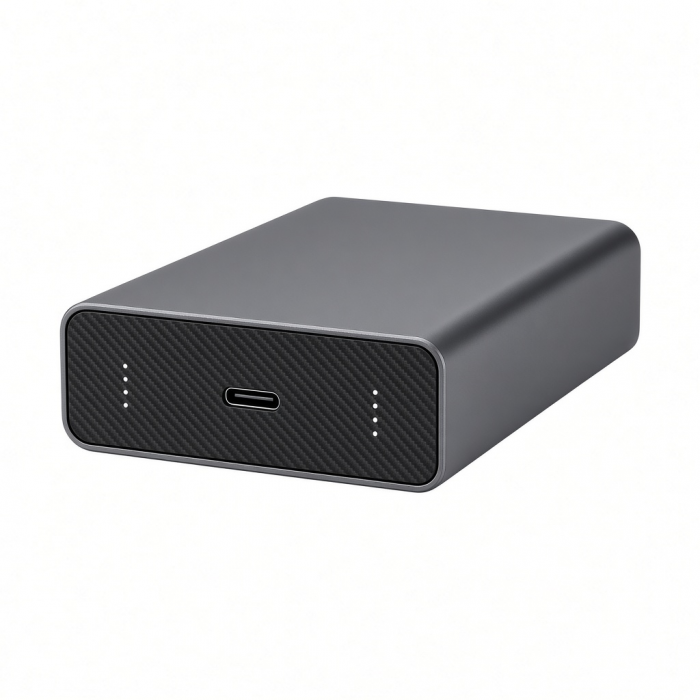
Take your setup to the next level with our USB4 SSD Enclosure - the first of its kind.
Featuring Next-Gen USB4 protocol, our SSD Enclosure adopts a high-performance controller which can effectively improve transfer speeds and extend the lifetime of your SSD. Equipped with the latest USB4 technology, users will be able to take advantage of faster transfer rates while adding versatility for their entire setup. Comprised of high-quality aluminum and built to last, USB4 SSD Enclosure is a perfect example of when performance meets style. *SSD not included
Tech Specs
What’s In The Box
- USB4 NVMe SSD Pro Enclosure
SKU / UPC
Important Info
USB4 SSD enclosure can easily support M.2 NVMe Drives (sizes: 2280/2260/2242/2230mm - up to 16TB) PCI-E Gen 4x4, max bandwidth 8GB/s; real reading/writing speed up to 3840MB/s making it the perfect solution to expand storage, upgrade the system, back up files, retrieve and recover data, and transfer data. Plug and play, no driver needed.
Quick Guide
Download
Frequently Asked Questions
FAQ
California Residents
See CA Proposition 65 Warning
Compatibility
MacBook Neo
MacBook
- MacBook Pro M5 Max (16-inch, 2026)
- MacBook Pro M5 Max (14-inch, 2026)
- MacBook Pro M5 Pro (16-inch, 2026)
- MacBook Pro M5 Pro (14-inch, 2026)
- MacBook Pro 16-inch (2019 - 2024)
- MacBook Pro 14-inch (2021 - 2025)
- MacBook Pro 13-inch (2016 - 2023)
- MacBook Pro 15-inch (2016 - 2019)
- MacBook Air M5 (15-inch, 2026)
- MacBook Air M5 (13-inch, 2026)
- MacBook Air 15-inch (2022 - 2025)
- MacBook Air 13-inch (2018 - 2025)
Mac/iMac
- iMac 24-inch (2021 - 2024)
- iMac 21.5-inch (2017 - 2021)
- iMac 27-inch (2017 – 2020)
- iMac Pro (2017)
- Mac Mini M6 (2026)
- Mac Mini M5 Pro (2026)
- Mac mini (2018 - 2024)
- Mac Studio (2022 - 2025)
iPad**
- iPad Air (M4, 2026)*
- iPad Pro 13-inch
- iPad Pro 11-inch
- iPad Air 13-inch
- iPad Air 11-inch
- iPad
- iPad mini
*Speeds will be limited to 10Gbps
iPhone
*Speeds will be limited to 480Mbps
Windows**
- Microsoft Surface Pro 4/5/6/7/8/9
- Microsoft Surface Laptop Studio
- Lenovo ThinkPad X13 Gen 2
- Lenovo X1 Gen 1 Carbon
- Lenovo Yoga 720-13IKB
- Lenovo Legion S7 15ACH6
- Dell XPS 13 9315
- HP Spectre & other USB-C Devices
OS Compatibility**
- Windows 11, 10, 8
- macOS x 10.6-10.12 or later
- iOS/iPadOS 10.2 or later
- Linux 2.6.14 or later
- Chrome OS
**System Requirements:Thunderbolt 4, Thunderbolt 3, or USB4 Type-C ports required for optimal use
Why am I not getting the speeds advertised on my NVMe drive?
We understand there can be some confusion around SSD speeds and the transfer speed of our USB4 NVMe Pro Enclosure, so we’d love to help clarify things.
The speeds listed for your NVMe SSD are based on testing inside a computer using a direct internal connection (called an M.2 slot). Speeds can be slower when used with an external enclosure—like our USB4 model. This is normal, as the enclosure connects through USB, which works differently than internal computer parts.
To make sure you’re getting the best performance from your enclosure, please check the following:
1. Use the USB4 cable that came with the enclosure.
2. Plug it into one of the USB4 or Thunderbolt 3/4/5 (⚡️) ports on your Apple computer or PC.
You can also try:
• Testing with a different SSD or USB-C cable (USB4 or Thunderbolt 4 compatible).
• Trying the setup on another Mac, ideally one with Thunderbolt 4 or Thunderbolt 5 ports.
Lastly, make sure your Mac is fully updated. Then, unplug all USB-C devices and do a full restart of your Mac.
What format does the SSD need to be in order to be supported on a PC?
The SSD must be formatted in exFAT to be used on a PC. This format also supports Mac OS.
On the other hand, NTFS format is exclusive to PCs and not compatible with Mac OS.
Is it possible to do SSD hot swapping?
No, it is not.
Ensure you follow the proper SSD swapping procedures. Eject the drive and completely disconnect the enclosure before removing and replacing the NVMe drive.
What size SSDs are compatible with the enclosure?
The supported sizes are 2242, 2260, and 2280
What NVMe drives are compatible with your USB4 NVMe Pro Enclosure?
Our USB4 SSD enclosure can easily support M.2 NVMe Drives (sizes: 2280/2260/2242mm) PCI-E Gen 4x4, max bandwidth 8GB/s; real reading/writing speed up to 3840MB/s making it the perfect solution to expand storage, upgrade the system, back up files, retrieve and recover data, and transfer data. Plug and play, no driver needed.
Please note: Not compatible with Solid State Drives with Double Sided Drives or Drives with Heat Sinks.
For best thermal distribution, please use the included Thermal Pad and Clear Polycarbonate Case.
Here are some examples of supported M.2 NVMe Drives:
Samsung 980 / 990 Pro
Samsung 970 Evo Plus
Crucial P3 Plus 2TB
Western Digital Black SN570 / SN770 / SN750
Western Digital Blue SN550
PNY CS2140 / CS2230
SK Hynix Gold P31 / SK Hynix Platinum P41
Crucial P2 / P3
Kingston NV1 / NV2 / A2000
Seagate Barracuda Q5 / 510
XPG Spectrix S40G
Sabrent Rocket
Corsair MP600 Mini (2230) / Corsair MP510
Adata XPG SX8200 Pr
*Users are not limited to using one of the tested drives included above. If you wish to use a different drive that is not included on this list, please ensure the solid-state drive supports the same protocols and sizes as our enclosure.
is not affiliated with any of the solid-state brands listed above. This list was published for educational purposes only. is also not liable for data loss due to improper usage.
-509x403.png "QICHENG TRADE LIMITED")