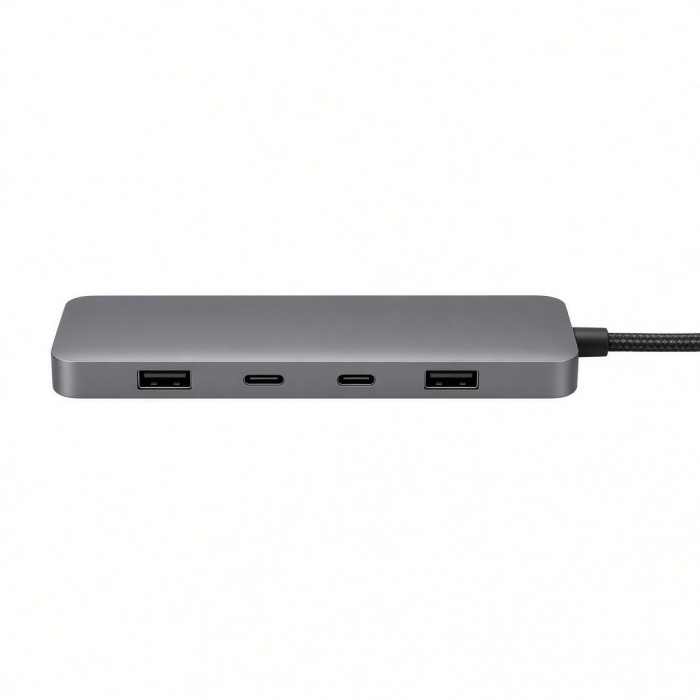
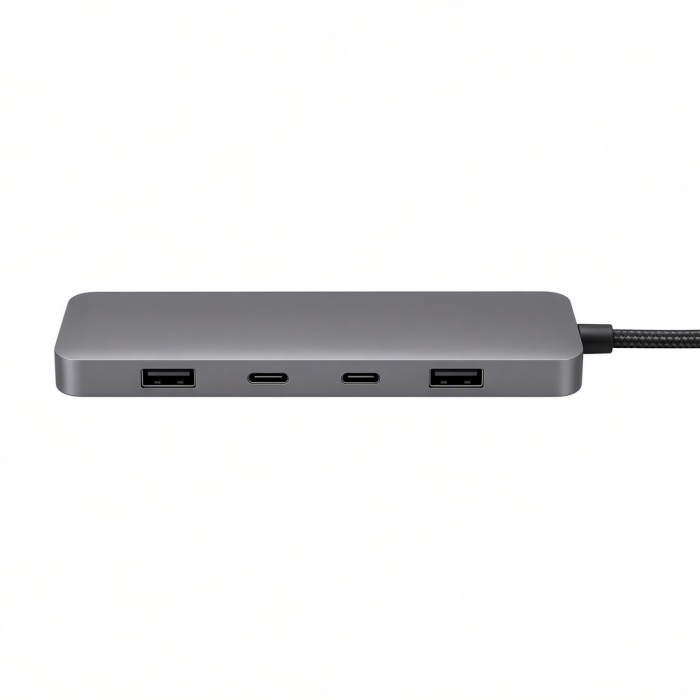
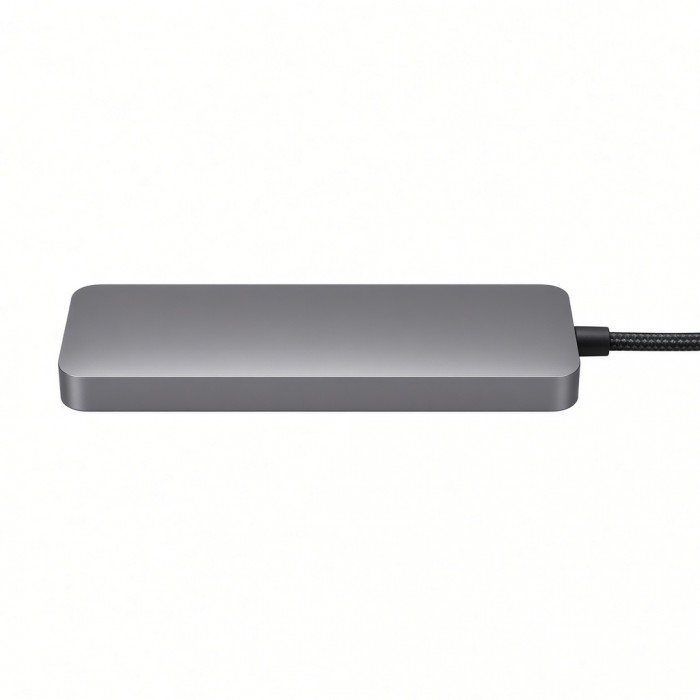
Upgrade your setup with the Thunderbolt 4 Slim Hub Pro for smoother video streaming, faster data transfer, and powerful charging. Ideal for creative professionals, our upgraded hub supports up to 40Gbps data transfer speeds and up to 8K/60Hz video output while delivering 96W of charging to the host device. Its sleek, modern design features aircraft-grade Space Gray aluminum, chamfered edges, and a slim silhouette perfect for decluttering your desk space.
Tech Specs
Dimensions & Weight
Length - 135mm
Width - 74mm
Height - 17mm
Weight - 248g
SKU / UPC
ST-HT4SHM-US / 879961008154
ST-HT4SHM-EU / 879961008161
Speed
- 1x Thunderbolt 4 Upstream Port - 96W PD
- 1x Type-A USB 3.2 Gen 2 Data Port - up to 10gbps
- 3x Thunderbolt 4 Downstream Ports up to 40 Gbps, 15W
- (2x) 4K at 60Hz or (1x) 8K at 30Hz or (1x) 6K on Mac
- 1x DC 20V Port
Compatibility
- Base model Apple M1/M2 MacBooks are limited to only one display.
- Base model Apple M3 MacBook Air and Pro only support two displays (4K@60Hz) when closed and in Clamshell Mode.
MacBook Neo
- MacBook Neo (13-inch, 2026)*
*Compatible, but only supports 1 external display
MacBook
- MacBook Pro M5 Max (16-inch, 2026)
- MacBook Pro M5 Max (14-inch, 2026)
- MacBook Pro M5 Pro (16-inch, 2026)
- MacBook Pro M5 Pro (14-inch, 2026)
- MacBook Pro 16-inch (2019 - 2024)
- MacBook Pro 14-inch (2021 - 2025)
- MacBook Pro 13-inch (2016 - 2023)
- MacBook Pro 15-inch (2016 - 2019)
- MacBook Air M5 (15-inch, 2026)
- MacBook Air M5 (13-inch, 2026)
- MacBook Air 15-inch (2022 - 2025)
- MacBook Air 13-inch (2018 - 2025)
Mac/iMac
- iMac 24-inch (2021 - 2024)
- iMac 21.5-inch (2017 - 2021)
- iMac 27-inch (2017 – 2020)
- iMac Pro (2017)
- Mac Mini M6 (2026)
- Mac Mini M5 Pro (2026)
- Mac mini (2018 - 2024)
- Mac Studio (2022 - 2025)
iPad
- iPad Air M4 (2026)
- iPad Pro 12.9-inch (2018 - 2025)
- iPad Pro 11-inch (2018-2025)
Dell**
- XPS 13 Plus (9320)
- XPS 15 (9530)
Lenovo**
- ThinkPad X1 Carbon Gen 12
- Yoga 9i Gen 9
Microsoft**
- Surface Pro 9
- Surface Laptop Studio 2
- Surface Laptop 5
OS Compatibility
- iOS/iPadOS 10.2 or later
- macOS x 10.6-10.12 or later
- Windows 11, 10, 8**
- Chrome OS**
**System Requirements: Thunderbolt 4, Thunderbolt 3, or USB4 ports required for optimal use
Important Info
What's In The Box
- Thunderbolt 4 Slim Hub Pro
- 28" TB4 Host Cable
- AC power adapter, C5 power cable
- User Manual
Quick Guide
Quick Guide
Frequently Asked Questions
FAQ
For California Residents
See CA Proposition 65 Warning
Important Info
- Base model M1/M2 MacBooks are limited to only one display.
- M3 MacBook Air/Pro only supports two displays (4K@60Hz) in Clamshell Mode
What is the weight of the power supply?
It weights approximately 0.6lbs / 10.6oz(305g)
What is the length of the host connecting cable thats included?
The Length of the included Thunderbolt Cable is 28"
What is the power delivery capability of the Thunderbolt 4 upstream port on the Thunderbolt 4 Slim Hub Pro?
The Thunderbolt 4 upstream port on the Thunderbolt 4 Slim Hub Pro supports 96W Power Delivery (PD).
Can I charge and connect my iPad Pro?
Yes, you can utilize any of the Thunderbolt 4 ports for data transfer with your iPad Pro Connected. It will also charge your iPad Pro if needed, at a slightly slower rate (@15W)
Can I use the Thunderbolt 4 Slim Hub to charge my laptop?
Yes, the hub supports up to 60W of power delivery (PD) via the Thunderbolt 4 upstream port. Ensure your laptop's charging requirements match or are below this limit for effective charging.
-509x403.png "QICHENG TRADE LIMITED")