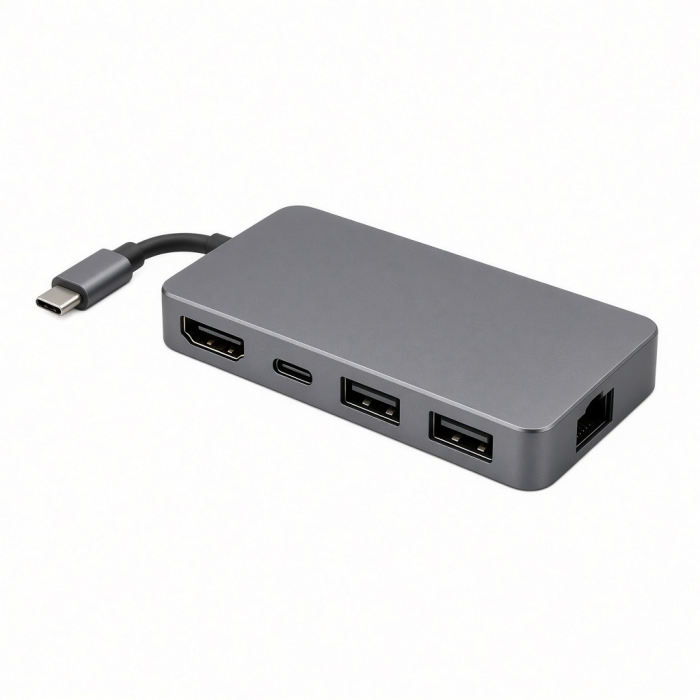
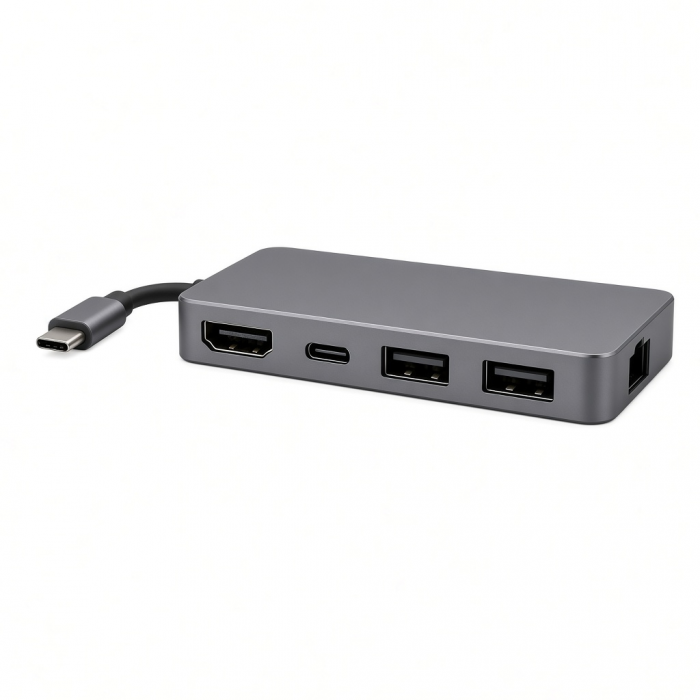
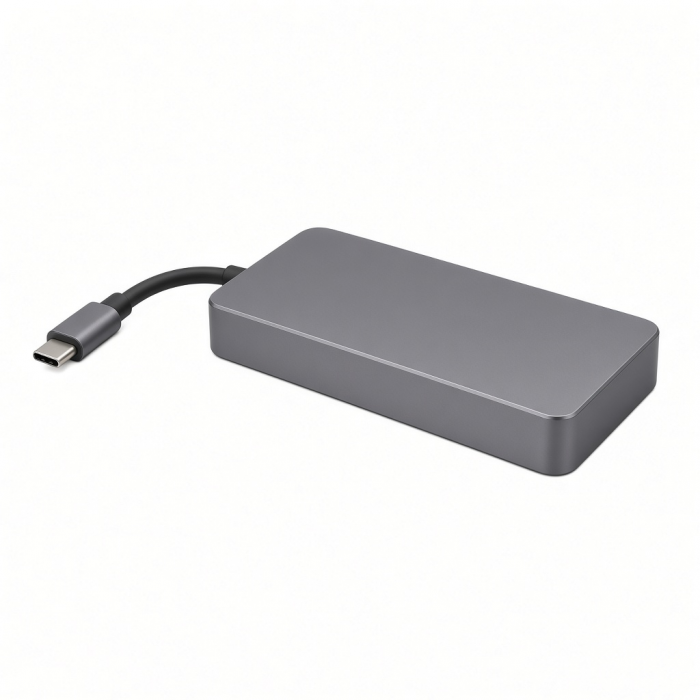
Add a plethora of connections to your laptop or desktop with the USB-C Multiport Adapter 8K with Ethernet V3. This versatile adapter minimizes clutter and maximizes efficiency with 8K HDMI 2.1, pass-through charging, Ethernet, four USB-C ports, and an SD card slot. Featuring a sleek aluminum enclosure with chamfered edges, a tangle-free braided cable, and a durable reinforced neck, it’s the perfect stylish solution to making the most of your workspace.
Tech Specs
Connector Type
Type-C, Thunderbolt 3/4, USB4 Compatible
Dimensions & Weight
Length: 114.44mm
Width: 54.12mm
Height: 15.96mm
Cable Length: 6.63"
Weight: 4.25 ounces
SKU (Color) / UPC
ST-P8KEM (Space Gray) / 879961008178
ST-P8KES (Silver) / 879961008185
ST-P8KED (Midnight) / 879961008192
Speed
- 1 x USB-C PD port - up to 100W, 85W Max Output (no video/data)
- 1 x HDMI port - up to 4K 60Hz/120Hz/144Hz or 8K @ 30Hz with supported host device/monitor
- 3 x USB 3.2 Gen 2 Ports - up to 10Gbps
- 1x USB 3.2 Gen 1 Port - up to 5Gbps
- 1 x SD 4.0 Card Reader - UHS-II, up to 312Mb/s, 2TB Max
- 1 x Gigabit Ethernet - supports 10/100/1000Mbps
Compatibility
MacBook Neo
- MacBook Neo (13-inch, 2026)*
*Must connect to top USB-C port on MacBook Neo
*Neo will only support 4K/60Hz max resolution via HDMI port
MacBook
- MacBook Pro M5 Max (16", 2026)
- MacBook Pro M5 Max (14", 2026)
- MacBook Pro M5 Pro (16", 2026)
- MacBook Pro M5 Pro (14", 2026)
- MacBook Pro 16-inch (2019 - 2024)
- MacBook Pro 14-inch (2021 - 2025)
- MacBook Pro 13-inch (2016 - 2023)
- MacBook Pro 15-inch (2016 - 2019)
- MacBook Air M5 (15", 2026)
- MacBook Air M5 (13", 2026)
- MacBook Air 15-inch (2022 - 2025)
- MacBook Air 13-inch (2018 - 2025)
Mac/iMac
- iMac 24-inch (2021 - 2024)
- iMac 21.5-inch (2017 - 2021)
- iMac 27-inch (2017 - 2020)
- iMac Pro (2017)
- Mac Mini M6 (2026)
- Mac Mini M5 Pro (2026)
- Mac mini (2018 - 2024)
- Mac Studio (2022 - 2025)
iPad
- iPad Air (M4, 2026)
- iPad Pro 12.9-inch (2021 - 2025)
- iPad Pro 11-inch (2018 - 2025)
- iPad Air (2020 - 2025)
- iPad (2022 - 2025)
- iPad mini (2021 - 2024)
iPhone
- iPhone 17 Pro / Max (2025)
- iPhone 16 Pro / Max (2024)
- iPhone 15 Pro / Max (2023)
Dell
- XPS 13 Plus (9320)
- XPS 15 (9530)
Lenovo
- ThinkPad X1 Carbon Gen 12
- Yoga 9i Gen 9
Microsoft
- Surface Pro 9
- Surface Laptop Studio 2
- Surface Laptop 5
OS Compatibility
- iOS/iPadOS 10.2 or later
- macOS x 10.6-10.12 or later
- Windows 11, 10, 8**
- Chrome OS
**System Requirements:Thunderbolt 4, Thunderbolt 3, USB4, or USB 3.2 Gen2 with DP Alt Mode Type-C ports required for optimal use
Important Info
What’s In The Box
Type-C Multi-Port Adapter 8K with Ethernet V3
User Manual
Quick Guide
Quick Guide
Frequently Asked Questions
FAQ
California Residents
See CA Proposition 65 Warning
Important Info
USB-C Data ports do not support video output and are not recommended for charging.
We recommend connecting a bus-powered device, such as an external hard drive, one at a time for optimum performance.
4K resolution at higher refresh rates is reserved for Windows devices.
On Apple Mac devices, you must lower the resolution to achieve higher refresh rates
What is the power consumption of the USB-C Multiport Adapter with Ethernet V3?
The adapter bus-powered and consumes 15W of power.
A bus-powered hub draws all its power from the host computer's port interface. It does not need a separate power connection, however, many devices require more power than this method can provide and may not work in this type of hub.
*We advise using 1 external drive at a time for optimum performance.
Average Read & Write Speeds - Benchmark Testing (BlackMagic Disk Speed Test / macOS)
Below are the average write and read speeds for the following ports:
USB-C 10G (x3)
USB-C 5G (x1)
SD Card Reader (4.0 UHS-II)
Please note: Transfer speeds are dependent on what storage device(s) are connected - read & write speeds may vary.
*For optimum performance, we recommend using 1 external hard drive at a time
Can I still connect my USB-A flash drives, external hard drives, USB-A mice and keyboard on this adapter?
Although we recommend a direct connection, USB-A devices will be supported,
Please note: You will need to use a USB-C to USB-A Adapter to connect it to our 8K Multiport Adapter w/ Ethernet V3.
Can I connect a Monitor on one of the USB-C ports?
The USB-C ports of the 8K Multiport Adapter w/ Ethernet V3 do not support video output.
You can connect an external monitor on the HDMI port instead using an HDMI-to-HDMI cable.
Can I charge my phone or tablet to the PD Charging port?
No, the PD passthrough port is a dedicated charging port for your Host device.
-509x403.png "QICHENG TRADE LIMITED")