Revolutionize your workspace with crystal-clear streaming, increased screen real estate, professional-grade power, and blazing-fast transfer speeds.
Tech Specs
Connector Type
Dimensions & Weight
- Length: 8.42in / 213.7mm
- Width: 3.75in / 95.2mm
- Height: 0.72in / 18.3mm
- Weight: 490g
- Included cable Length: 0.8m
SKU / UPC
ST-DT4MDM-US / 810086361182
ST-DT4MDM-EU / 810086361243
Speed
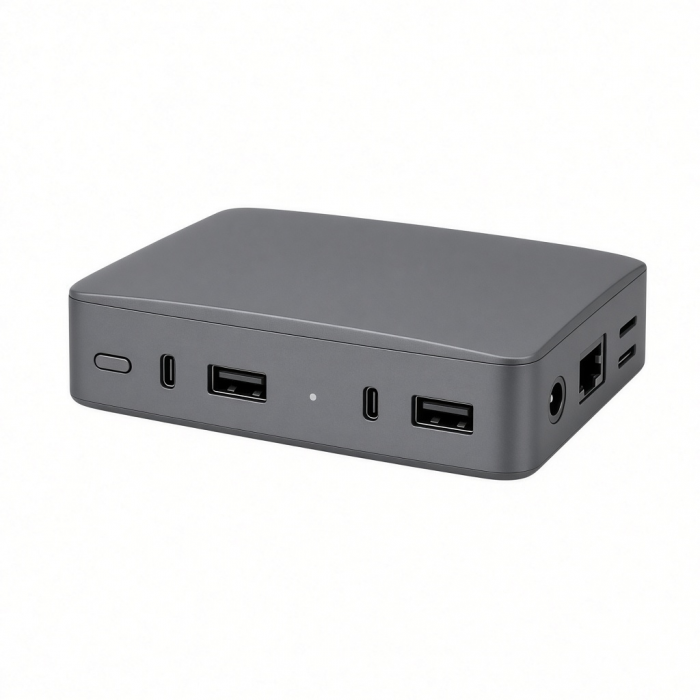
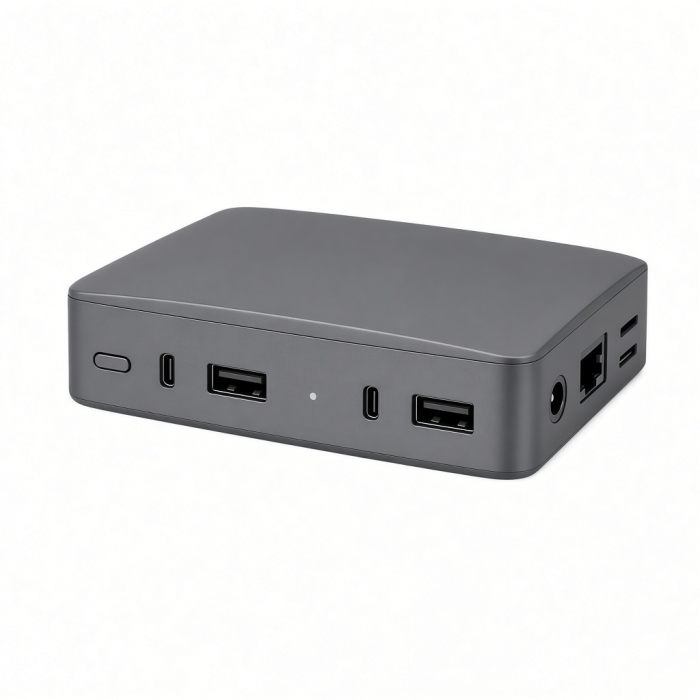
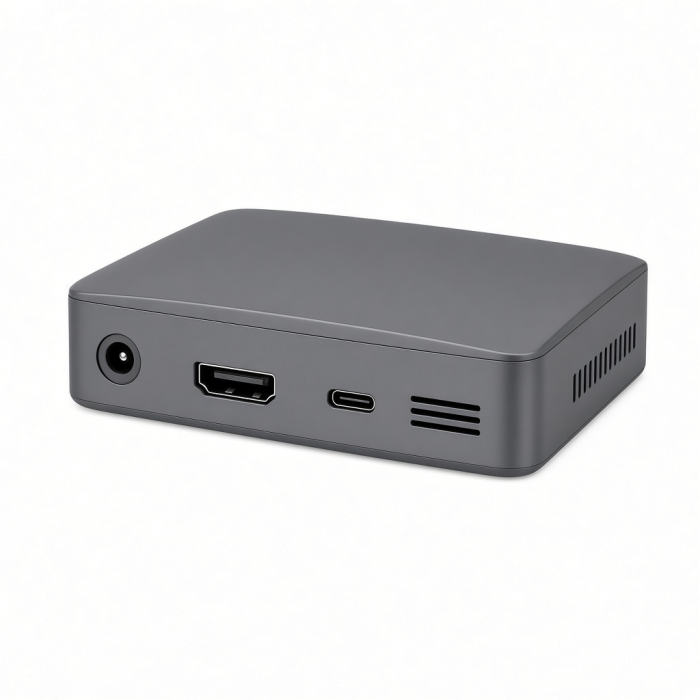
Features 12 powerful ports
- 1x Thunderbolt 4 to host
- Audio Port In/Out
- SD Card Slot - SD 4.0/UHS-II - up 312MB/s
- 2x USB-A 3.2 10Gbps
- Thunderbolt 4 Downstream Ports 40Gbps 15W PD
up to 8K/30Hz on Windows
up to 6K/60Hz on Mac - 2x HDMI 2.0 Ports 4K60Hz – via DisplayLink Software
- 1 Gigabit Ethernet Port
- DC/21V Port – 180W Power Supply Included
- 96W PD Passthrough
Universal Compatibility with DisplayLink Software
*For macOS 11.0 or higher, DisplayLink Manager is required for multiple monitor support
Compatibility
Note: Requires installation of DisplayLink Software before using
MacBook Neo
- MacBook Neo (13-inch, 2026)
MacBook*
- MacBook Pro M5 Max (16-inch, 2026)
- MacBook Pro M5 Max (14-inch, 2026)
- MacBook Pro M5 Pro (16-inch, 2026)
- MacBook Pro M5 Pro (14-inch, 2026)
- MacBook Pro 16-inch (2019 - 2024)
- MacBook Pro 14-inch (2021 - 2025)
- MacBook Pro 13-inch (2016 - 2023)
- MacBook Pro 15-inch (2016 - 2019)
- MacBook Air M5 (15-inch, 2026)
- MacBook Air M5 (13-inch, 2026)
- MacBook Air 15-inch (2022 - 2025)
- MacBook Air 13-inch (2018 - 2025)
Mac/iMac
- iMac 24-inch (2021 - 2024)
- iMac 21.5-inch (2017 - 2021)
- iMac 27-inch (2017 – 2020)
- iMac Pro (2017)
- Mac Mini M6 (2026)
- Mac Mini M5 Pro (2026)
- Mac mini (2018 - 2024)
- Mac Studio (2022 - 2025)
iPad
- iPad Pro 12.9-inch (2021 - 2024)
- iPad Pro 11-inch (2018 - 2024)
- iPad Air (2020 - 2025)
- iPad (2022 - 2025)
- iPad mini (2021 - 2024)
- *Does not support multi-display function; DisplayLink software is not supported by iOS
iPhone
- iPhone 17 Pro / Max
- iPhone 16 Pro / Max
- iPhone 15 Pro / Max
- *Does not support multi-display function; DisplayLink software is not supported by iOS
Dell
- XPS 13 Plus (9320)
- XPS 15 (9530)
Lenovo
- ThinkPad X1 Carbon Gen 12
- Yoga 9i Gen 9
Microsoft
- Surface Pro 9
- Surface Laptop Studio 2
- Surface Laptop 5
OS Compatibility**
- Windows 11, 10, 8
- macOS x 10.6-10.12 or later
- iOS/iPadOS 10.2 or later
- Linux 2.6.14 or later
- Chrome OS
*M3 MacBook Air/Pro supports two displays via USB-C with the lid closed in clamshell mode only
**System Requirements: Thunderbolt 4, Thunderbolt 3, USB4, or USB 3.2 Gen2 with DP Alt Mode Type-C ports required for optimal use
Important Info
What’s in the Box
- Thunderbolt 4 Multi-Display Docking Station
- 180W Power Supply
- C5 Cable
- 0.8m Thunderbolt 4 Cable
- User Manual
Important Information
- Base model M1/M2 MacBooks and M3 MacBook Pro are limited to only one display via Thunderbolt
- M3 MacBook Air will support up to 4 monitors via Thunderbolt and DisplayLink with the device placed in Clamshell mode.
- DisplayLink Software is required for multiple monitor support via the HDMI Ports
Quick Guide
Quick Guide
FAQs
FAQs
For California Residents
See CA Proposition 65 Warning
Why can't I hear Audio on my Headphones when connected to the 3.5mm Audio Port of this Hub, dock or adapter?
You will need to head to System Settings > Sound > Output
Then plug your 3.5mm headphones (or speakers) into the 3.5mm port of the dock, hub or adapter and select "USB PnP Audio Device or General USB Audio Device". The Aux port will support most 3.5mm Headphones, speakers or microphones.
Is the efficiency of the ports on the docking station lowered the more ports that are in use?
If the Thunderbolt ports are occupied, the bandwidth can be affected depending on the devices utilizing them.
Can I use one HDMI port and one Thunderbolt port for displays without using DisplayLink?
For the Thunderbolt 4 Docking Station with DisplayLink, the DisplayLink software must be installed before using any of the HDMI ports.
Do I need to download DisplayLink software for this to work?
Yes, for full functionality and to utilize the HDMI ports on the dock, we recommend following the steps provided in the link below, where you will also find the file to download the software: https://.net/pages/displaylink-instructions
Does the dock include a Thunderbolt 4 cable?
Yes, the Thunderbolt 4 Multi-Display Dock includes a Thunderbolt 4 cable for connecting your host device to the TB4 Dock's host port.
-509x403.png "QICHENG TRADE LIMITED")