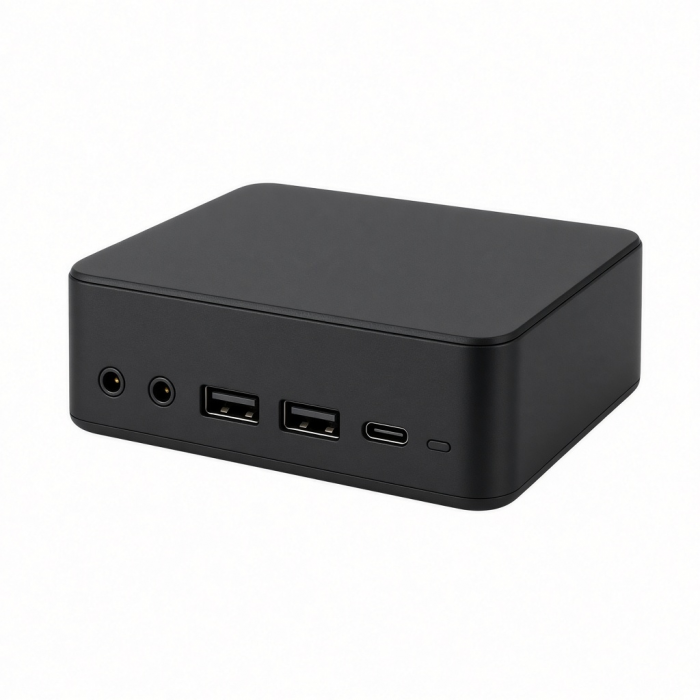
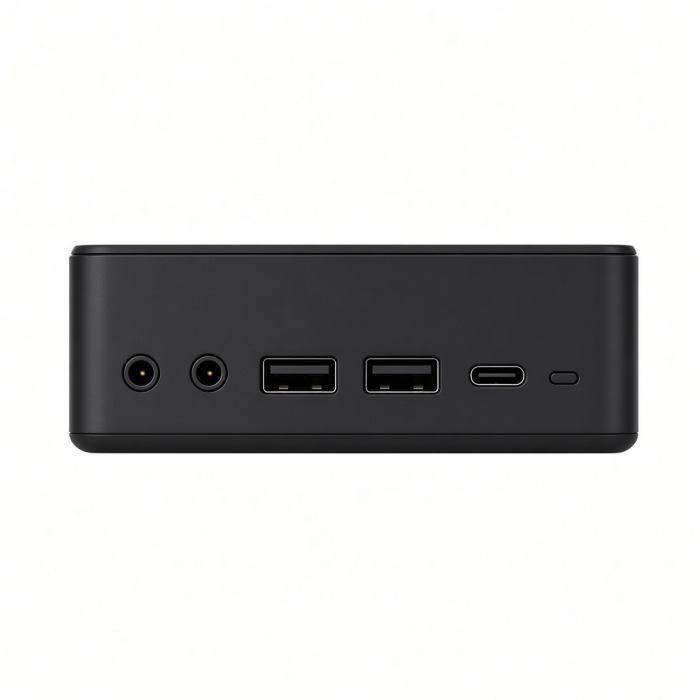
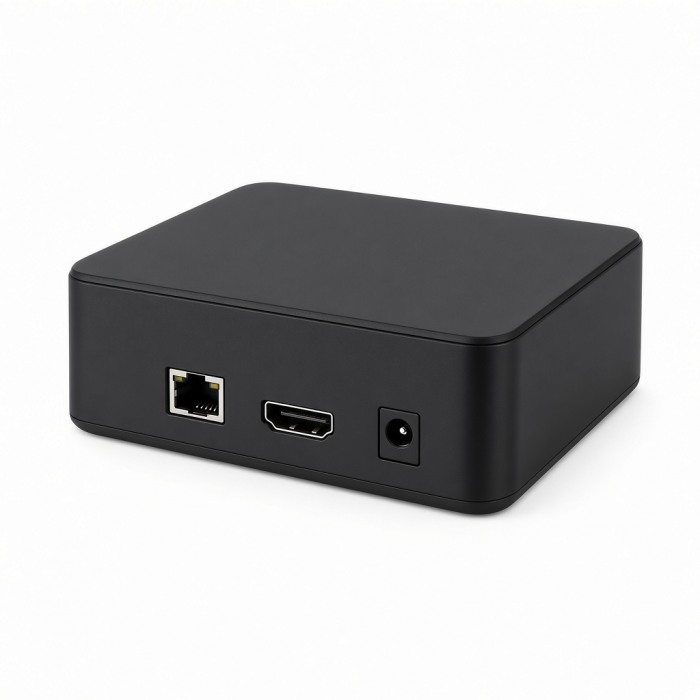
Power your XR glasses without draining your device with blazing-fast charging, immersive 4K visuals, and high-fidelity audio. The Mobile XR Hub with Audio supports seamless compatibility with top XR glasses, lightning-fast data transfers, and premium sound with built-in mic functionality. Perfect for gaming or productivity on the go, this sleek, pocket-sized hub delivers pro-level performance wherever you are.
Tech Specs
Connector Type
Type-C USB 3.2 Gen 2
Dimensions & Weight
Length: 2.42 in / 61.5 mm
Width: 0.93 in / 23.5 mm
Height: 0.35 in / 8.88 mm
Weight: 0.56 oz / 15.9 grams
Speed
- 1x USB-C PD Port - up to 100W max charging, USB 2.0 data and audio support
- 1x USB-C port - DP1.4 up to 4K @ 60Hz; USB 3.0 up to 10 Gbps
- 1x 3.5mm audio I/O port; support for volume control function
SKU / UPC
ST-HXRAJM/810086361991
Compatibility
MacBook Neo
- MacBook Neo (13-inch, 2026)
MacBook
- MacBook Pro M5 Max (16-inch, 2026)*
- MacBook Pro M5 Max (14-inch, 2026)*
- MacBook Pro M5 Pro (16-inch, 2026)*
- MacBook Pro M5 Pro (14-inch, 2026)*
- MacBook Pro 16-inch (2019 - 2024)
- MacBook Pro 14-inch (2021 - 2025)
- MacBook Pro 13-inch (2016 - 2023)
- MacBook Pro 15-inch (2016 - 2019)
- MacBook Air M5 (15-inch, 2026)*
- MacBook Air M5 (13-inch, 2026)*
- MacBook Air 15-inch (2022 - 2025)
- MacBook Air 13-inch (2018 - 2025)
*Hub will block second USB-C port on MacBook Pro
*Hub will block second USB-C port on MacBook Air
Mac/iMac
- iMac 24-inch (2021 - 2024)
- iMac 21.5-inch (2017 - 2021)
- iMac 27-inch (2017 – 2020)
- iMac Pro (2017)
- Mac mini (2018 - 2023)
- Mac Studio (2022 - 2025)
iPad
- iPad Air (M4, 2026)
- iPad Pro 12.9-inch (2018 - 2025)
- iPad Pro 11-inch (2018 - 2025)
- iPad Air (4th & 5th generation)
- iPad (10th generation)
- iPad mini (6th & 7th generation)
iPhone
- iPhone 18 Pro Max (2026)
- iPhone 18 Pro (2026)
- iPhone 17 Pro / Max
- iPhone 16 Pro / Max
- iPhone 15 Pro / Max
Windows**
- Microsoft Surface Pro 7/8/9
- Microsoft Surface Laptop Studio
- Lenovo ThinkPad X13 Gen 2
- Lenovo X1 Gen 1 Carbon
- Lenovo Yoga 720-13IKB
- Lenovo Legion S7 15ACH6
- Dell XPS 13 9315
- ASUS ROG Ally
- HP Spectre & other USB-C Devices*
OS Compatibility**
- iOS/iPadOS 10.2 or later
- macOS x 10.6-10.12 or later
- Windows 11, 10, 8
- Chrome OS
System Requirements
**To ensure optimal performance, your device must have one of the following ports:
- Thunderbolt 4
- Thunderbolt 3
- USB4
- USB 3.2 Gen 2 Type-C with DisplayPort (DP Alt Mode) support
Compatibility Disclaimer
*Compatibility with XR/AR glasses may vary. While glasses fromViture and RayNeo have been thoroughly tested, results differ depending on their specific USB-C power requirements.
Disclaimer:The XR Hub is not compatible with XREAL One VR glasses due to their higher power needs for features like 3D and Ultrawide mode.
Important Info
What's In The Box
- Mobile XR Hub with Audio
- User Manual
Quick Guide
Quick Guide
Frequently Asked Questions
FAQs
California Residents
See CA Proposition 65 Warning
Can it charge by using the center port, or is it necessary to use the charging specific port?
No, the port on the right is dedicated to charging. The middle port is dedicated to 10 Gbps data transfer and 4K 60 Hz video output.
Can I connect wired headphones or a microphone to the Mobile XR Hub?
Absolutely. The Mobile XR Hub has a 3.5mm audio jack that supports 2.1 channel audio, microphone input, and both CTIA and OMTP standards, ensuring compatibility with a wide range of wired headphones and microphones. It also offers a built-in volume control function for added convenience.
Can I connect a printer to either of the available USB-C ports?
No, most printers require more power than the hub can supply, it may not operate correctly or could experience performance issues.
Will the Mobile XR Hub with Audio work with a Steam Deck, ROG ally and Nintendo Switch?
Yes, they are all compatible. However, the ROG Ally might not display video correctly — connect the power source to the hub and host device, and then test the video output on a separate monitor.
Is the Mobile XR Hub with Audio compatible with iPhone 14 and older models?
No, the Mobile XR Hub with Audio is not compatible with iPhone 14 and earlier models. The XR Hub connects via a USB-C port, but iPhones up to the 14th generation are equipped with a Lightning port, not USB-C. Without a USB-C port on these models, the XR Hub cannot be connected directly.
-509x403.png "QICHENG TRADE LIMITED")