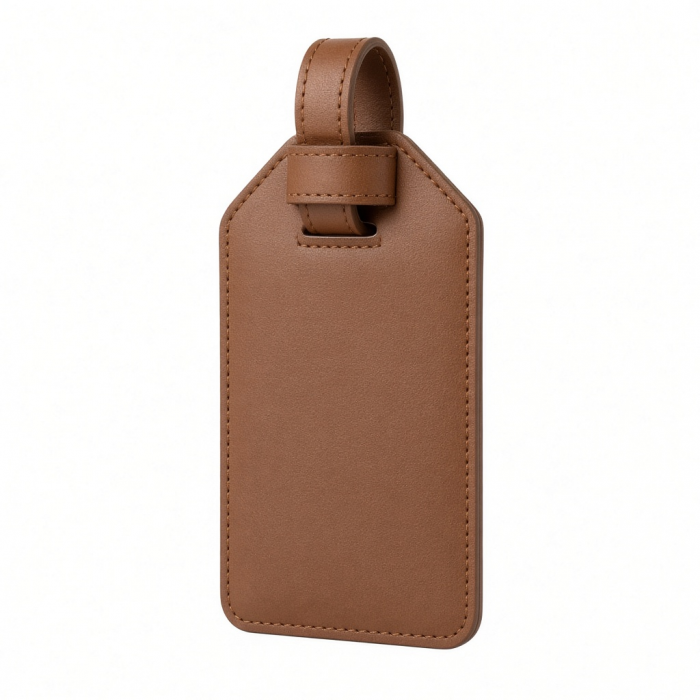
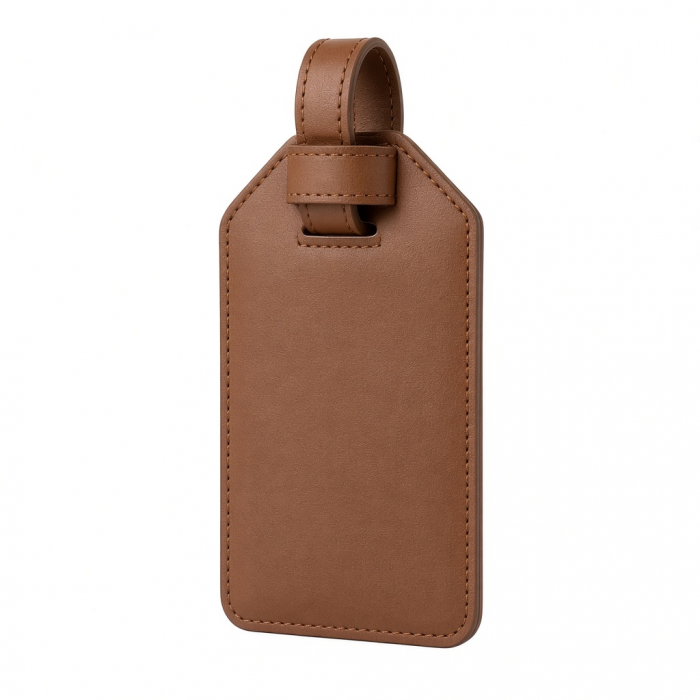
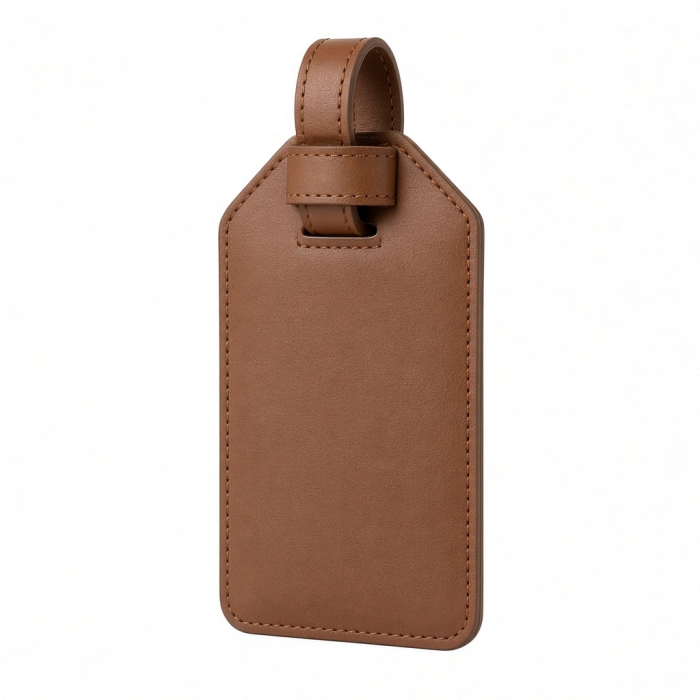
Introducing the Vegan-Leather FindAll Luggage Tag, a sophisticated and practical travel essential for the modern explorer. Made from premium materials, this sleek and durable accessory keeps your luggage secure and easily locatable while complementing your travel style. With built-in Apple Find My technology, the luggage tag helps you locate misplaced belongings in seconds, alerts you if you’ve left something behind, and guides you with step-by-step directions on your Apple device. Its wirelessly rechargeable battery ensures long-lasting performance, while advanced Bluetooth 5.4 LE technology delivers fast, reliable tracking.
Tech Specs
Dimensions & Weight
- Length: 3.29 in. / 8.36 cm
- Width: 2.91 in. / 7.39 cm
- Height: 0.23 in. / 0.58 cm
- Weight: 42 g
SKU (Color) / UPC
- ST-LFALTK (Black) / 810086362202
- ST-LFALTW (Sand) / 810086362332
- ST-LFALTR (Desert Rose) / 810086362486
Technical Specifications
- Apple FindMy: MFi Certified
- Bluetooth Version: 5.4
- Connection Range: 10-20m (indoor), 20-50m (outdoor)
- Wireless Charging: 2.5W Input
- Battery: 150mAh Rechargeable Lithium
- Speaker Volume: 80-90 dB
Compatibility
System Requirement
- Apple Account required to use Apple Find My app
Supported Devices for Pairing
- iPhone with iOS 14 or later
- iPad models with iPadOS 14 or later
Apple Find My System Requirements
- iOS 14 or later
- iPadOS 14 or later
- macOS Catalina or later
MacBook
- MacBook Neo*
- M5 Max MacBook Pro*
- M5 Pro MacBook Pro*
*Can't pair product to Mac natively, but it is viewable via macOS FindMy app after pairing through either iPhone or iPad.
iPad
iPad
iPhone
- iPhone 18 Pro Max (2026)
- iPhone 18 Pro (2026)
- iPhone 17e (2026)
- iPhone Air (2025)
- iPhone 17 Pro Max (2025)
- iPhone 17 Pro (2025)
- iPhone 17 (2025)
- iPhone 16e (2025)
- iPhone 16 Pro Max (2024)
- iPhone 16 Pro (2024)
- iPhone 16 Plus (2024)
- iPhone 16 (2024)
- iPhone 15 Pro Max (2023)
- iPhone 15 Pro (2023)
- iPhone 15 Plus (2023)
- iPhone 15 (2023)
- iPhone 14 Pro Max (2022)
- iPhone 14 Pro (2022)
- iPhone 14 Plus (2022)
- iPhone 14 (2022)
- iPhone 13 Pro Max (2021)
- iPhone 13 Pro (2021)
- iPhone 13 (2021)
- iPhone 13 Mini (2021)
- iPhone 12 Pro Max (2020)
- iPhone 12 Pro (2020)
- iPhone 12 (2020)
- iPhone 12 Mini (2020)
Important Info
What’s In The Box
- Vegan-Leather FindAll Luggage Tag
- Product Manual
Quick Guide
Quick Guide
Frequently Asked Questions
FAQS
For California Residents
See CA Proposition 65 Warning
Does the Orientation on the Wireless Charger Matter?
While orientation does not strictly matter, we recommend aligning your FindAll device properly on the wireless charger for optimal MagSafe or Qi charging performance.
Ensure the device lies flat and the charging coils are centered on the pad for best results.
How to Pair your FindAll device with Find My?
Confirm your iPhone is set up with Find My and your FindAll device is powered on. Open the Find My app. Go to Items → Add New Item → Other Supported Item. Once detected, tap Connect and follow onscreen instructions. Name your device and confirm it appears under Items in the Find My app.
Notes:
If not detected, perform a factory reset on your FindAll device and retry. Do not exit the Find My app during pairing.
Removing a FindAll Device from Apple ID
Ensure the device is connected. Open the Find My app. In Items, select your FindAll device. Tap Remove Item → Remove to confirm.
Note:
If the device is not connected during removal, it must be factory reset before pairing again.
Does FindAll use Precision Tracking?
FindAll devices do not support precision tracking.
This feature is exclusive to Apple’s own AirTag hardware.
Your FindAll device can, however, emit a sound alert when within Bluetooth range via the Find My app.
-509x403.png "QICHENG TRADE LIMITED")