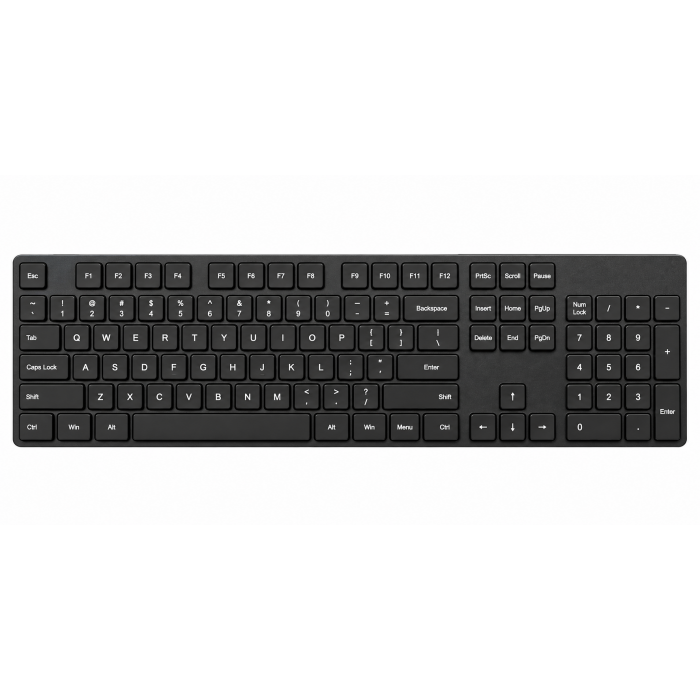
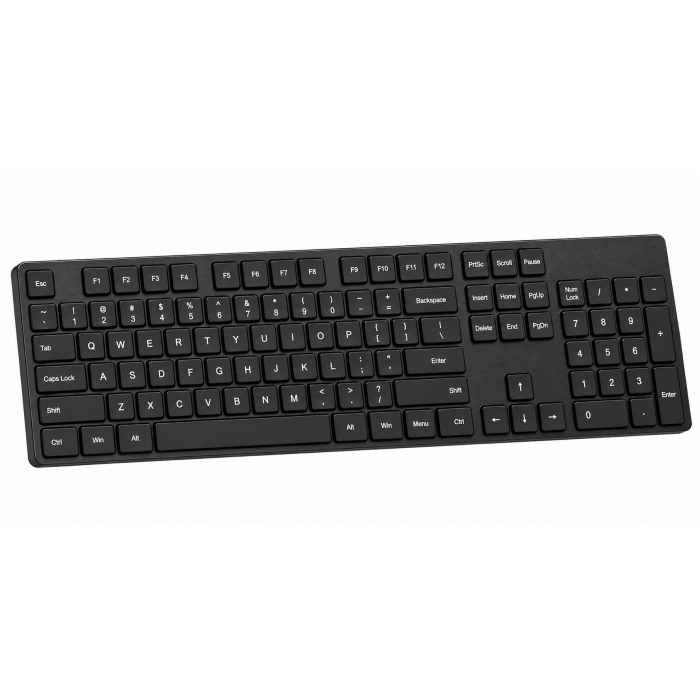
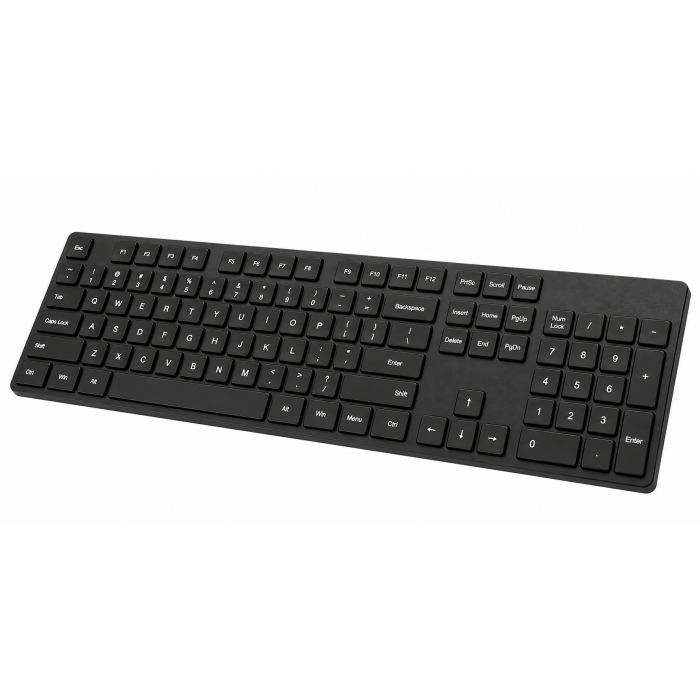
The Slim EX1 Wireless Keyboard represents the next generation of professional keyboards built for fluid, cross-platform productivity. A minimalist keyboard that blends portability and performance. The EX1 keeps you connected to all your devices — MacBook, laptop, tablet, or phone — while fitting effortlessly into smaller setups. Its calm, quiet typing experience lets you stay in your zone anywhere. Its also features 4-in-1 multi-device connectivity (3x Bluetooth + 2.4GHz dongle), instant OS key remapping, and a long-lasting rechargeable battery providing up to five weeks of power on a single charge. Sustainably designed with a removable battery that meets EU 2027 replaceability standard, the Slim EX1 Wireless Keyboard combines performance with responsibility.
Tech Specs
Dimensions & Weight
- Length: 11.24 in. / 28.56 cm
- Width: 4.70 in. / 11.93 cm
- Height: 0.66 in. / 1.67 cm
- Weight: 337.0 g / 11.89 oz
SKU (Color) / UPC
- ST-KEX1C-EN (Space Black) / 810086363001
- ST-KEX1S-EN (Silver) / 810086363162
Technical Specifications
- Bluetooth version: 5.3
- Bluetooth Connectivity: Connect with up to 3 separate devices
- 2.4Ghz Connectivity: Connect to 1 device via 2.4Ghz USB-C Receiver
- Charging Port: USB-C (Charging Only)
Compatibility
MacBook Neo
- MacBook Neo (13-inch, 2026)
MacBook Pro
- MacBook Pro M5 Max (16", 2026)
- MacBook Pro M5 Max (14", 2026)
- MacBook Pro M5 Pro (16", 2026)
- MacBook Pro M5 Pro (14", 2026)
- MacBook Pro M5 (14-inch, 2025)
- MacBook Pro M4 Pro/M4 Max (14” & 16”, 2024)
- MacBook Pro M4 (14-inch, 2024)
- MacBook Pro M3 Pro/M4 Max (14” & 16”, 2023)
- MacBook Pro M3 (14-inch, 2023)
- MacBook Pro M2 Pro/ M2 Max (14” & 16”, 2023)
- MacBook Pro M2 (13-inch, 2022)
- MacBook Pro M1 Pro/ M1 Max (14” & 16”, 2021)
- MacBook Pro M1 (13-inch, 2020)
- MacBook Pro 13-inch (2018-2025)
MacBook Air
- MacBook Air M5 (15", 2026)
- MacBook Air M5 (13", 2026)
- MacBook Air M4 (13” & 15”, 2025)
- MacBook Air M3 (13” & 15”, 2024)
- MacBook Air M2 (15-inch, 2023)
- MacBook Air M2 (13-inch, 2022)
- MacBook Air M1 (13-inch, 2020)
- MacBook Air (Retina, 13-inch, 2018 - 2020)
iMac
- iMac M3 (2024)
- iMac M2 (2023)
- iMac M1 (2021)
- iMac (Retina 5K, 27-inch, 2019-2020)
- iMac (Retina 4K, 21.5-inch, 2019)
Mac Mini
- Mac Mini M6 (2026)
- Mac Mini M5 Pro (2026)
- Mac Mini M4/ M4 Pro (2024)
- Mac Mini M2/ M2 Pro (2023)
- Mac Mini M1 (2021)
- Mac Mini (2018)
Mac Studio
- Mac Studio (2025)
- Mac Studio (2023)
- Mac Studio (2022)
iPad Pro
- iPad Pro M5 (13-inch, 2025)
- iPad Pro M5 (11-inch, 2025)
- iPad Pro M4 (13-inch, 2024)
- iPad Pro M4 (11-inch, 2024)
- iPad Pro 12.9-inch (2018-2022)
- iPad Pro 11-inch (2018-2022)
iPad Air
- iPad Air M4 (11" & 13", 2026)
- iPad Air M3 (11” & 13”, 2025)
- iPad Air M2 (11” & 13”, 2024)
- iPad Air 5th Generation (2022)
- iPad Air 4th Generation (2020)
iPhone
- iPhone 18 Pro Max (2026)
- iPhone 18 Pro (2026)
- iPhone 17e
Windows Devices
- Lenovo ThinkPad X1
- Microsoft Surface Studio
- Microsoft Surface Laptop
- Microsoft Surface Pro 10
- Microsoft Surface Pro 9
Important Info
What's In The Box
- Slim EX1 Wireless Keyboard
- USB-C to C (0.8M/2.6ft)
- 2.4GHz USB-C Receiver
- User Manual
Quick Guide
Frequently Asked Questions
California Residents
Do I need to charge the Slim EX1 Keyboard before first use?
Yes. We recommend fully charging the Slim EX1 Keyboard before using it for the first time. Use the included USB-C cable to charge the keyboard through the USB-C port. You can continue using the keyboard while it is charging.
Why do the FN keys behave differently on my device?
The behavior of the FN key is unique to the keyboard and also depends on the operating system selected using the OS switch. Make sure the OS switch matches your device’s operating system for proper function key behavior. Not all FN key functions will be accessible depending on the host device's operating system.
How do I power on the Slim EX1 Keyboard?
To turn on the keyboard, toggle the power switch located on the top of the keyboard. The keyboard must be powered on before pairing or use.
How do I select the correct operating system?
Use the dedicated operating system (OS) switch on the keyboard to select the operating system that matches your device. This ensures the function keys and shortcuts behave correctly.
How do I put the keyboard into Bluetooth pairing mode?
To enter Bluetooth pairing mode:
Press and hold the FN key. Press the desired Bluetooth key (1, 2, or 3) once. Press and hold the same Bluetooth key again for 3–5 seconds.
The white LED will begin blinking, indicating the keyboard is in pairing mode. On your device, enable Bluetooth and select “EX1 Keyboard” to complete the connection.
-509x403.png "QICHENG TRADE LIMITED")