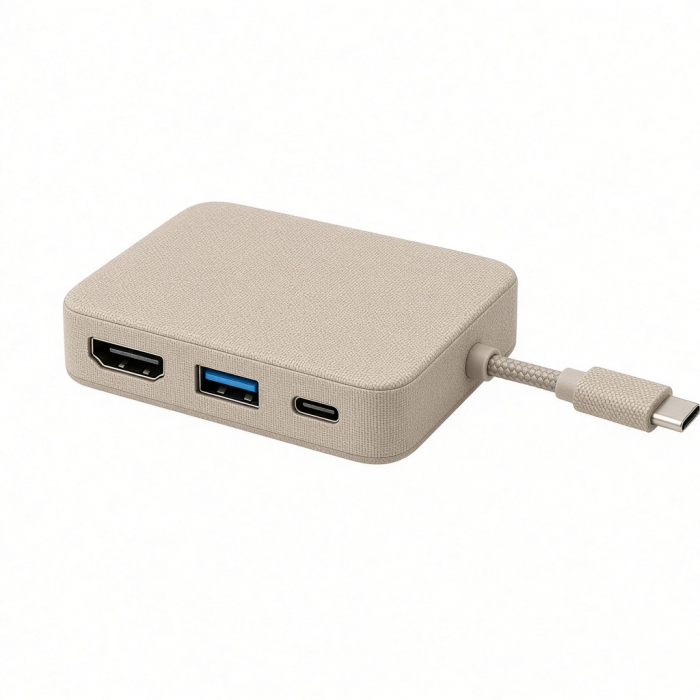
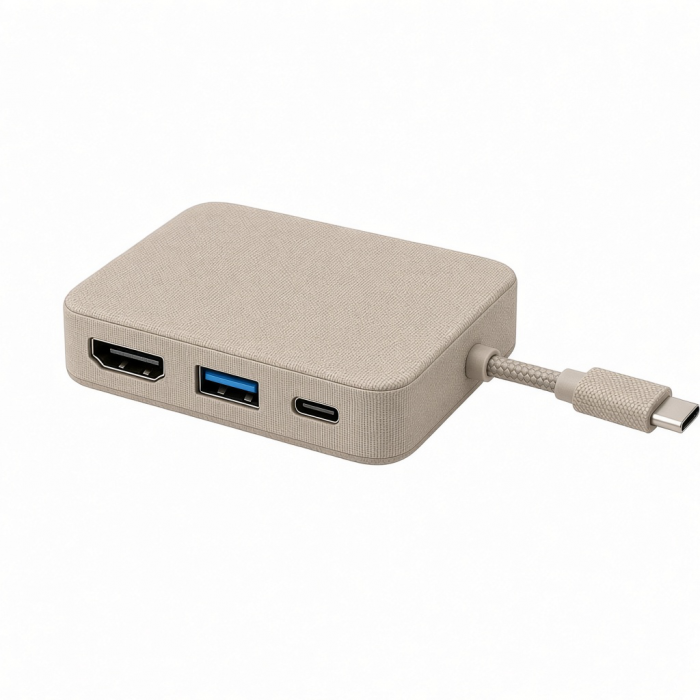
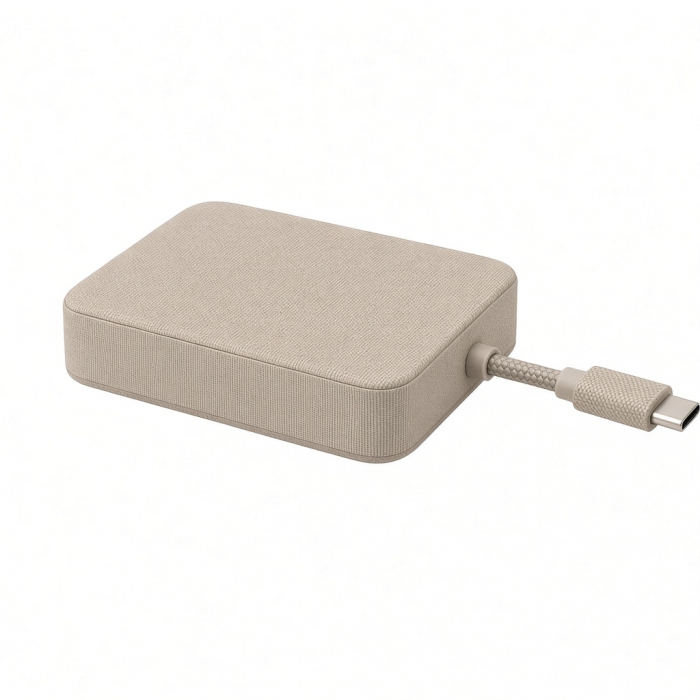
The OntheGo 5-in-1 Multiport Adapter was built for the MacBook Neo and the reality of a single high-performance USB-C port that has to do everything — display, data, and charging, all from one connection. Slip the compact puck into your bag, snap its integrated cable into your Neo, and one port becomes five: 4K/60Hz HDMI output, 60W USB-C pass-through charging, USB-A and USB-C data, and an SD card reader — all working at once. No dongle pile, no compromises.
Tech Specs
Dimensions & Weight
Host Cable Length: 6.5 in/ 16.5 cm
Length: 2.57 in/ 6.53 cm
Width: 2.57 in/ 6.53 cm
Height: 0.87 in/ 2.21 cm
Weight: 2.19 oz/ 62.08 g
SKU (Color)/ UPC
ST-POTG5S (Silver)/ 810086364121
ST-POTG5B (Indigo)/ 810086364138
ST-POTG5Y (Citrus)/ 810086364152
ST-POTG5P (Blush)/ 810086364145
Product Specifications
USB-C Host Cable: USB 3.2 Gen 2, Up to 10Gbps
USB-C PD Port: 100W Max Input, Up to 60W Charging to Host
USB-C Data Port: USB 3.2 Gen 1, Up to 5 Gbps
USB-A Data Port: USB 3.2 Gen 1, Up to 5 Gbps
SD Card Reader: UHS-I, Up to 104 MB/s
HDMI Port: Up to 4K Resolution, 60Hz Refresh Rate
Compatibility
MacBook Neo
- MacBook Neo (13-inch, 2026)*
*Must connect to top USB-C port on MacBook Neo
MacBook Pro
- MacBook Pro M5 Max (16", 2026)
- MacBook Pro M5 Max (14", 2026)
- MacBook Pro M5 Pro (16", 2026)
- MacBook Pro M5 Pro (14", 2026)
- MacBook Pro M5 (14-inch, 2025)
- MacBook Pro M4 Pro/M4 Max (14” & 16”, 2024)
- MacBook Pro M4 (14-inch, 2024)
- MacBook Pro M3 Pro/M4 Max (14” & 16”, 2023)
- MacBook Pro M3 (14-inch, 2023)
- MacBook Pro M2 Pro/ M2 Max (14” & 16”, 2023)
- MacBook Pro M2 (13-inch, 2022)
- MacBook Pro M1 Pro/ M1 Max (14” & 16”, 2021)
- MacBook Pro M1 (13-inch, 2020)
MacBook Air
- MacBook Air M5 (15", 2026)
- MacBook Air M5 (13", 2026)
- MacBook Air M4 (13” & 15”, 2025)
- MacBook Air M3 (13” & 15”, 2024)
- MacBook Air M2 (15-inch, 2023)
- MacBook Air M2 (13-inch, 2022)
- MacBook Air M1 (13-inch, 2020)
iPad Pro
- iPad Pro M5 (11" & 13" 2025)
- iPad Pro M4 (11" & 13", 2024)
- iPad Pro 12.9-inch (2018-2022)
- iPad Pro 11-inch (2018-2022)
iPad Air
- iPad Air (M4, 2026)
- iPad Air M3 (11” & 13”, 2025)
- iPad Air M2 (11” & 13”, 2024)
- iPad Air 5th Generation (2022)
iPhone
- iPhone Duo (2026)
- iPhone 18 Pro Max (2026)
- iPhone 18 Pro (2026)
- iPhone 17 Pro Max (2025)
- iPhone 17 Pro (2025)
- iPhone 16 Pro Max (2024)
- iPhone 16 Pro (2024)
- iPhone 15 Pro Max (2023)
- iPhone 15 Pro (2023)
Windows Devices
- Lenovo ThinkPad X1
- Microsoft Surface Studio
- Microsoft Surface Laptop
- Microsoft Surface Pro 9
*Compatible with USB-C Windows devices supporting Display Output and USB 3.2 Gen 2 or higher for full compatibilty.
Android Devices
- Google Pixelbook
- Samsung S24
*Compatible with USB-C Android devices supporting Display Output for screen mirroring or external display.
Important Information
*For devices without an integrated magnetic mount, use the included 3M Adhesive Ring to attach and secure the adapter to your device.
*Limited to 60W pass-through charging.
Important Info
What's In The Box
- OntheGo 5-in-1 Multiport Adapter
- 2x 3M Adhesive Rings
- User Manual
Quick Guide
Frequently Asked Questions
California Residents
Does the OntheGo 5-in-1 need its own power adapter, or does it draw from the MacBook Neo?
No external power needed -- it draws from the MacBook Neo USB 3 port. For simultaneous HDMI and charging, plug your charger into the adapter's USB-C PD port (up to 60W).
Can I charge my MacBook Neo through the OntheGo 5-in-1 while using it?
Yes. Plug a USB-C charger into the OntheGo's PD port and your Neo charges while every port stays active. The port supports up to 60W of pass-through, but the MacBook Neo itself charges at up to 30W — so it's fully covered, with the extra headroom there for higher-wattage devices that can draw more.
The MacBook Neo has no SD card slot -- does the OntheGo 5-in-1 solve that?
Yes. It adds a full-size SD slot . Insert SD cards pins-down, label-up. Supports SDHC and SDXC cards.
Can I connect a 4K external monitor to my MacBook Neo using the OntheGo 5-in-1?
Yes - HDMI supports up to 4K/60Hz, matching the MacBook Neo display limit. Run alongside the built-in screen for dual-display. Does not add Ethernet; use a separate adapter for wired networking.
Does the magnetic base on the OntheGo 5-in-1 attach to the MacBook Neo?
The Neo aluminum body is not ferromagnetic, so the base may not grip the laptop firmly. It works fine with the included 3M adhesive ring. The magnetic base is a positioning feature - not for wireless charging.
-509x403.png "QICHENG TRADE LIMITED")